


Nov 24, 2025 3:43 PM UTC
Answered
Audio in timeline does not actively play in the transcript
- 4 replies
- 240 views
- Translate
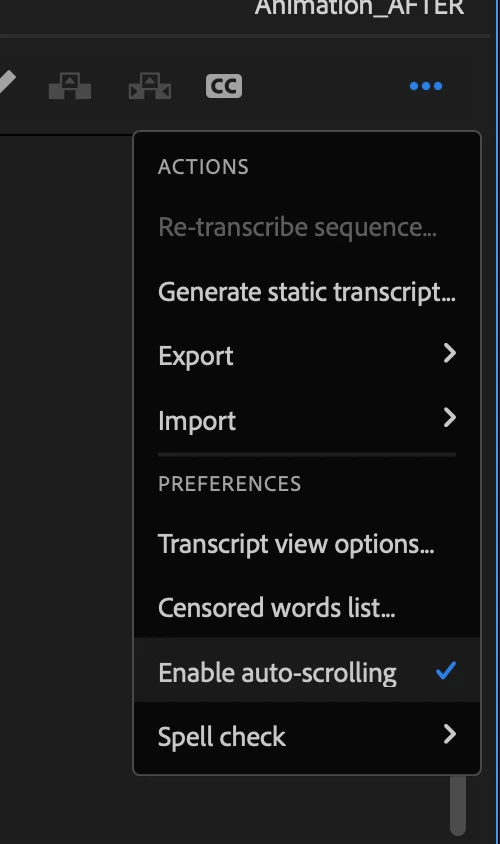
Hi all! I hope this makes sense as it is become a problem while editing for work. My transcript used to follow along the videos audio as a person spoke. However that is not the case as the transcript monitor still lights up the word being said I have to scroll throuugh the transcript to find the part the audio is on. Its not activley moving as the video plays out. Please help! Anyone else experience this? "Follow active monitor" is selected. I uploaded a video here you can see as hes speeking the transcript lights up but I have to like scroll along with the dialog to find where he is in the transcript.. Any help is very appreciated!

 AdChoices