aomills
Participant
July 8, 2019
Question

Audio marked offline, but not offline

  • July 8, 2019
  • 2 replies
  • 511 views

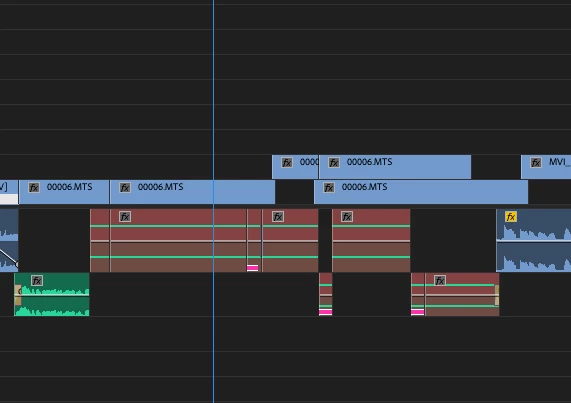
I'm working in larger sequences for a feature film, and whenever I import sequences from my editor, a large portion of the audio appears to be marked offline. However, when I go to relink it, the "Link Media..." option is greyed out. When I check the source file in my Project Bin, it is also online. But the audio does not play on my timeline. Any solutions to this?

Working in Premiere Pro CC 2018.
This topic has been closed for replies.

2 replies

Legend
July 9, 2019

You're using Adobe Anywhere, or Team Projects?

aomills
aomillsAuthor
Participant
July 9, 2019

We're just sharing the project files via a cloud service and importing individual sequences via Media Browser.

Will try clearing the Media Cache!

Legend
July 9, 2019

OK, for any type of collaboration, I recommend using the services designed for such - Adobe Anywhere or Team Projects.  Without those, my advice is to edit any given project on one machine only.

R Neil Haugen
Legend
July 8, 2019

Sounds like a cache problem. Note where your Cache files are between User Preferences and Project settings.

Close Premiere, and delete everything in the Cache and Media Cache Database folders. Reboot.

Launch Premiere, give it a couple minutes to rebuild some caches, and see if it now has things.

If not, try removing those bits from the sequence, closing/reopening the project, and add them back.

Neil

Everyone's mileage always varies ...