Participant
August 27, 2024
Answered

Audio play on one channel when updated to Premiere Pro 24.6

  • August 27, 2024
  • 1 reply
  • 533 views

the audio in my source plays in both the channels left and right. 


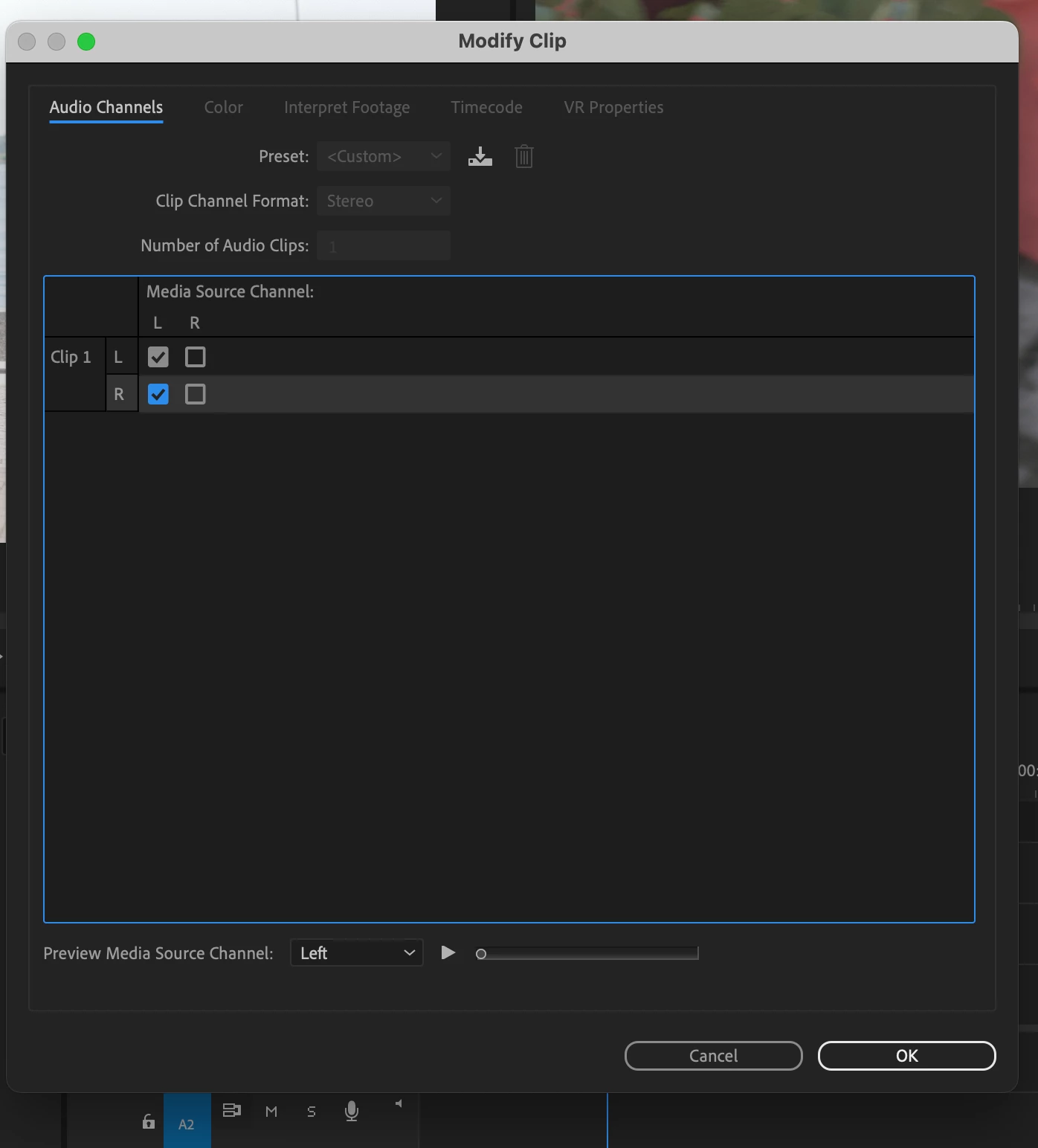
However, when I bring it into the sequence timeline, it only plays one channel. Even when I modify the audio channels, it still only plays back one channel. 
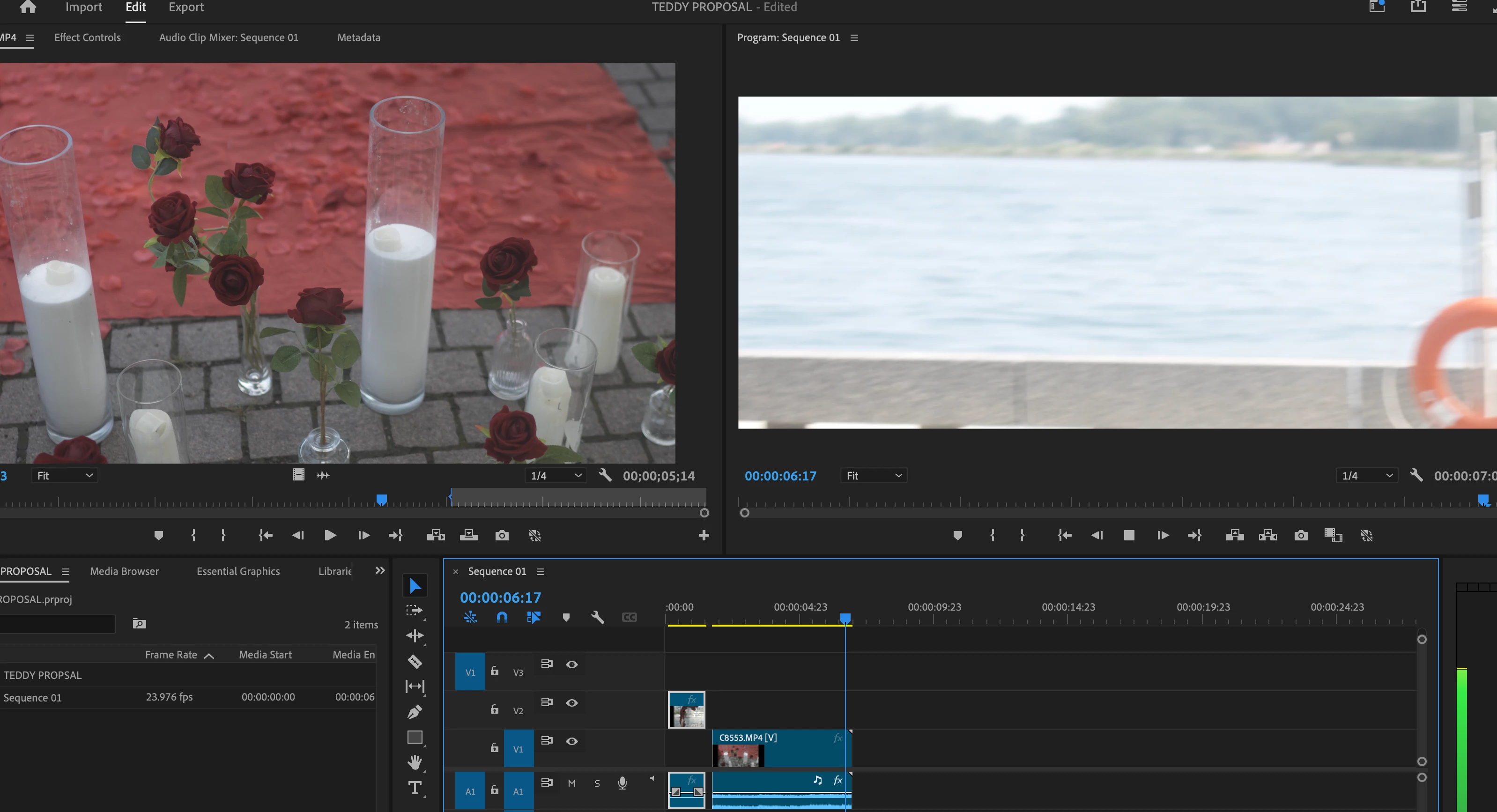
 

 image when playback from sequence  
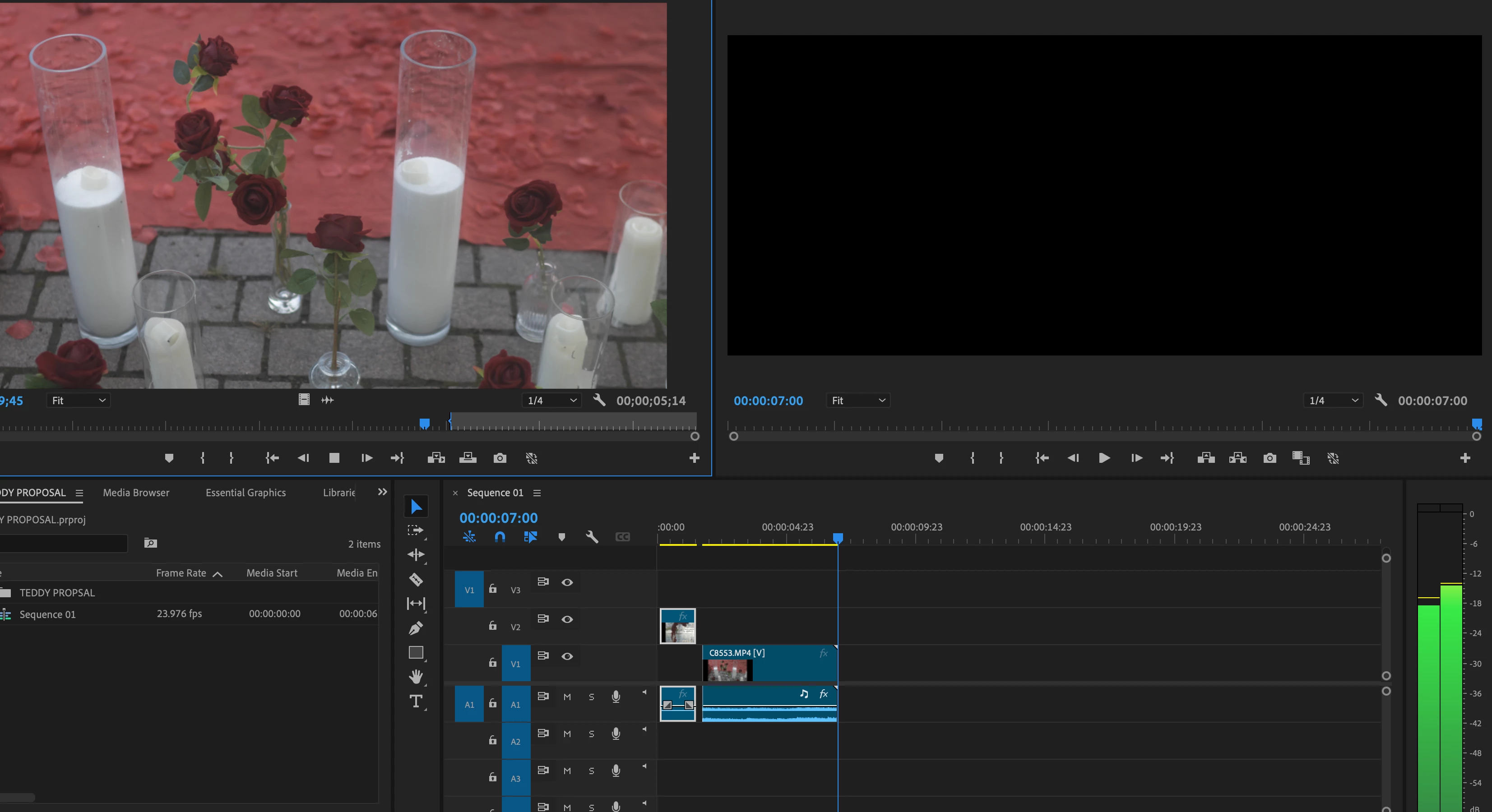
image from playback source 
 

This topic has been closed for replies.
Correct answer Averdahl
quote

the audio in my source plays in both the channels left and right.  


By @Manny Singh


You are using a timeline with mono audio tracks while your file is stereo. And, the mono track is panned to the left in the Audio Mixer. (Don´t use the Broadcast Presets for Timelines)


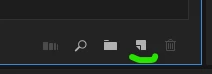
First, select the clip in the Project panel and modify the audio channels of the clip so it play audio from both L and R. When done, drag the clip to the New Item icon in the Project panel. This will create a new timeline with the correct audio tracks and a Stereo Mix to the master.


1 reply

Averdahl
Community Expert
AverdahlCommunity ExpertCorrect answer
Community Expert
August 27, 2024
quote

the audio in my source plays in both the channels left and right.  


By @Manny Singh


You are using a timeline with mono audio tracks while your file is stereo. And, the mono track is panned to the left in the Audio Mixer. (Don´t use the Broadcast Presets for Timelines)


First, select the clip in the Project panel and modify the audio channels of the clip so it play audio from both L and R. When done, drag the clip to the New Item icon in the Project panel. This will create a new timeline with the correct audio tracks and a Stereo Mix to the master.


Participant
August 27, 2024

Thanks for your help!!! 


greatly appreciated 🙂 

Averdahl
Community Expert
Community Expert
August 27, 2024
quote

Thanks for your help!!! 


greatly appreciated 🙂 


By @Manny Singh


You´re welcome!


Thank you for reporting back! 🙂