Participant
December 5, 2020
Question

Audio slightly ahead of video - how to fix?

  • December 5, 2020
  • 1 reply
  • 653 views

Morning!


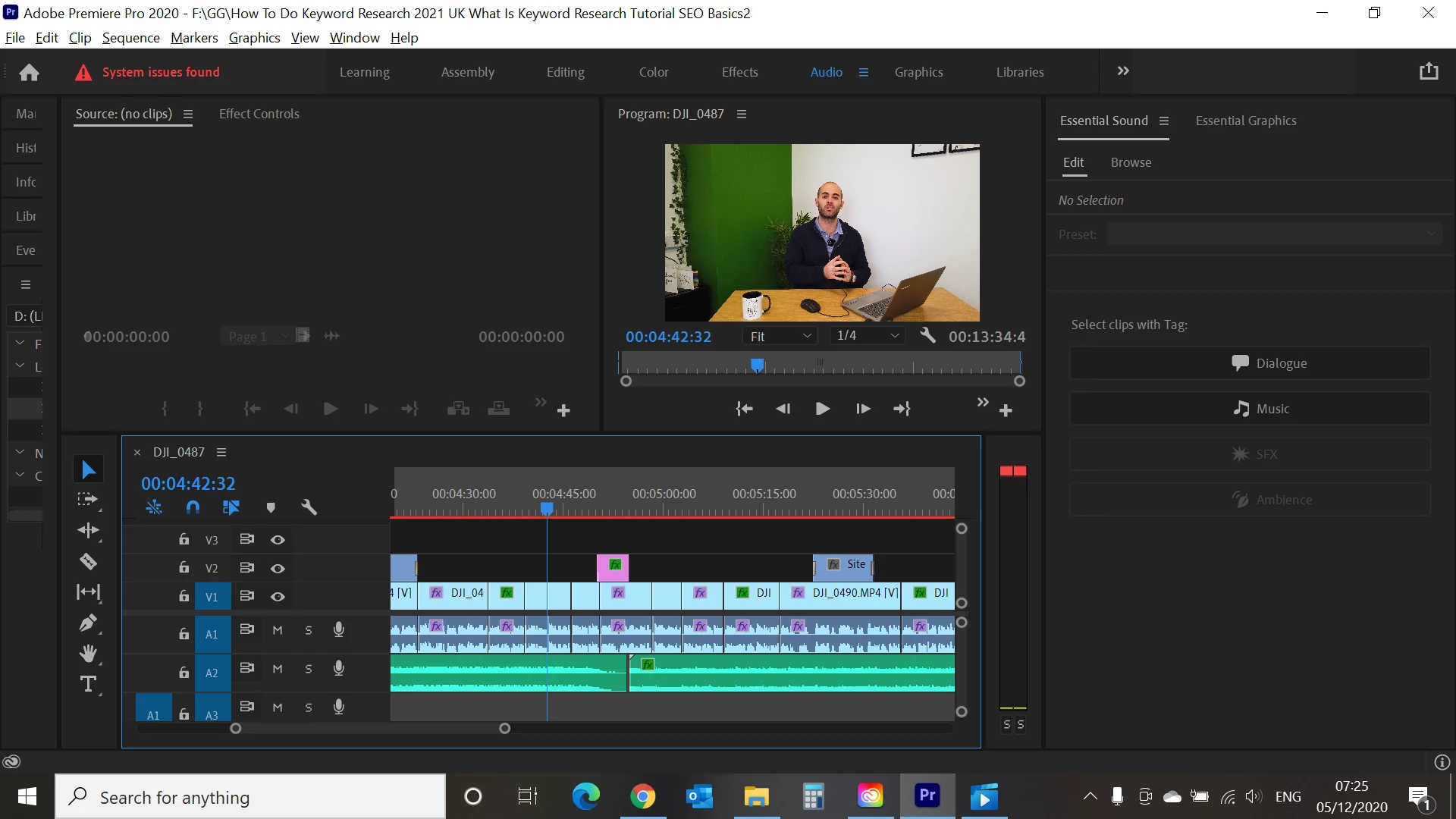
My A1 audio is slighty ahead of the V1 video. This is a large video with many clips. The error started to occur at 04:39 (must have edited incorrectly). The video is around 13 minuites in total.


Please see below screenshot of my timeline.


Do you have any ideas on how I can fix this quickly using a shortcut? I.e. group all A1 audio from 04:39, delink from Video? and move back?


Thanks,

Charlotte

This topic has been closed for replies.

1 reply

Community Expert
December 5, 2020

I would select the faulty audio by 'Alt+mouse lasso' This will select the audio without the video. I would, at this point group the selected audio, right click 'group'. Then move that grouped audio in steps of one frame by Alt+ left and right arrows. Remember to ungroup the audio when finished or you will get into all sorts of problems!

Participant
December 6, 2020

thank you Richard!