
Audio suddenly completely removed from timeline
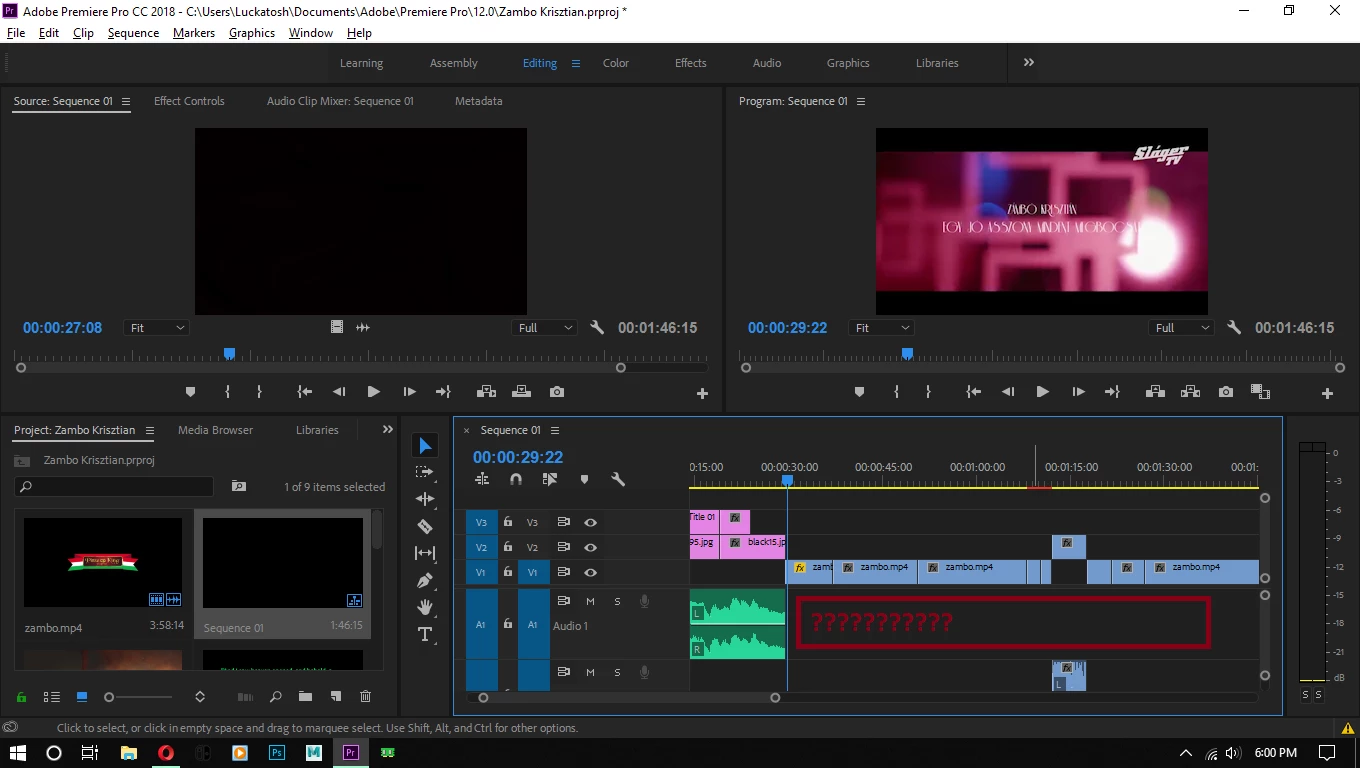
So i was editing and something weird happened; i put a background and text into the timeline, none of them showed up no matter what i did. So i figured if i delete them it may fix it. So i went on to the project browser on the left, and selected the "legacy title" and the background, and deleted them. When i finished making that scene i noticed that the audio channel of my main video is missing. I don't really remember, i could have deleted it.
Since then i made a save, so i can't just simply ctrl z it. And i only do quick saves, so... im stuck.
I could get back the audio by just replacing with the main clip, but thats the biggest problem.. I made a hellova lot of audio editing. With multiple effects. It would take a real long time to make them again, and i dont wanna do that. So question is: is there a way to get back MY audio with MY edits?
 AdChoices