
Audio Transitions won't click and drag
Hi everyone,
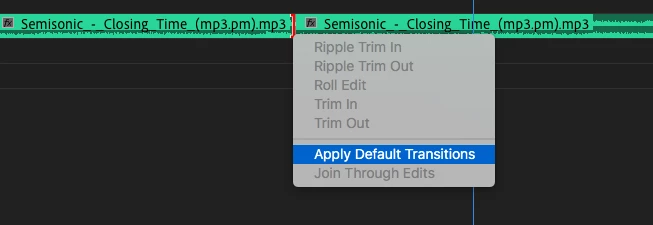
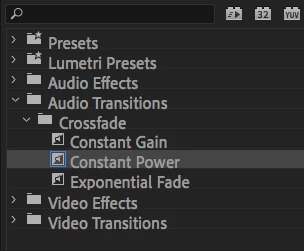
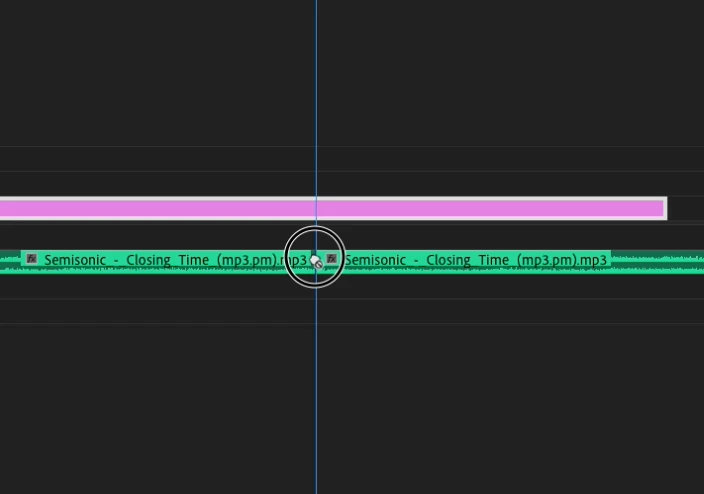
Here's the deal. I have recently noticed that I cannot click and drag audio transitions from the effects panel into the timeline. When I try it shows the hand with a little crossed circle next to it. However, when I highlight the audio transition in the timeline, right click, and apply default transition, Voila, it works.
I've checked that there is no gap between clips, and made sure that the audio clips have handles, but I still can't drag the effects in. I know it's not the end of the world as my add default transition still works. But, if I want to use the different transitions I have to first set them to default then apply it in the timeline.
Running Adobe Premiere 13.1.2
iMac Pro 2017
macOS High Sierra 10.13.6
Thanks for the help!
Carl

 AdChoices