
pupeno
Inspiring
October 15, 2022
Question

Audio waveform not showing up after restarting Premiere Pro

  • October 15, 2022
  • 2 replies
  • 208 views

Hello,

I have a sequence where audio waveforms are not showing up. It looks like this:
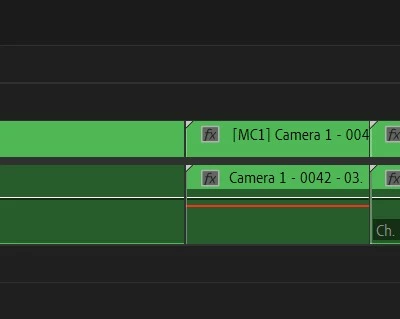
This is a sequence and each of the clips are a multicam sequences I constructed. Each multi-cam sequence has a main audio and the problem starts to happen when I apply a filter (Podacst Voice) to the audio, like this:
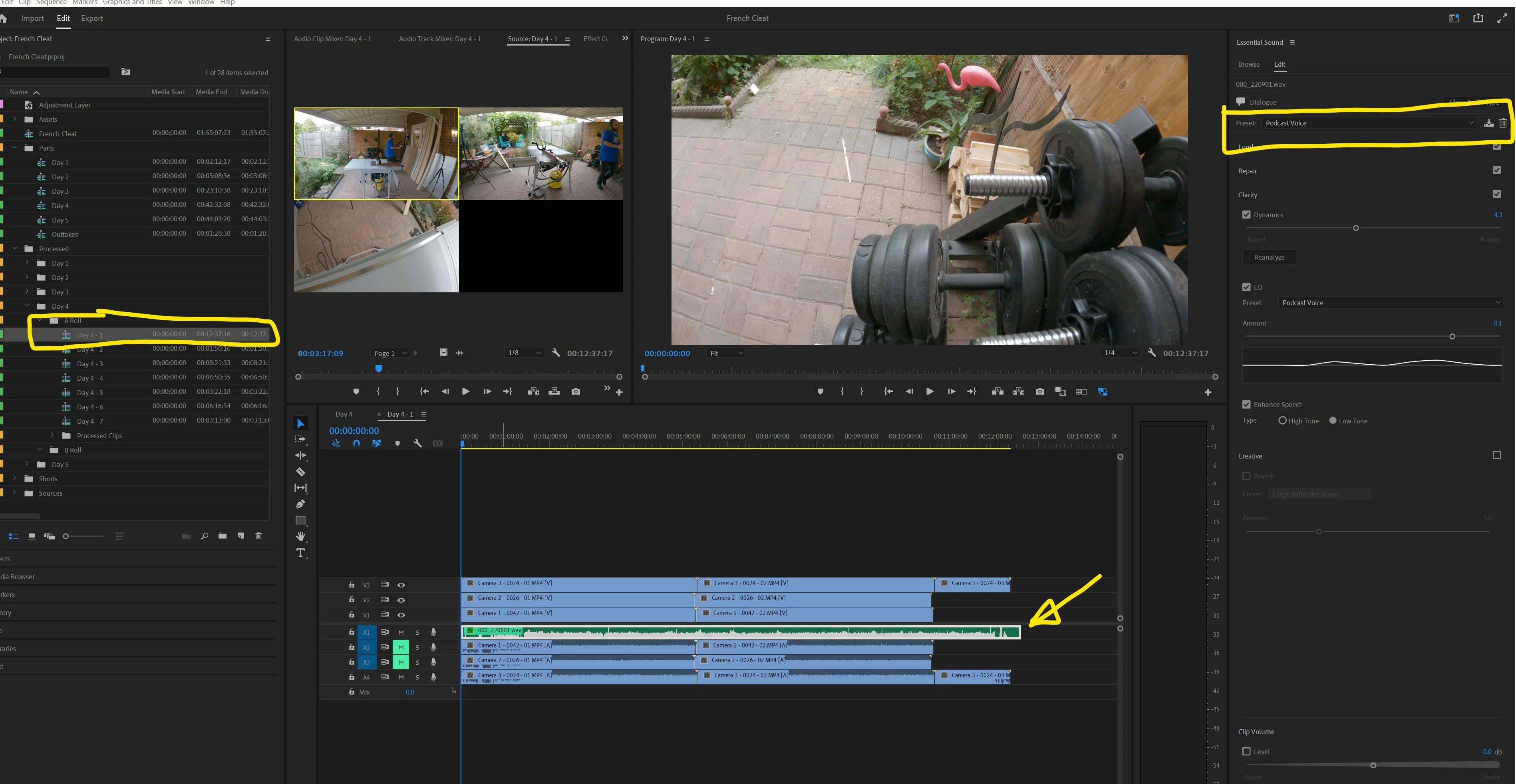
When I do Sequence -> Render Audio, the waveform appears, but next time I restart Premiere Pro, it's gone again. Running Sequence -> Render Audio takes... 15 to 20 minutes.

Any ideas how to fix this?

This topic has been closed for replies.

2 replies

Peru Bob
Community Expert
Community Expert
October 15, 2022

Try resetting the Workspaces:
Reset a workspace
Reset the current workspace to return to its original, saved layout of panels.
1. Do one of the following:
• Click the Workspace menu icon and select Reset to Saved Layout.
• Choose Window > Workspace > Reset to Saved Layout.
from here:
https://helpx.adobe.com/premiere-pro/using/workspaces.html

If that doesn't work, try Preferences > Audio Hardware and set Input to None.


If that doesn't work, try creating a new project and import the old one into it.

Peru Bob
Community Expert
Community Expert
October 15, 2022

Where are the render files located?

Are they on an external drive that doesn't have a fixed drive letter?

pupeno
pupenoAuthor
Inspiring
October 15, 2022

I don't know where they are located, how do I find out?

I would be surprised if they are on an external hard drive.

Peru Bob
Community Expert
Community Expert
October 15, 2022

It would be in the preferences.

The default is same as project.


Render audio when rendering video

By default, Premiere Pro does not render audio tracks when you select either Sequence > Render Effects In Work Area, or Sequence > Render Entire Work Area. However, playback may suffer when the data throughput of your disk drive cannot sustain the flow when mixing multiple channels of audio and audio in a complex sequence. You can change this default so that Premiere Pro automatically renders audio previews whenever it renders video previews.


  • Select Edit > Preferences > General (Windows) or Premiere Pro > Preferences > General (Mac OS).
  • Select or deselect Render Audio When Rendering Video.