Participant
May 7, 2017
Question

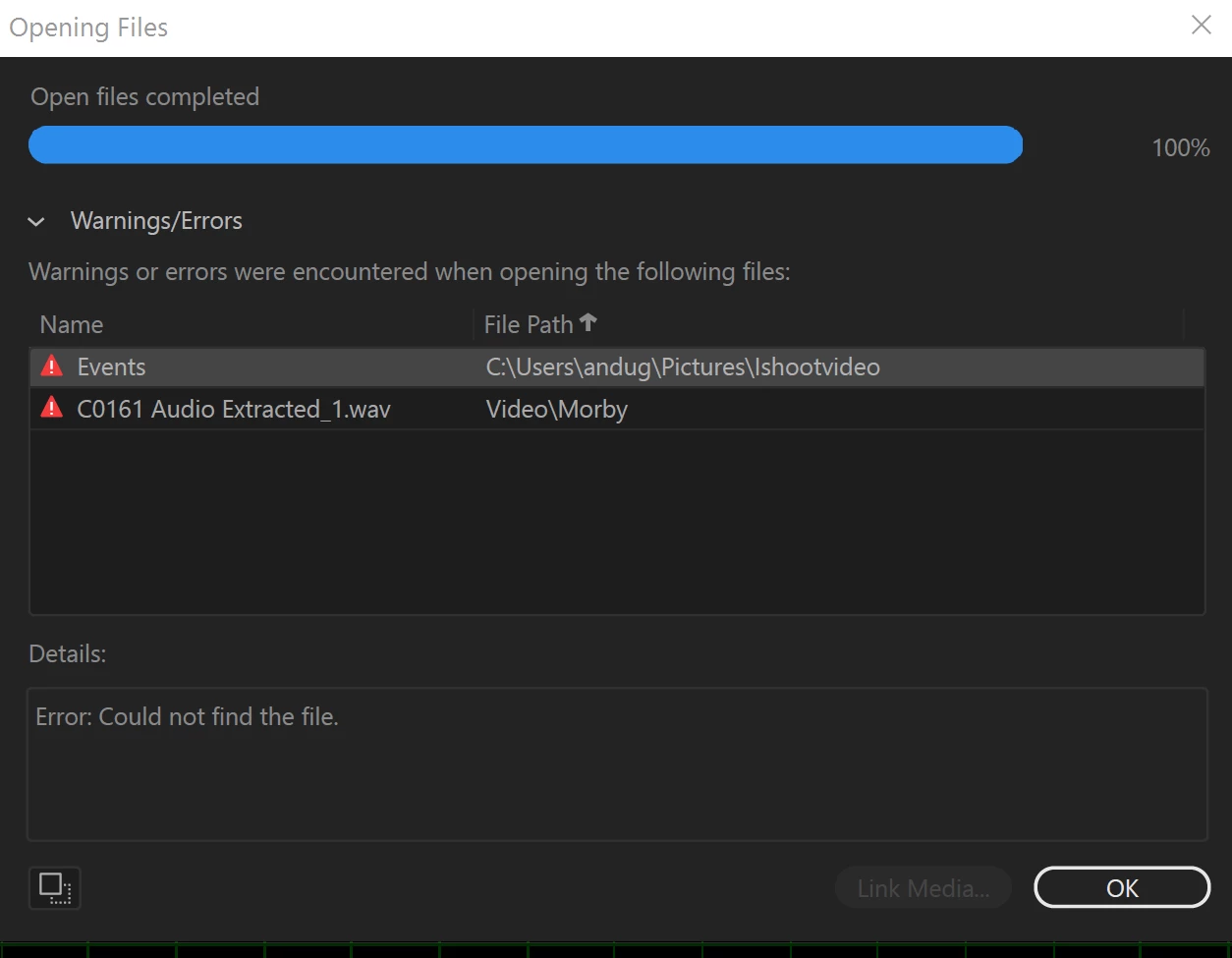
audition CC 2017 - Could not find the file
  • May 7, 2017
  • 6 replies
  • 3618 views

I right click in adobe premiere timeline "edit clip in audition" and this error appeared. Before the update it is working fine.

    This topic has been closed for replies.

    6 replies

    Participant
    June 9, 2020

    @ketan THANK YOU SO MUCH, such an easy fix for such an annoying problem.

    Inspiring
    June 9, 2020

    @Kiran

    Respectfully, I wouldn't call it a "fix". It's a workaround for a fault that Adobe needs to address.

    Participant
    June 9, 2020

    for me the problem occurs when the clip are long,so i found a way when you try to link with audition the error occurs you just need to press ok and then find the file created as .wav file near the source video and then just open it in audition and add effects and just save that file the same effects would appear in premier pro

    Participant
    April 26, 2024

    Thank you, This work 100%

    Participant
    January 27, 2020

    Did you ever figure out a fix for this?

    November 25, 2019

    Need a fix for this ASAP, 2020 update and premier is totally crazy, soooo many things wrong here

    Participant
    November 27, 2019

    Did anyone figure out how to fix this? Kinda screws up my workflow.

    Inspiring
    November 16, 2019

    Over two years later, I'm getting this error in Audition 2020

    May 13, 2020

    Same here. Adobe FIX THIS!!!! IT SLOWS DOWN MY WORKFLOW. IT STARTED HAPPENING FOR ME YESTERDAY.

    AndugohAuthor
    Participant
    May 12, 2017

    I realize the files is created in folder, have to manually open from the folder itself.