


Participant
August 24, 2026

Auto Attaching Proxies Issue

  • August 24, 2026
  • 3 replies
  • 15 views

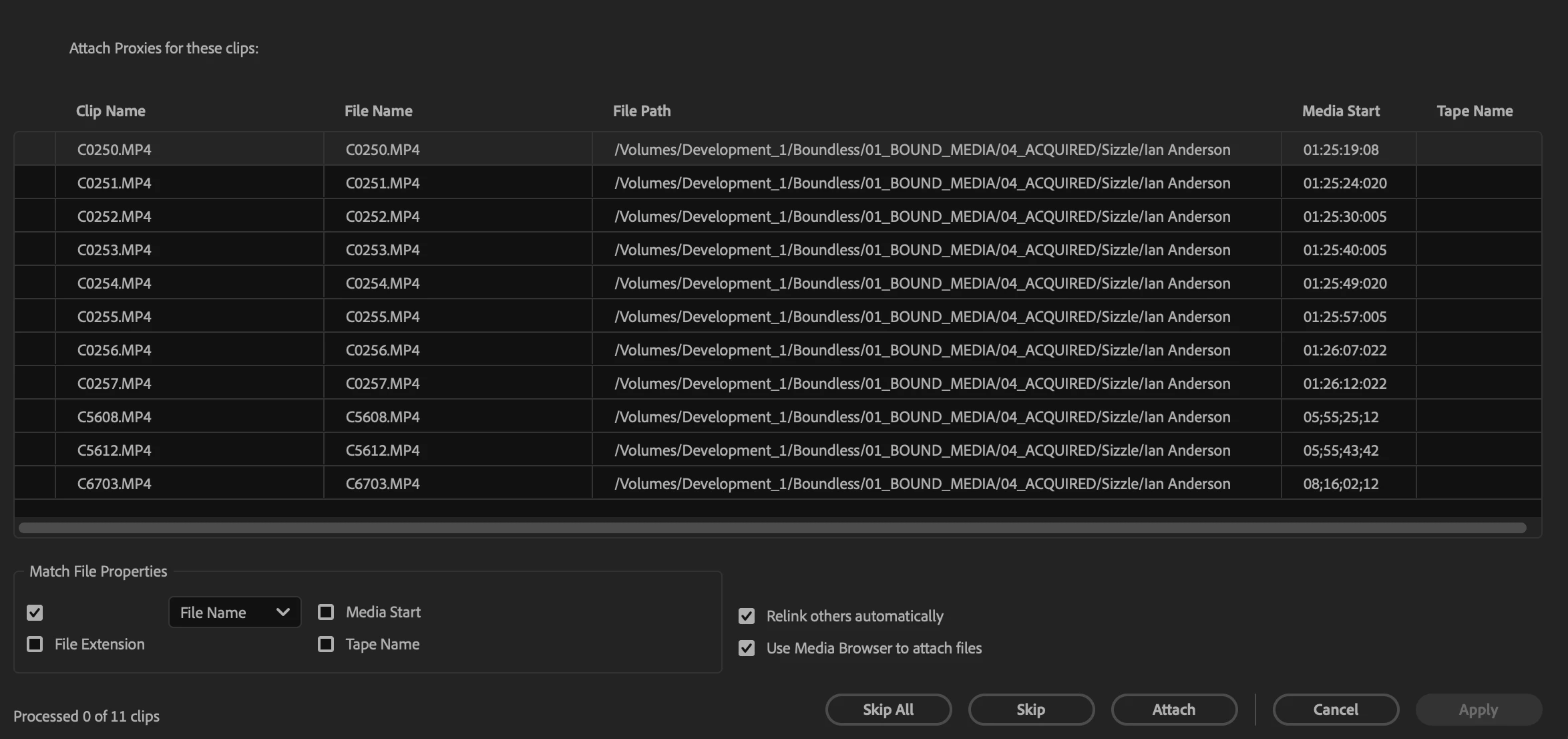
In the latest version of Premiere (26.3.2), I can’t auto attach proxies. When I go to attach proxies to a batch of clips, I’m forced to attach each proxy manually, even though I have “Relink others automatically” selected. I went back to Premiere 25 to make sure that there wasn’t issue with my file structure and/or naming convention, but the proxies auto linked fine there.
 

3 replies

Community Manager
August 24, 2026

Hi Jordan,

Thanks for the post and the screenshot. I have heard of a similar issue. Can you try disabling "Use Media Browser to attach files" for relinking and try Finder or Explorer instead? Let me know if that works for you. Sorry for the frustration.


Thanks,
Kevin

Participant
August 25, 2026

Kevin,


Thanks for the response! Still having the same issue when relinking via Finder.

Community Manager
August 29, 2026

Sorry about that, Jordan. Can you see if you get the same issue in Beta?


Thanks,
Kevin