
Question
'Auto Detect Log' is not working.
You're in a situation where you need to edit someone else's footage.
I'm guessing it was shot using a Cannon R7 camera, C-LOG3.
When I put some clips on the timeline and checked "Auto Detect Log Video" in "Lumetri Color"->Setting, it doesn't work.
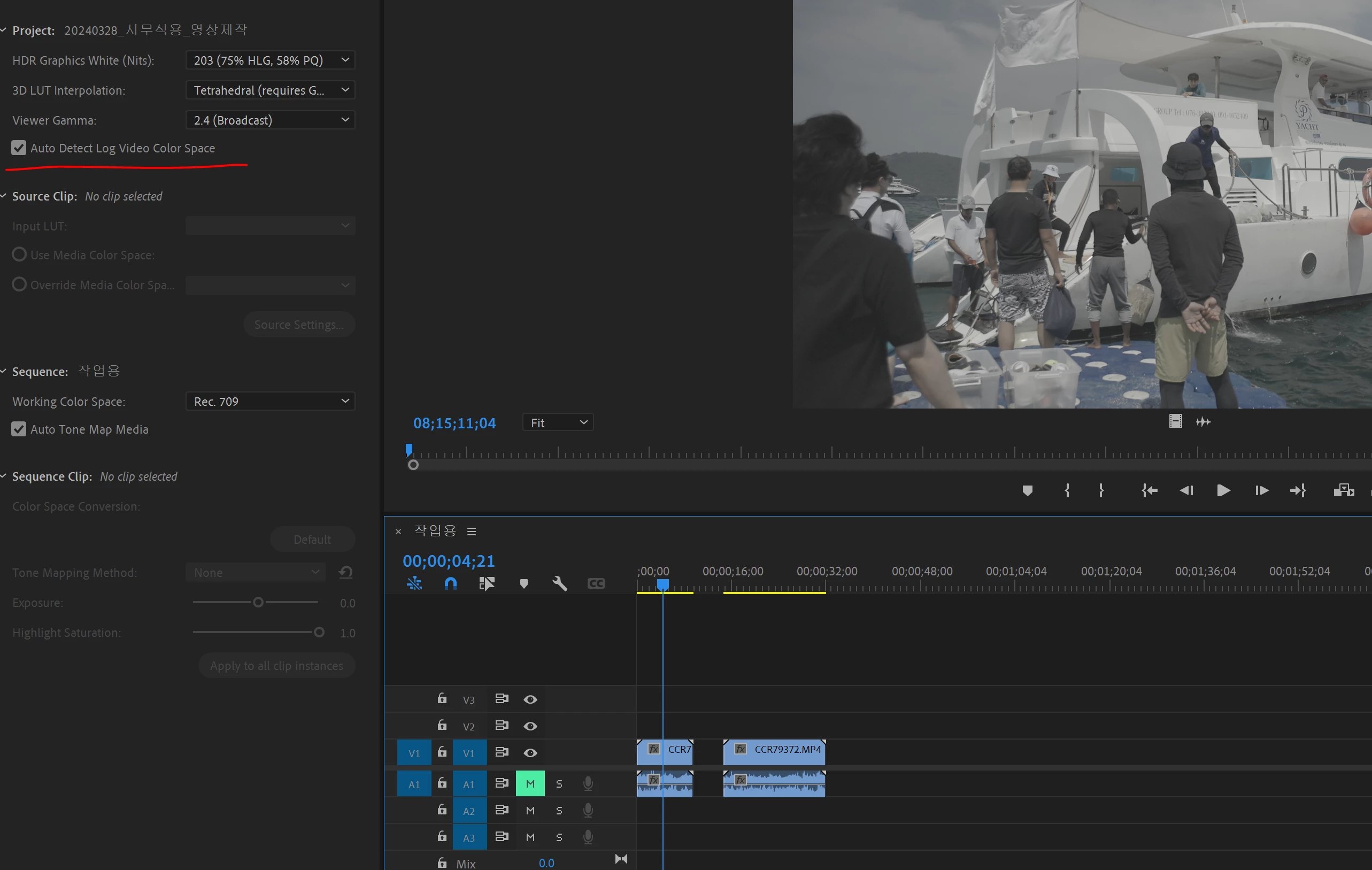
I have to select each clip individually and set the 'override media color space'.
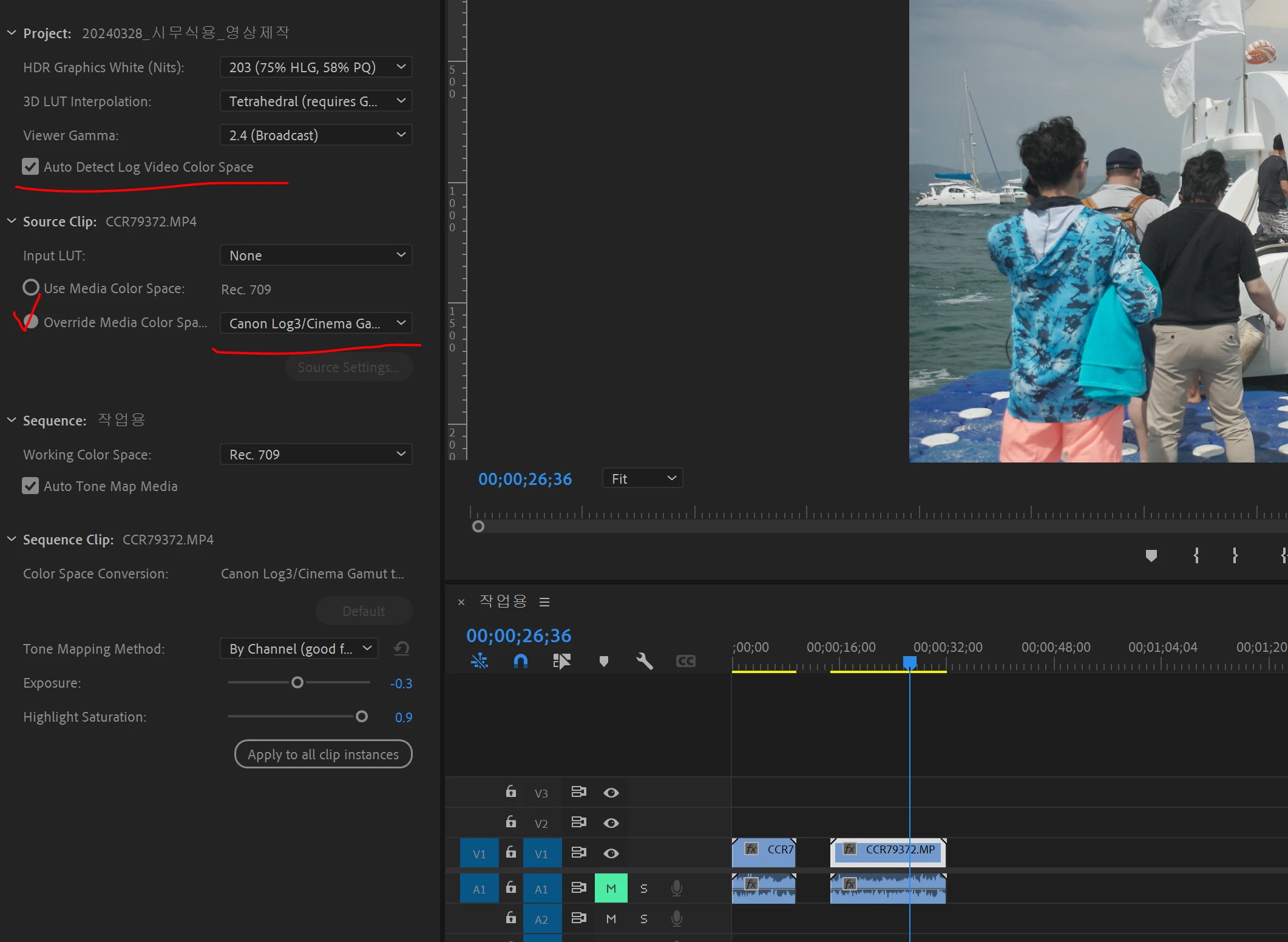
Is this a bug or am I setting it up wrong?
When I watched the other instructional videos, all the clips were corrected immediately when I checked
auto detect log without any settings, so I don't know what the problem is.
 AdChoices