


Auto-Fade In? Audio Track is clipped at the beginning
I've looked all over and can't find a solution, I'm hoping that someone here might have a solution.
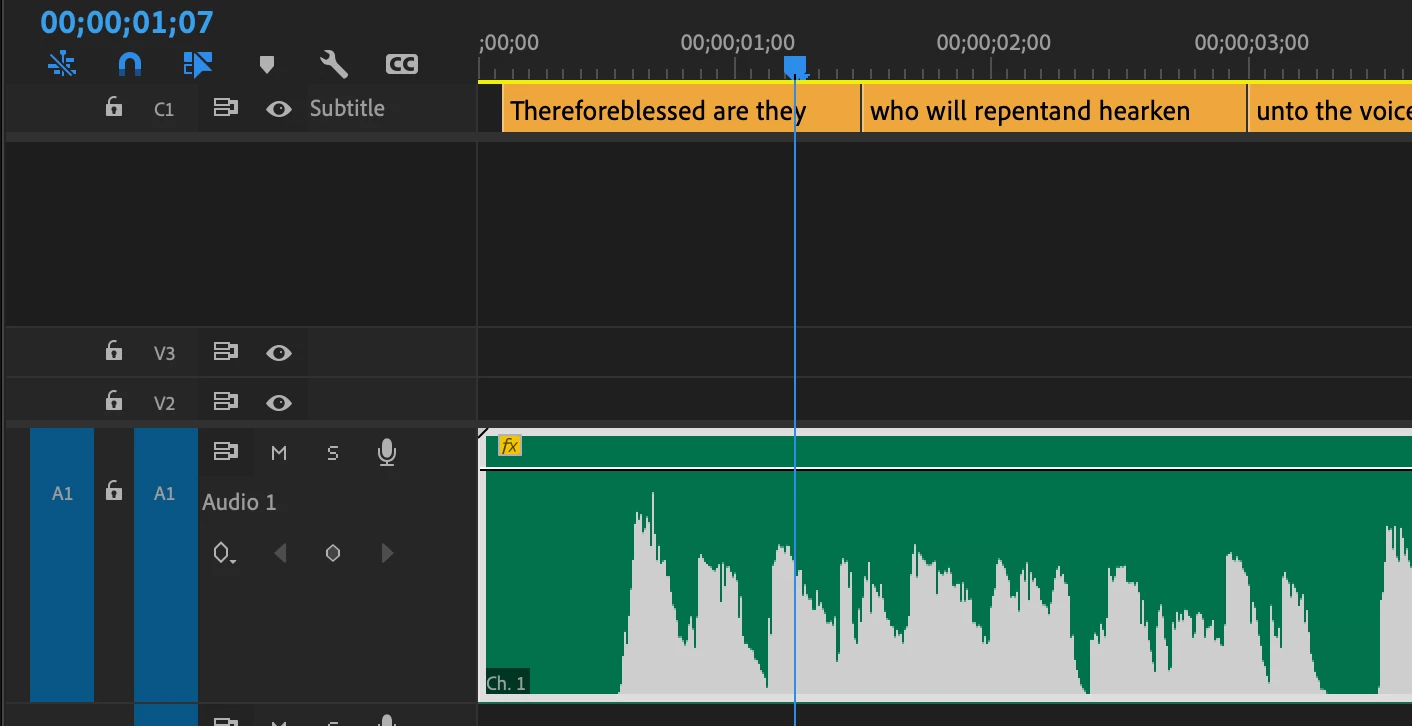
This consistenly happens across different projects I'm working on, the audio or dialogue track fades in when the sound starts in the clip. The length of silence at the beginning of the clip/segment/track doesn't change anything. I'm am using .WAV files. The result is that if the text/words start with "As", the entire word is dropped from the .mp4 export. Or the word "Therefore" sounds like "erefore".
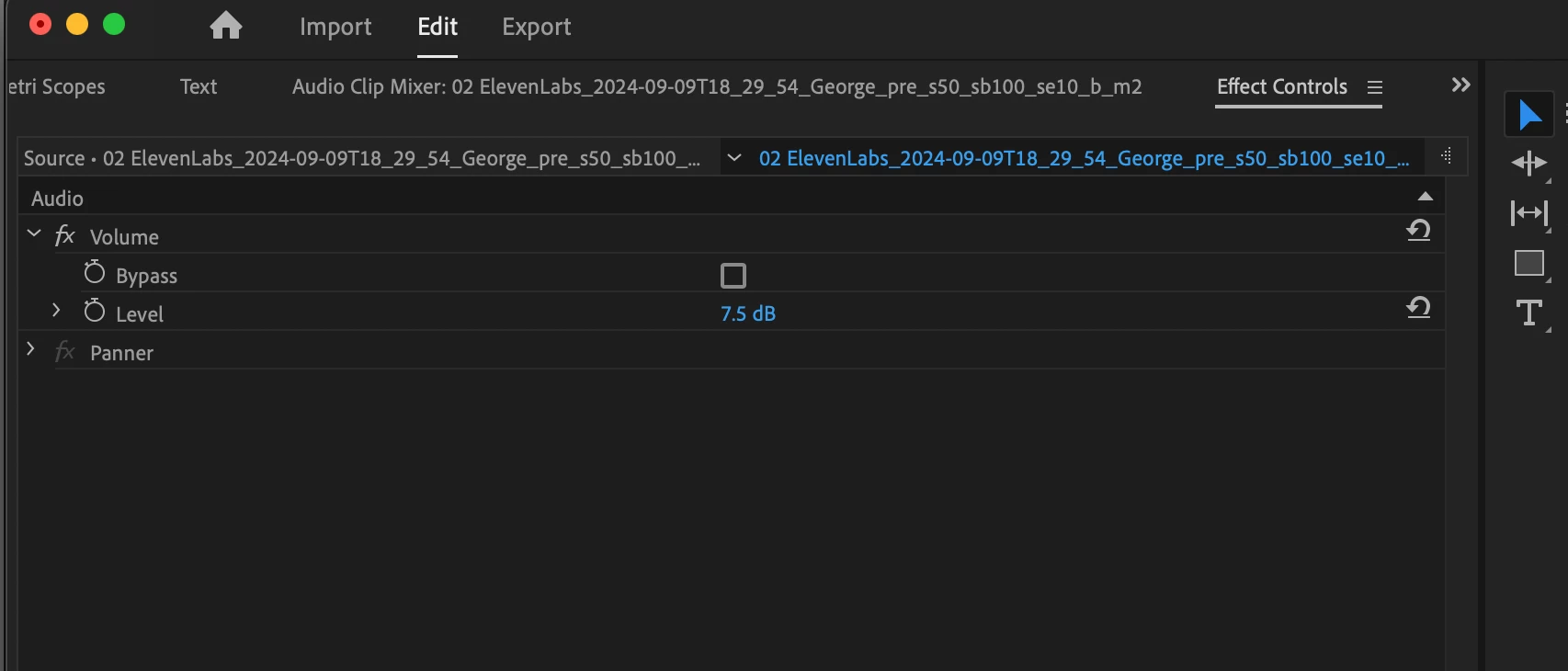
There isn't a transition or fade in that I can see, DeNoise isn't being used, in the Sound Elements tab nothing is selected (meaning it isn't trying to clean up dialogue). I'm not using noise cancelling headphones, but am wired directly to external speakers.
If I replay the clip several times in a row, or rather only let the first few seconds play, and then replay that segment again and again, by the 4th time Premiere Pro will stop fading in the track and I can hear the first part of the clip. But if I wait a few seconds and play it again, it reverts to the Fade-in/Fade-up, and when I export using Media Encoder, the audio track is exported with the faulty audio. Any thoughts or fixes I could check? Thanks!!!
Basically, how to I get Premiere Pro to play this audio clip at full volume from the beginning?
 AdChoices