
Automate Nested - Split Screen
Hello everyone!
How are you?
I am writing to ask for your help.
I am working on different personal projects in Premiere Pro.
In some of these videos I use the split screen. As attached in the image.
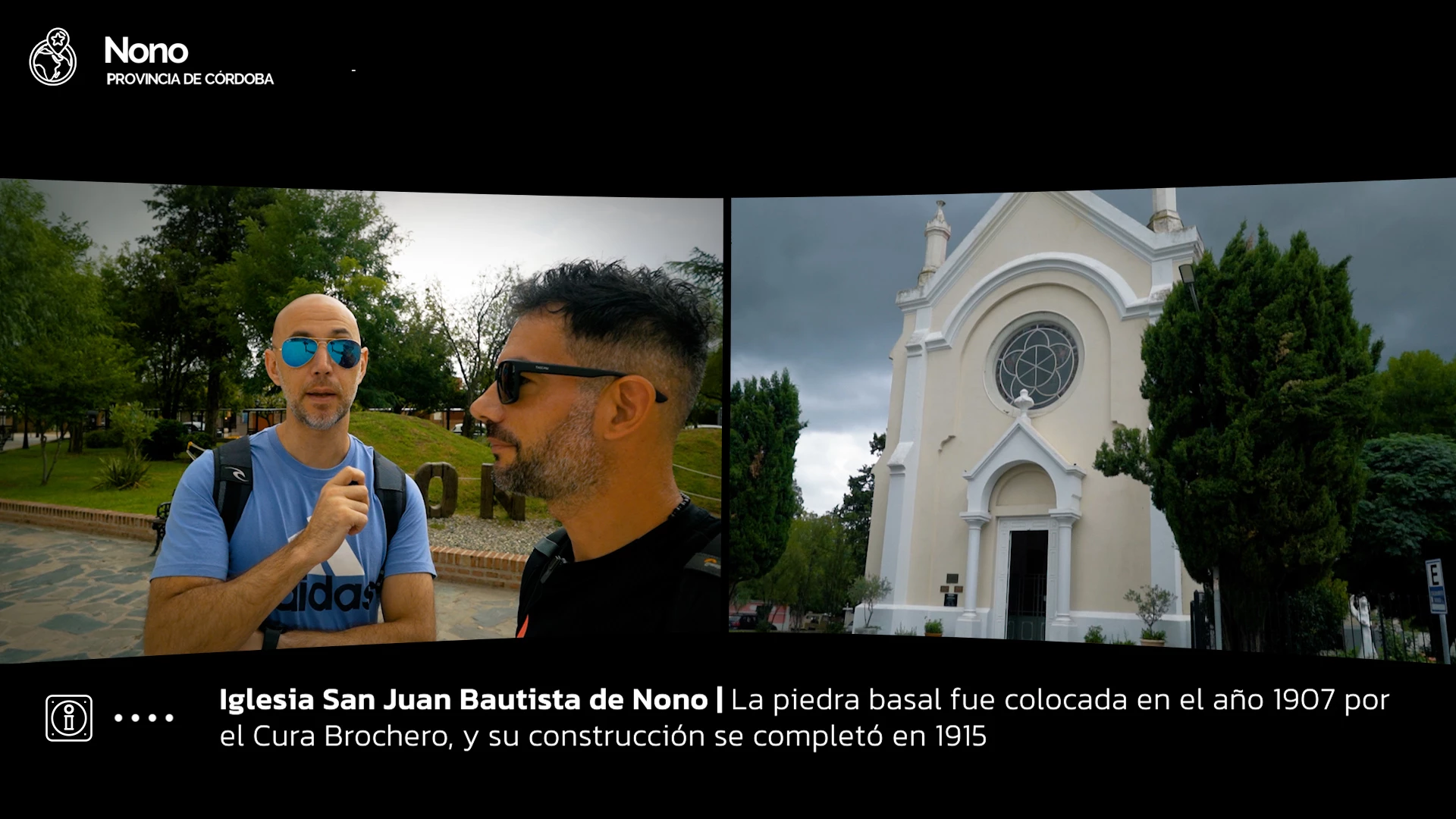
To make this split screen, I defined 2 nested, one with the videos on the left and another nested with the videos on the right. Each nest has its properties (Motion and Mask). Inside the Nests I place the videos.
When I have to make another split screen segment, I duplicate both Nests, copy and paste the properties and then in each nest I change or add new videos.
It is actually a simple job, but it takes time.
What part could I automate based on your knowledge, or do you think there is a faster way every time I create a split screen segment?
I look forward to your comments.
Thank you very much.
Javier.-


 AdChoices