
Participant
October 2, 2025
Question

Automation Blocks : Create Sequence from Clips with overwritten Audio files

  • October 2, 2025
  • 1 reply
  • 627 views

I followed this video (https://youtu.be/awn5A5FwBt0?si=Xhzyq_SPrTScru0F) to set up the below script. It creates a separate sequence for each clip in a selected bin and also names the sequences the same as the corressponding clip.
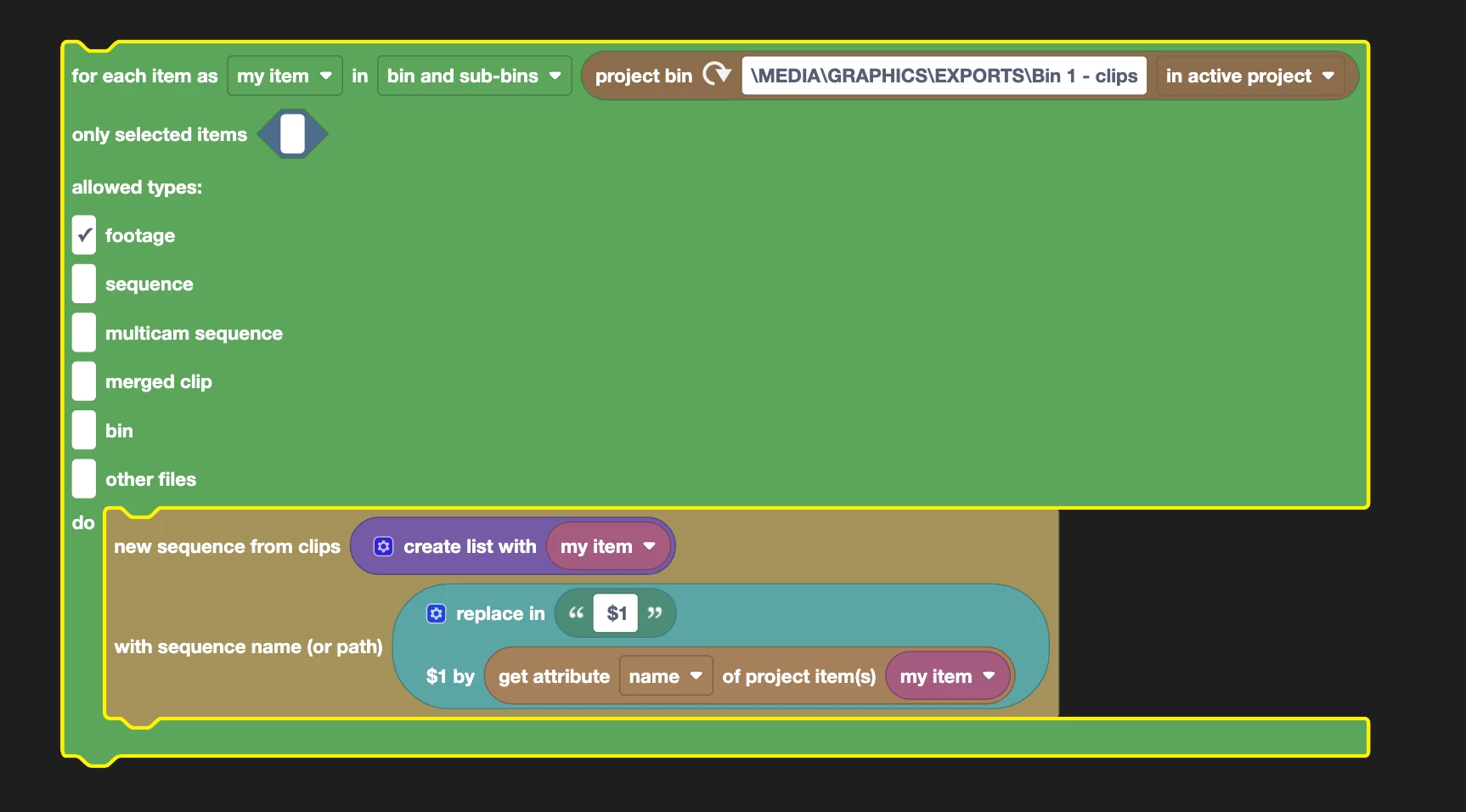

I would like to modify this so it also overwries a corresponding audio file from a selected bin.

So, for example, Bin A has 10 clips labelled 1-10 and Bin B has 10 wavs labelled 1-10. The script would then create a sequence with clip 1 on V1 and wav 1 on A1 (both starting at the beginning of the timeline) and name the seq the same as the clip.

I'd also like the script to put the new seqs in a specified bin.


PLEASE NOTE: both clips & wavs might be called something different but they will be in a specific order according to their name.

Can someone assist a total noob, please?

1 reply

Participant
October 2, 2025

UPDATE: Got as far as the below.

ISSUE: It puts every audio tack in sequentional order on each seq's timeline.

I only want the first audio clip to be on the timeline.


(Thinking about it, what would be cool is if the clip duration is changed to match the audio file, but we might be getting ahead of ourselves...)

Mathias Moehl
Community Expert
Community Expert
October 2, 2025

If you have 10 video and 10 audio files, how should the automation know, which audio belongs to which video?
Do you have a rule like
- audio and video file have the same name or
- if you replace in video file name X. by Y you get the corresponding audio file name

If you have any such rule then you can update your code as follows:

Which code exacly you need to insert depends on how the audio name can be obtained from the respective video file name.

Mathias Möhl - Developer of tools like BeatEdit and Automation Blocks for Premiere Pro and After Effects
Mathias Moehl
Community Expert
Community Expert
October 2, 2025

Here is an example, which assumes the video and audio items have the same name and are just in different bins:


XML of the block code is attached.

Mathias Möhl - Developer of tools like BeatEdit and Automation Blocks for Premiere Pro and After Effects