Participant
Nov 12, 2025 1:13 PM UTC
Answered

Automation Blocks, How to Insert Clips From Spreadsheet to Sequence

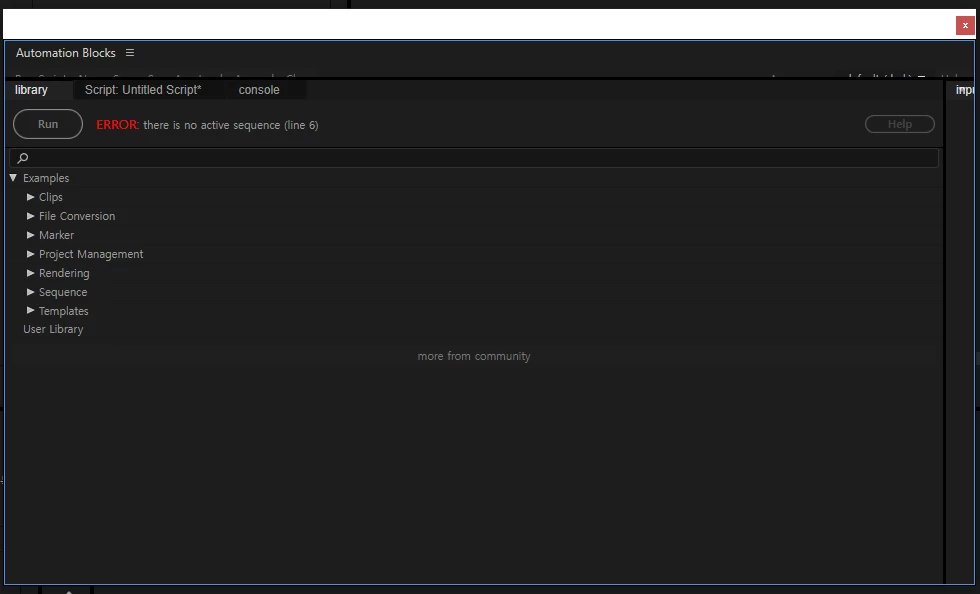
I'm a Korean user using Premier Pro. I'm going to use these automation blocks and Google sheets to create one feature.

I want to use this feature to cut a few sections of the video. For example, I want to cut out dozens of these sections, from 1:10 to 1:20 and from 3:10 to 3:25 and so on.

I don't know English well, so I'm looking for materials, but there are many difficulties. Can I design this function using automation blocks?


Mathias Moehl
Mathias MoehlCorrect answer
Community Expert
Nov 12, 2025 7:11 PM UTC

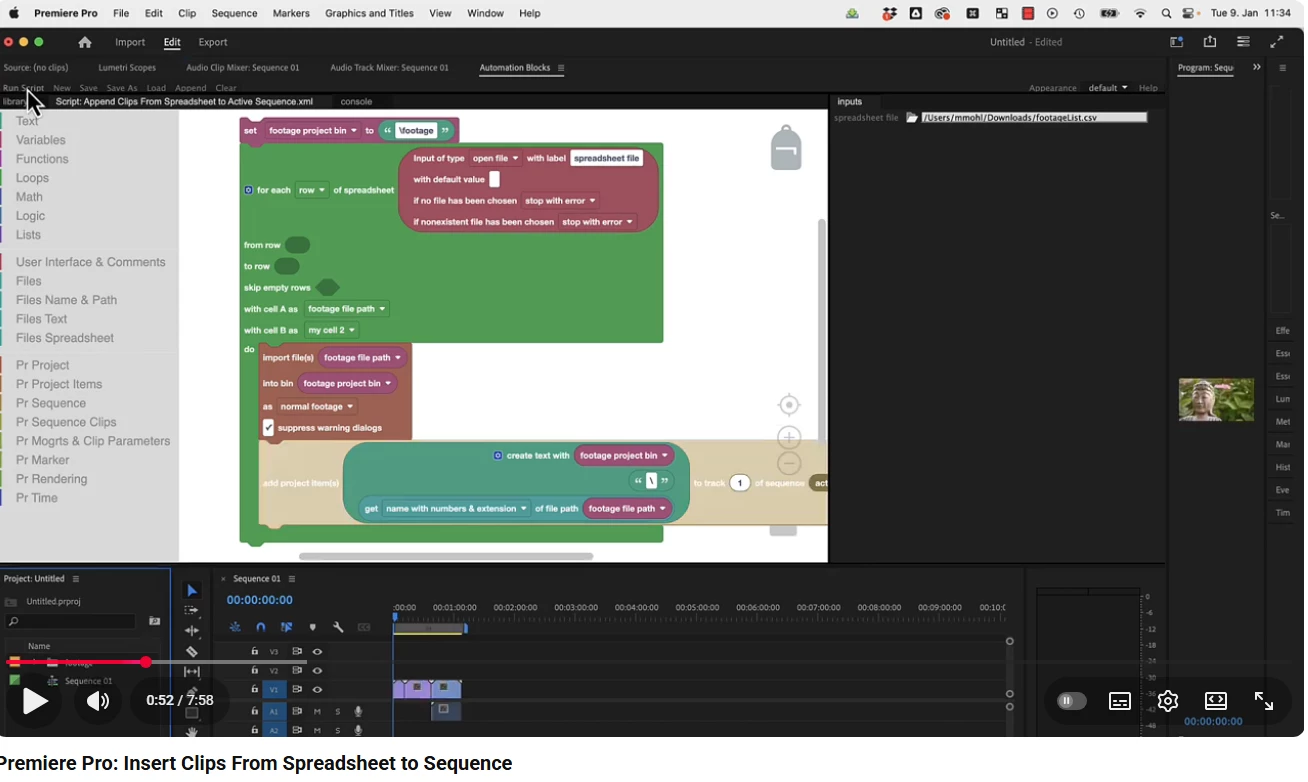
Do you have an active sequence? Make sure the timeline panel is active with a sequence open before you run the script.

Mathias Möhl - Developer of tools like BeatEdit and Automation Blocks for Premiere Pro and After Effects

2 replies

Participating Frequently
Nov 27, 2026 8:06 PM UTC

Mathias has the key point here. Having an active sequence open first saves a lot of confusion, and it is worth testing the sheet with just two or three rows before running the full list, so a small mistake in a timecode does not turn into dozens of wrong cuts. The wider lesson is the same in other kinds of automation. The setup works best when the next job is ready before the current one finishes, and Gimbel Automation has a useful breakdown of that idea. It   is about a workshop setup, but the principle of preparing the next load while the machine keeps running applies just as well to a batch of clips.

Translate
Mathias Moehl
Community Expert
Mathias MoehlCommunity ExpertCorrect answer
Community Expert
Nov 12, 2025 7:11 PM UTC

Do you have an active sequence? Make sure the timeline panel is active with a sequence open before you run the script.

Translate
Mathias Möhl - Developer of tools like BeatEdit and Automation Blocks for Premiere Pro and After Effects