
sanjaypatel1947
Participating Frequently
December 27, 2016
Question

AVI file not fully importing into project: CS6.

  • December 27, 2016
  • 4 replies
  • 2382 views

Hi,

I am Sanjay.

I seem to be having this issue of whenever I import .avi file into Adobe Premiere CS6, it's only uploading the first one to two minutes of the file as opposed to the entire 40 minutes. I have found absolutely no answers as to why this may be or anything remotely close to what I'm looking for. I need an answer to this otherwise, I cannot edit the material I need to. Because of the nature of said video, I am unable to re-record said content so any help would be highly appreciated. I tried many things like format my hard disk and reinstalling premier and os, even I changed the hard disk and graphics card, I also checked the same file in another pc but the problem is not solve.

I have tried it to convert in virtualdub and the file is working but converting the file takes more time and its use more space. Please suggest me the solution without converting the file.

I have doubt about codec issue but not getting any solution for it please help.

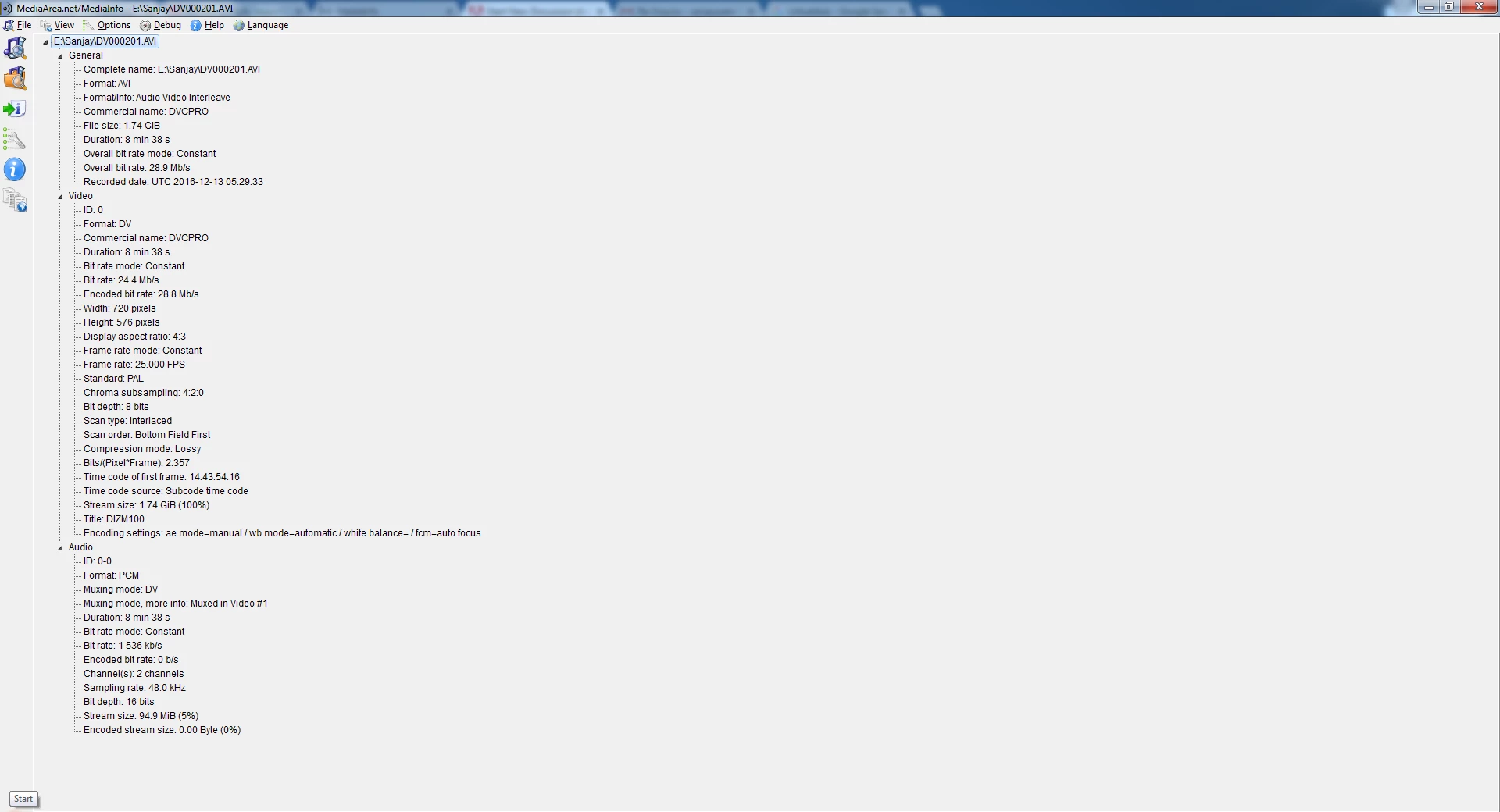
The file details are as follow:

General

Complete name                            : E:\Sanjay\DV000201.AVI

Format                                   : AVI

Format/Info                              : Audio Video Interleave

Commercial name                          : DVCPRO

File size                                : 1.74 GiB

Duration                                 : 8 min 38 s

Overall bit rate mode                    : Constant

Overall bit rate                         : 28.9 Mb/s

Recorded date                            : UTC 2016-12-13 05:29:33

Video

ID                                       : 0

Format                                   : DV

Commercial name                          : DVCPRO

Duration                                 : 8 min 38 s

Bit rate mode                            : Constant

Bit rate                                 : 24.4 Mb/s

Encoded bit rate                         : 28.8 Mb/s

Width                                    : 720 pixels

Height                                   : 576 pixels

Display aspect ratio                     : 4:3

Frame rate mode                          : Constant

Frame rate                               : 25.000 FPS

Standard                                 : PAL

Chroma subsampling                       : 4:2:0

Bit depth                                : 8 bits

Scan type                                : Interlaced

Scan order                               : Bottom Field First

Compression mode                         : Lossy

Bits/(Pixel*Frame)                       : 2.357

Time code of first frame                 : 14:43:54:16

Time code source                         : Subcode time code

Stream size                              : 1.74 GiB (100%)

Title                                    : DIZM100

Encoding settings                        : ae mode=manual / wb mode=automatic / white balance= / fcm=auto focus

Audio

ID                                       : 0-0

Format                                   : PCM

Muxing mode                              : DV

Muxing mode, more info                   : Muxed in Video #1

Duration                                 : 8 min 38 s

Bit rate mode                            : Constant

Bit rate                                 : 1 536 kb/s

Encoded bit rate                         : 0 b/s

Channel(s)                               : 2 channels

Sampling rate                            : 48.0 kHz

Bit depth                                : 16 bits

Stream size                              : 94.9 MiB (5%)

Encoded stream size                      : 0.00 Byte (0%)
This topic has been closed for replies.

4 replies

sanjaypatel1947
Participating Frequently
January 4, 2017

Hi to all,

Any expert can give me the solution of my problem ?

Yet nobody provide me any effective solution, please help me.

Thanks

Ann Bens
Community Expert
Community Expert
January 4, 2017

Maybe you need to reinstall windows or make a system restore.

May 14, 2017

Posting here to help others that have problems with APPro CS6 only importing a small amount of a huge AVI.

The reason I bother with this in the first place is that I finally came around to digitizing my old VHS, Video8 and DV-tapes.

My DV camcorder has a S-Video to FireWire on-the-fly converter that hooked right into Windows Movie maker capture.

Also I got hold of a Digital8 camcorder that also reads Video8 and Hi8 and has a Firewire output.

The resulting AVI files has minimal compression, but are huge. A 3hrs VHS is almost 40GB.
They are however type 1 AVI containers, and I stumbled upon this little gem that coverts them to type 2 AVI that APPro CS6 is happy to import (the whole thing). No noticeable degrading of either video or audio. Resulting file is slightly larger than the original.

The program is completely free & very lightweight and is called DVdate (only 2MB, no install)

Google it and you will find it easily. Version at writing is 7.1

Participant
January 1, 2017

I am also having issues importing .AVI into Premier - error message states unsupported or corrupt file - files plays fine in MS Movies and TV application.  Any suggestions?

Legend
January 1, 2017

As with Sanjay, what camera was used to record your video file?

sanjaypatel1947
Participating Frequently
January 2, 2017

I record the video file using Sony NX-100 Camera

sanjaypatel1947
Participating Frequently
December 28, 2016

Hi,

Anybody have solution then please let me know. I have urgently need this solution for my important report.

Please help me

Ann Bens
Community Expert
Community Expert
December 28, 2016

Clean out media cache as suggest in the doc below

FAQ: How to clean media cache files |Adobe Community.

Import again in a new project and let it conform. (blue bar right bottom corner)

sanjaypatel1947
Participating Frequently
December 29, 2016

Hi Ann,

Thanks for your help but its not worked. Yet problem is not solve.

Can anybody help me ?

Ann Bens
Community Expert
Community Expert
December 27, 2016

Make sure you let Premiere conform before doing anything.

sanjaypatel1947
Participating Frequently
December 27, 2016

I can't understand exactly what you trying to tell me.

I am beginner in premier and I faced the problem, I had told the problem to some of my friend who know premier and they told me to some solution but I can't get proper solution so I raised the question in forum.

let me know what should I do ?