
mattyhannon
Participating Frequently
September 18, 2023
Answered

Awful colour banding / stepping on export

  • September 18, 2023
  • 2 replies
  • 388 views

Hi,


I've just finished cutting a 40min film that's due for release in a few weeks time on a cinema run along the east coast of Australia (not an ideal turnaround I know, but that was the clients perrogative, not mine).  

I have been trying to export a Prores 4444 or 4444 XQ for the colourist for the last 24 hours and am beginning to pull my hair out over it.

It seems whichever settings I use, there is terrible banding in the skies of the some of the shots (most notably the high contrast shots, but also in some others).


The banding only appears after export (not present in premiere), and after some tests it became clear that the banding does not occur if I've dropped a LUT on the footage in premiere and then exported, it seems graded footage can be exported silky smooth.  But for obvious reasons I dont want the colourist grading in premiere, and so when I try and export the log footage I run into this problem of terrible banding.  It makes the footage totally unuseable, nothing discreet about it.


Canon C200 and Red Dragon footage affected.


My Mac has an Apple M1 Max chip, which means I can't toggle the Mercury playback engine (although not sure if that's an issue or not).

Premiere 2023.


Export settings:


Format: Quicktime
Prores 4444 and 4444 XQ tested - same result
Unchecked HDR Graphics White (Nits) - as recommended by colourist
16-bpc

Maximum render quality checked
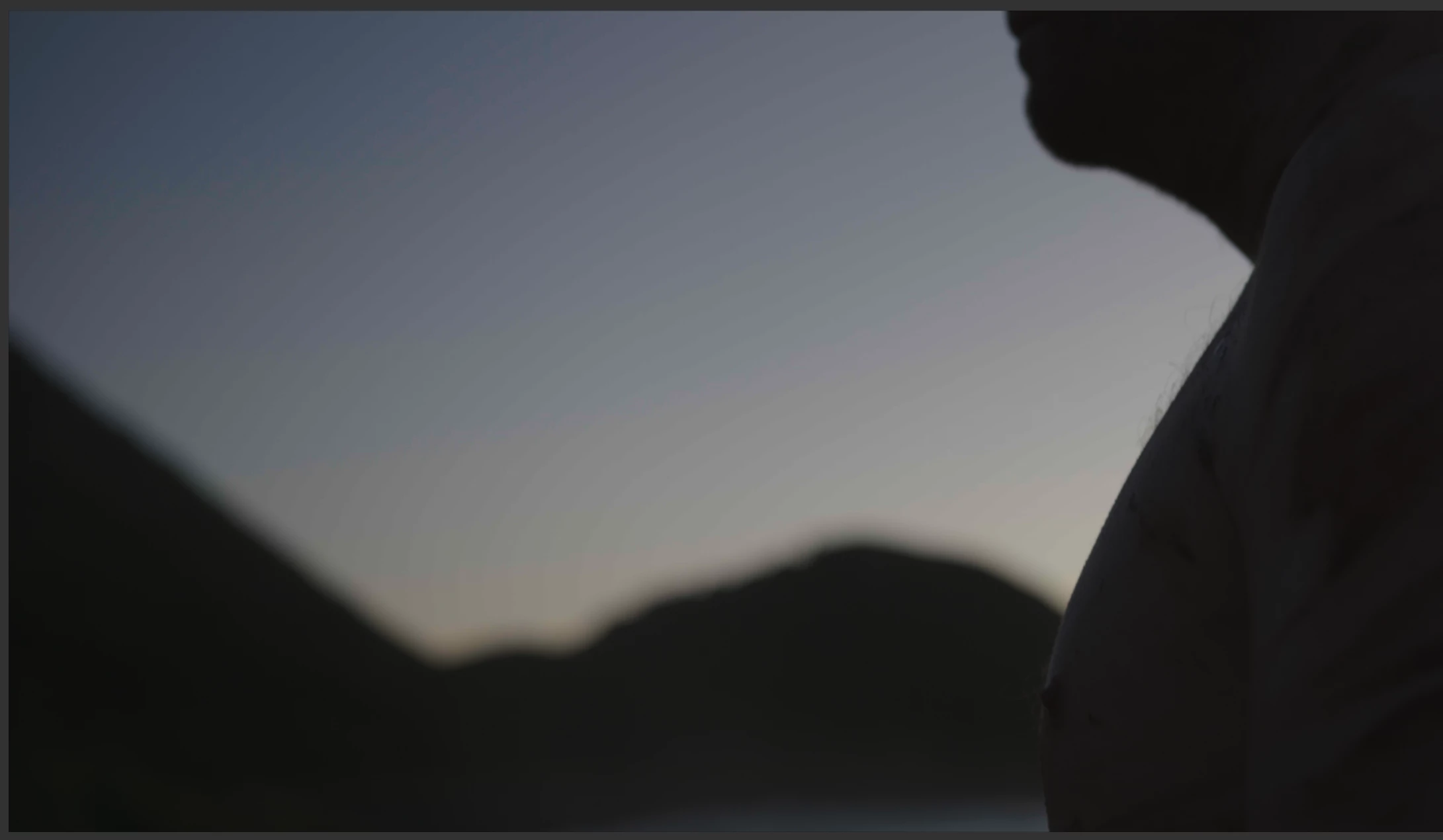
Screenshot of the issue (only half the screen, not a weird aspect ration - delivering in cinescope) 

Can anyone offer any insight here please???  Thanks in advance

This topic has been closed for replies.
Correct answer R Neil Haugen

The graphics white nits is only a setting for metadata in HDR exports, either HLG or PQ. Doesn't affect your work at all.


And you posted both this, which is good ... and on another thread ... which is considerered double posting and some of the mods get a bit unhappy with that ... fyi ...


Ok ... the colorist telling you to uncheck the graphics white and set Max Render Q perhaps doesn't understand PrPro's actual internal workings ... but then, not that many do.


What you need is in the Sequence settings, Preview section, set Max BIT Depth on, maybe Render Q. But as you're not resizing, Render Q may or may not be an issue.


Then in the Export dialog, you must also set Max Bit Depth on, and to 16bpc. And again, Render Q ... maybe or maybe not.


Neil

2 replies

R Neil Haugen
R Neil HaugenCorrect answer
Legend
September 18, 2023

The graphics white nits is only a setting for metadata in HDR exports, either HLG or PQ. Doesn't affect your work at all.


And you posted both this, which is good ... and on another thread ... which is considerered double posting and some of the mods get a bit unhappy with that ... fyi ...


Ok ... the colorist telling you to uncheck the graphics white and set Max Render Q perhaps doesn't understand PrPro's actual internal workings ... but then, not that many do.


What you need is in the Sequence settings, Preview section, set Max BIT Depth on, maybe Render Q. But as you're not resizing, Render Q may or may not be an issue.


Then in the Export dialog, you must also set Max Bit Depth on, and to 16bpc. And again, Render Q ... maybe or maybe not.


Neil

Everyone's mileage always varies ...
mattyhannon
Participating Frequently
September 25, 2023

Hi Neil,


Thanks for your reply on this.  Sorry about the double posting, I guess I was feeling the pressure of a looming deadline and didn't think about that.


Thankfully after another few hours of trial and error, it turned out that the banding was eradicated through exactly what you said above (although for some reason I am only seeing your message now).  The issue was in the preview section of Sequence Settings, and the banding completely disappeared.


Thank you again for your considered reply.  Happy to say the project will be delivered on time. 

R Neil Haugen
Legend
September 26, 2023

Hey, I'm a practical guy. Just glad you got the job out the door. We must get stuff to the nice people what pays our bills, right?


I must say ... it's totally bizarre that even when you don't use previews, you need to set Max Bit Depth in the preview section ... just weird.

Everyone's mileage always varies ...
mattyhannon
Participating Frequently
September 18, 2023

Forgot to mention that I have also disabled 'hardware encoding' and 'prores encoding' as that is a known issue.