Background color behind zoomed out or shrunk scene
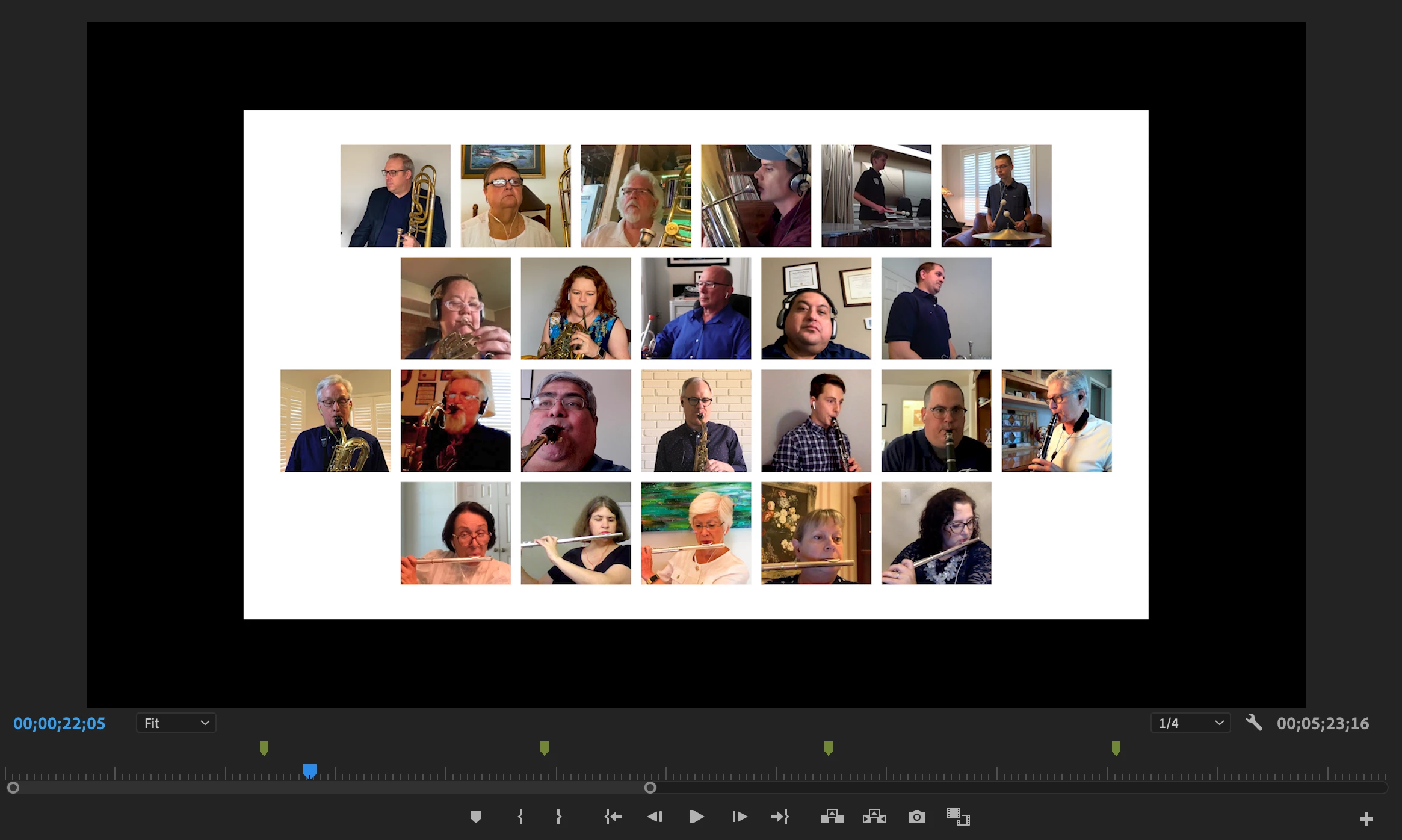
In this virtual band video, I'm trying to have this scene grow across several seconds from less than full size to full size. The growing is working like I want, thanks to an adjustment layer, but the problem is when the scene is smaller than full size (as shown in the picture at about 80%), I get black around it. I want it to be white. I have a white color matte on my bottom track, but when the adjustment layer is shrinking the scene it's creating black around my scene isntead of seeing through to the color matte. Any way to fix?
My white grid with the boxes is an Illustrator file I brought in. I guess I could make it bigger than the screen so it has lots of white on all four sides, so when I 'zoom out' there would be more image. But is there a simpler fix?
 AdChoices