
Inspiring
January 23, 2025
Answered

Background image template created with Firefly

  • January 23, 2025
  • 1 reply
  • 428 views

I work from a home office with a view of our patio and tropical garden out of the window. When I do a video that includes me talking to the camera this pic is the actual scene.
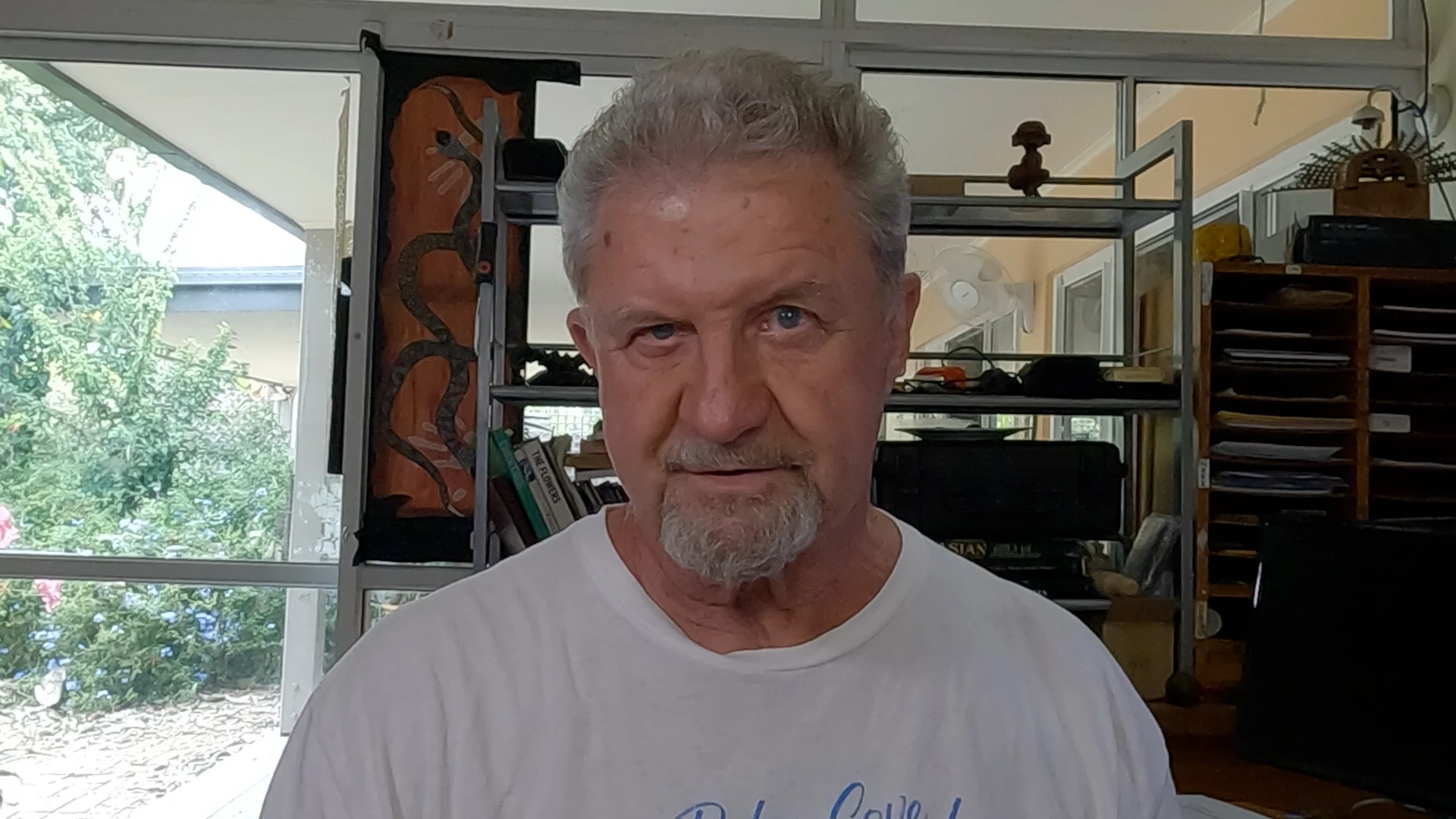
 

Recently I created a video using generative fill with Firefly that looks like this:
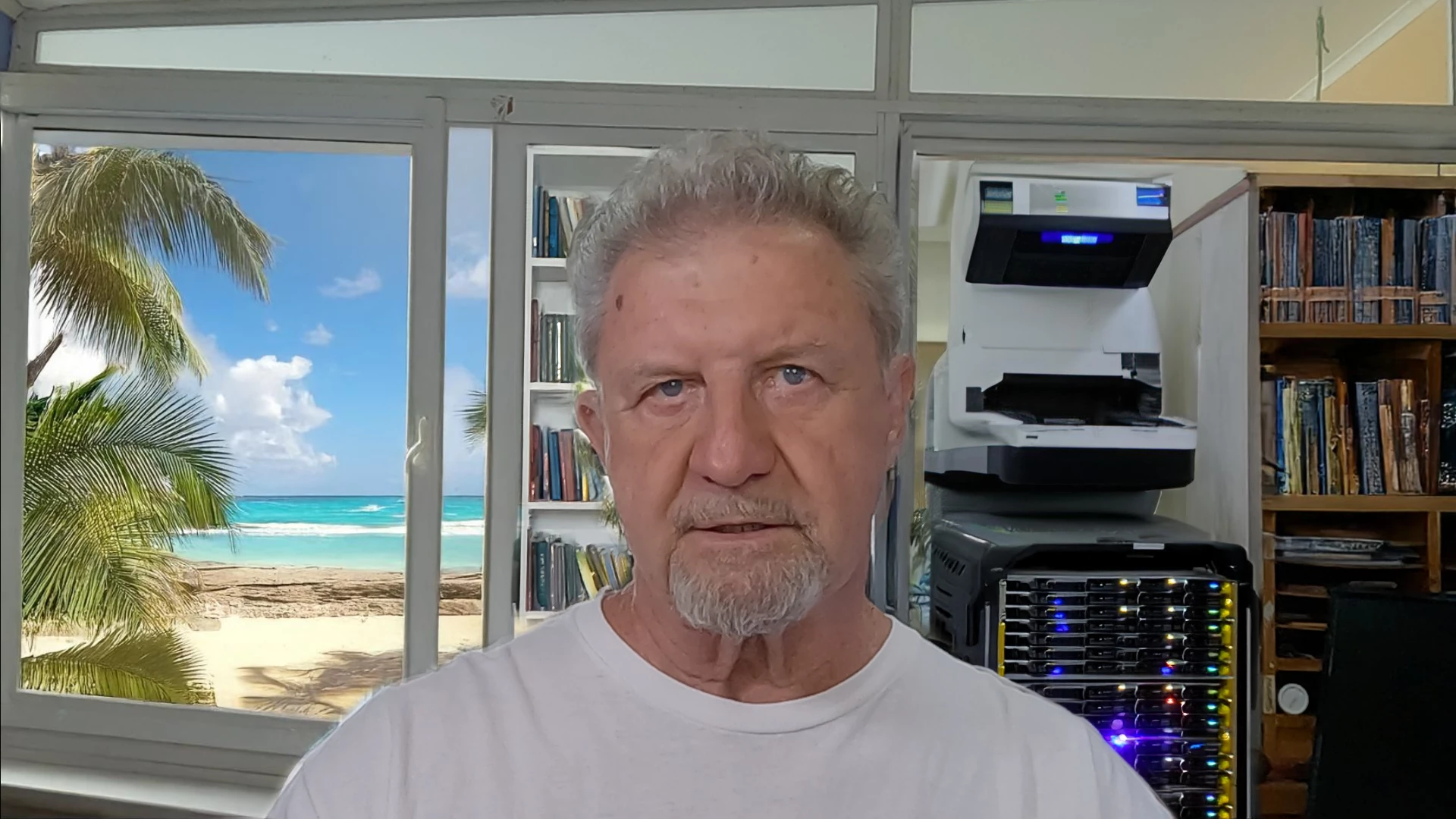
I like this background and would like to keep it for future videos but as I have to (it seems) work from a screenshot of the new video to create the background in Firefly it always looks different.  I haven't got a green screen.


Any suggestions please?

Correct answer Sumeet_Kumar_Choubey

HI JohnnyAir, 

Welcome to the community! If you don't have a clean background for compositing. I would suggest masking yourself out from that frame generated by Firefly and then using generative fill to fill in the masked-out section, creating a clean background for future videos. Does that sound like a workable solution for you?

Thanks,

Sumeet

1 reply

Sumeet_Kumar_ChoubeyCommunity ManagerCorrect answer
Community Manager
January 23, 2025

HI JohnnyAir, 

Welcome to the community! If you don't have a clean background for compositing. I would suggest masking yourself out from that frame generated by Firefly and then using generative fill to fill in the masked-out section, creating a clean background for future videos. Does that sound like a workable solution for you?

Thanks,

Sumeet

JohnnyAirAuthor
Inspiring
January 25, 2025

I'll try that Sumeet.  Thank you.