Participant
January 10, 2022
Question

Bad quality after exporting video

  • January 10, 2022
  • 2 replies
  • 456 views

Hello,

I really hope you me out here...
When I export the video I just made the quality of the video is very bad compared to the original and the edited video files.

So I made this 1 min long / short video of a Volvo truck.
It was shot with a GoPro hero 8 in 1920 x 1080, Wide, and 60 (59,97) FPS.
The same settings as I always use when shooting those kind of videos.

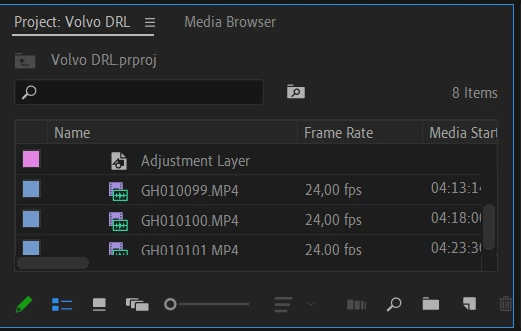
Normally I use Adobe premiere elements 15, but resently upgraded to premiere pro and try something new. So when importing the files I made then 24 FPS instead of the 60 FPS they where shot at - to make a more smooth and to give them a "slow-motion" effect. That worked fine and I got to the editing part.

When finished editing I got to export the file / video. This is where the problems started. 
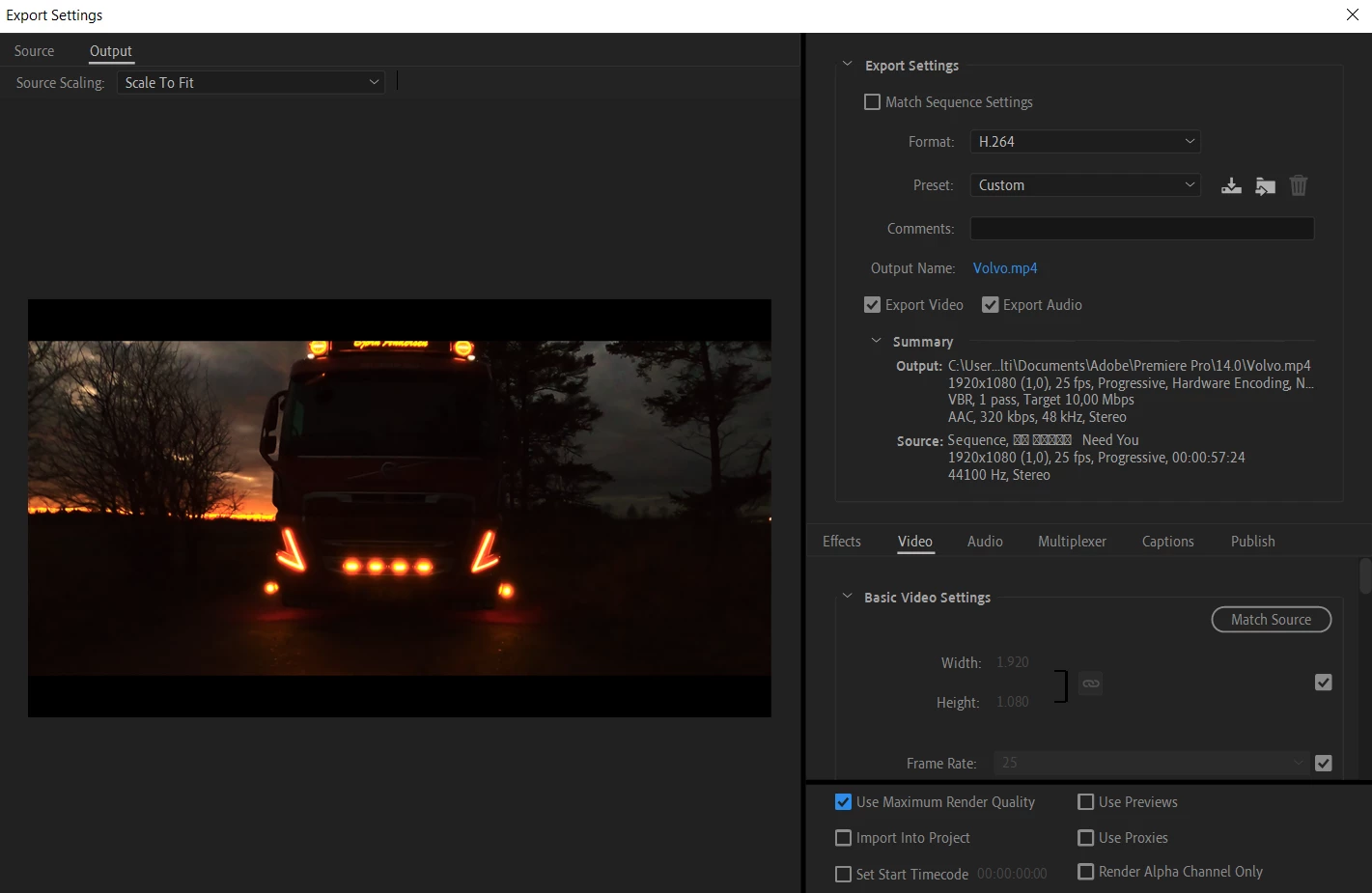
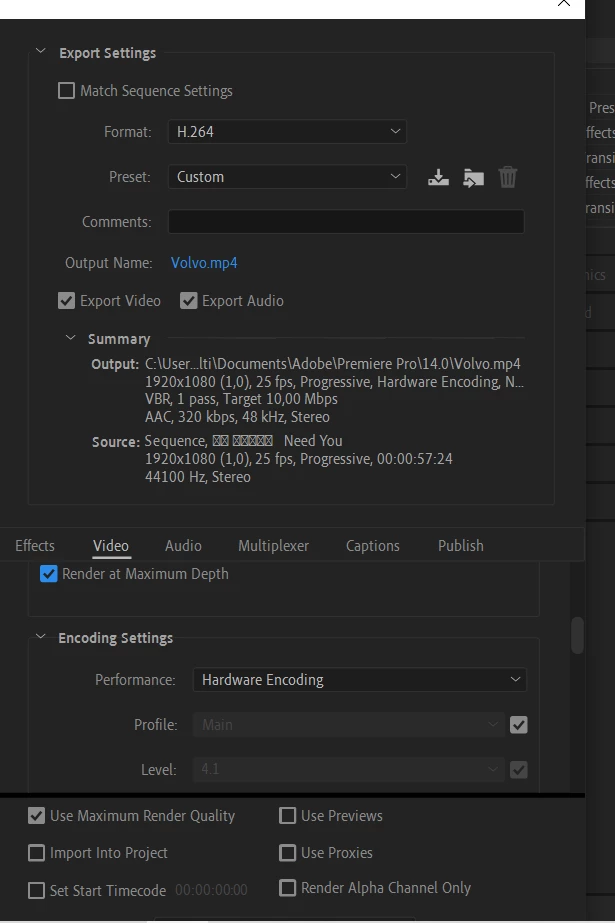
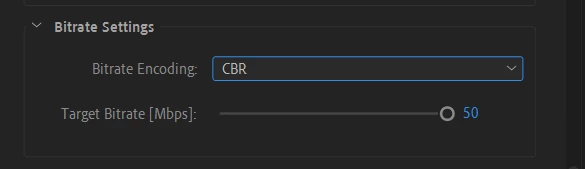
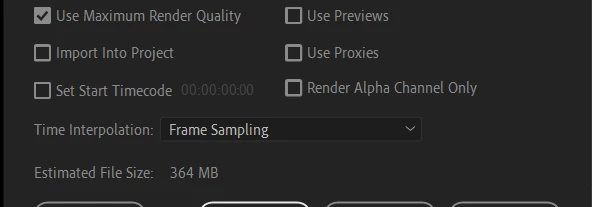
As you can see below, those are the boxes / settings I set of for the export.
I must say this I my first video making in Premiere Pro. I have watch plenty of videos online to find out, but nothing was worked for me yet.


Any chance you guys csn tell me what is wrong?

Thnak you.


This topic has been closed for replies.

2 replies

Community Expert
January 10, 2022

You talk about using 60fps footage in a 24fps sequence but your screenshots show 25fps sequence and export.

Participant
January 10, 2022

Hello Richard

Thank you for your reply.

Yes, as for the original footage, thsi is what it was imported as:

Then I went on to make it 24 FPS to make it more smooth - like this:

I see what you are talking about, the the source says 25 FPS, but how come since I have changed it right from the start?

Sorry for my lack of understanding the issue, but I have just started making videos in PP.


Community Expert
January 10, 2022

Go to your sequence settings and change the framerate to 24 and the try exporting at 24 and see what it looks like.

If it is any help if you could share via Dropbox your project and some of the footage I could make the changes for you.

Participant
January 10, 2022

Sorry for some of the spellng mistakes... I can not see how to edit the original post, so you will have to deal with then for now 🙂