ASilva
Inspiring
May 13, 2024
Answered

Basic 3D effect

  • May 13, 2024
  • 1 reply
  • 1827 views

Hi there i have a question about the the basic 3d effect on premiere pro.


I am doing a lyric video for a course assinment and i managed to apply the effect i want to a word but now i want to apply the same effect on a diferent word in another ver and for some reason the effec is not apply the same way the 1st time.


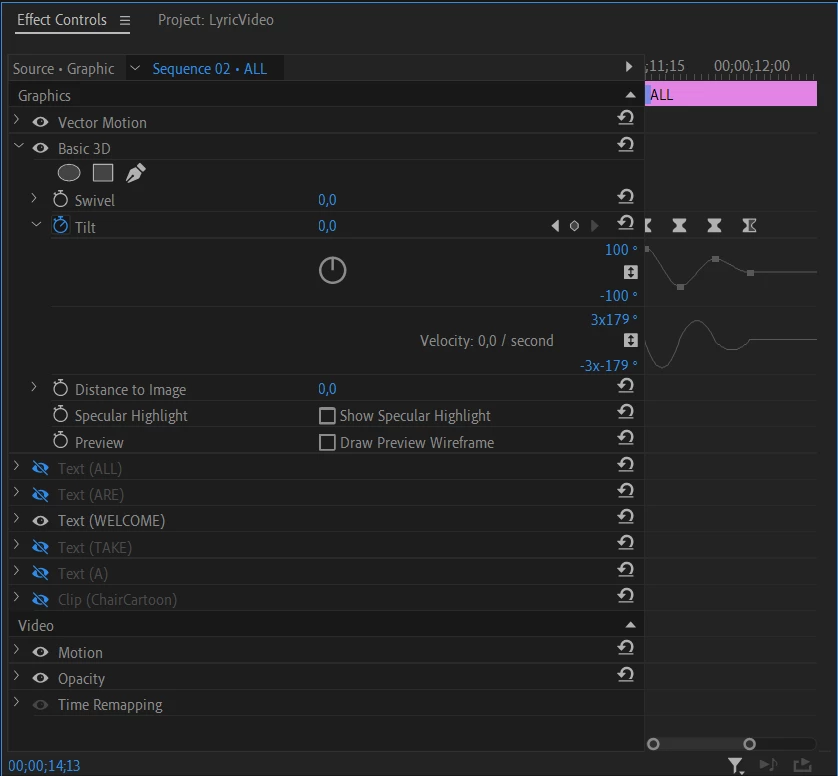
So to better explain the effect i am talking about is the effect on the "welcome" word:



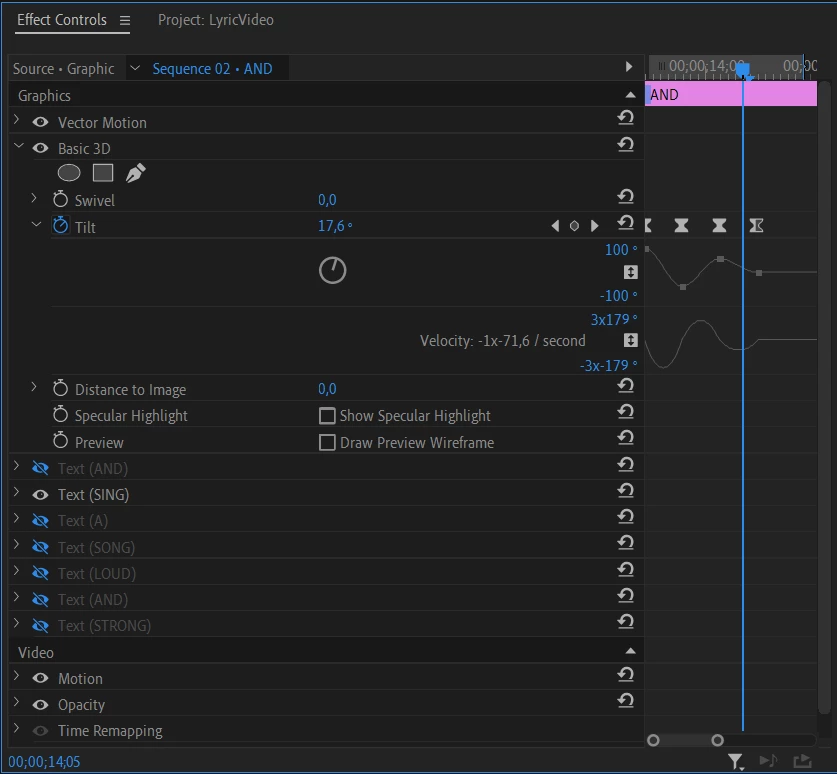
and i wanted to replicate the effect for the "sing" word, and as you can see it is not being replicated, even tough i copy pasted the effect from one word to another.



Am i doing something wrong ??


Regards

ASilva
This topic has been closed for replies.
Correct answer ASilva

Is this what you wanted ??


"Welcome" word


"Sing" Word


Well damn i am a bit dumb and blind it took me hours of searching the net just to realise that the essencials graphics panel also has a section to change the anchor point, how the heck did i not see that till now


Anyhow for future reference the fix for this is just to mess with the anchor point in the essencial graphics pannel and not on the effects control pannel.

1 reply

Ann Bens
Community Expert
Community Expert
May 13, 2024

Your screen recording is quite small, difficult to see what is going on.

Try rendering.

ASilva
ASilvaAuthor
Inspiring
May 13, 2024

Ok i think i did what you asked, i edited the post.

Ann Bens
Community Expert
Community Expert
May 13, 2024

Post screenshot to entire UI with effect controls with 3D selected x2.