Bizarre Clip Imprinting Issue in Premiere Pro
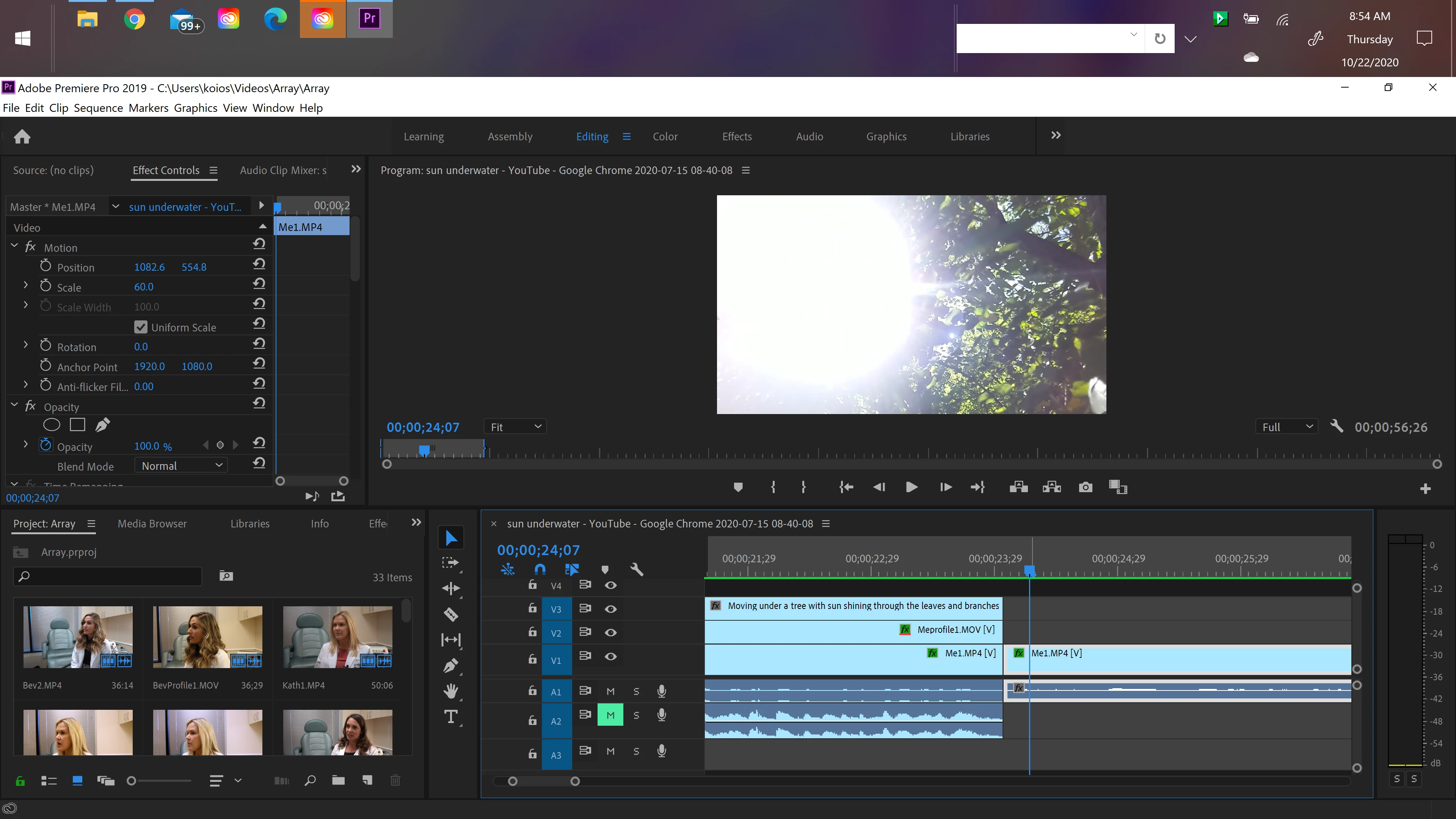
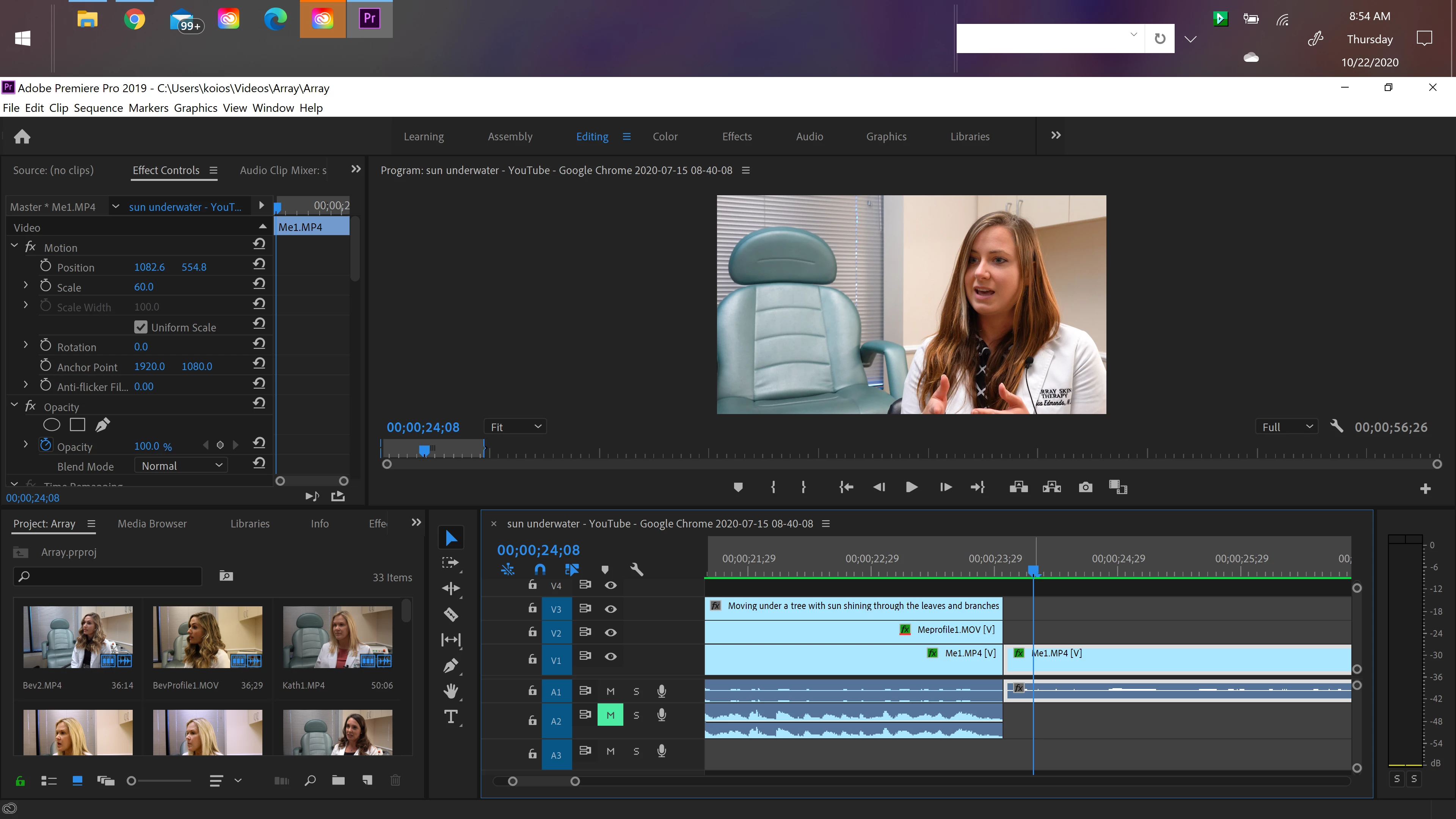
This has happened multiple times now on this project. A frame from another clip pops up out of nowhere as if it is now sewn into a clip that it does not belong in. The clip it belongs to plays immediately prior on V3. I believe at one point, I had this clip residing above the V1 clip of me talking. There is no 1-frame clip from the sun/trees anywhere to be deleted. It's as if that frame IMPRINTED itself onto the clip of me talking. The pictures show you the frame before, the frame itself, and the frame after. I've rendered in to out to be sure it's playing smoothly. I quit the program without saving, updated Premiere Pro, and opened the project in the updated version, but the problem continues. I also tried cutting the frame out and extending the original video to see if that solved the issue, but it did not. When I cut the video of me talking it disappears, but when I extend it back out, it's right there again. It's as if it's embedded now. This is very bizarre, and I am curious if anyone else has had this happen. I'm wondering if it was a rendering error. Thoughts? This is so bizarre! Any help with this would be greatly appreciated!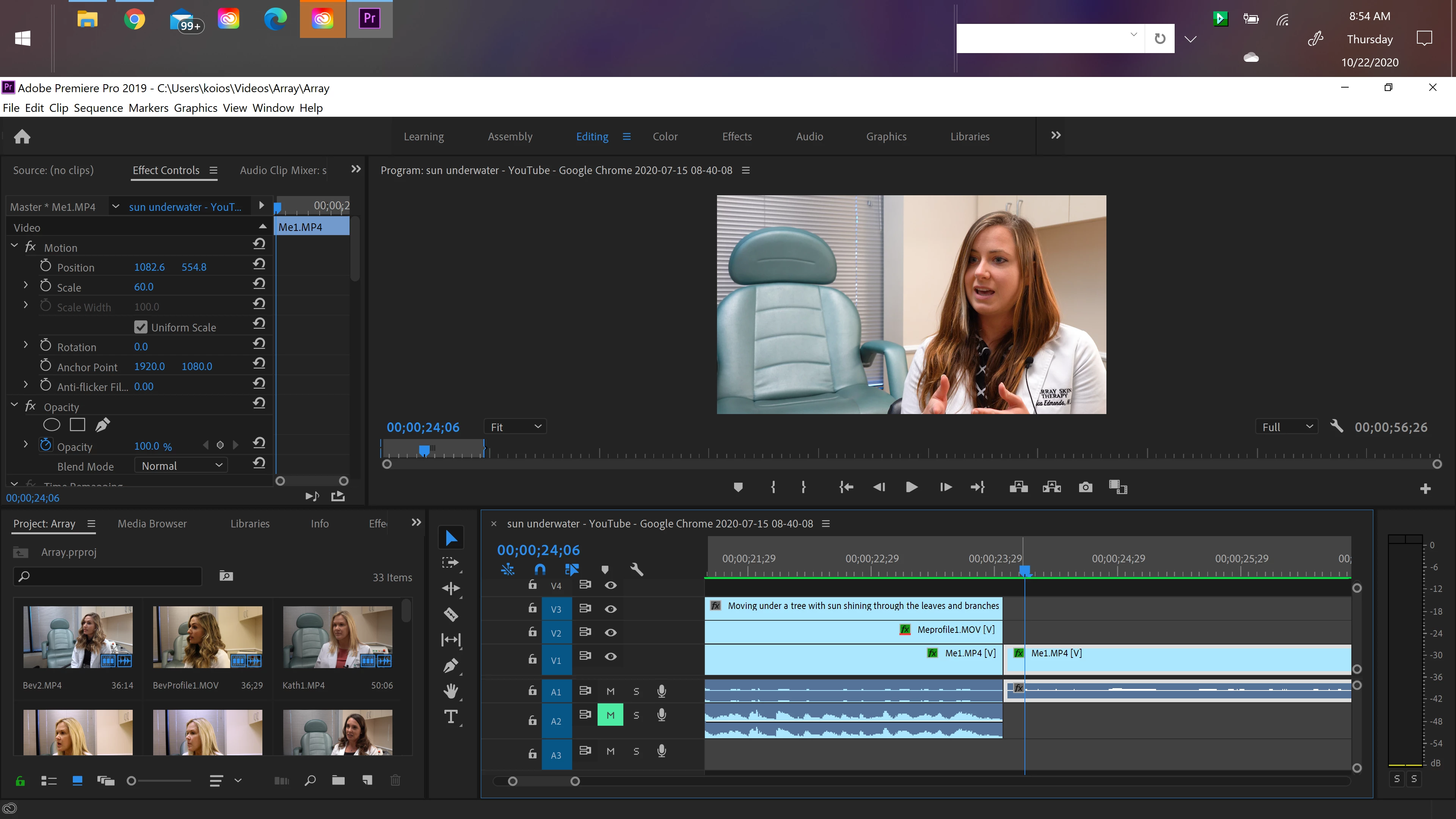
 AdChoices