

Brena Andrews
Participant
October 17, 2019
Question

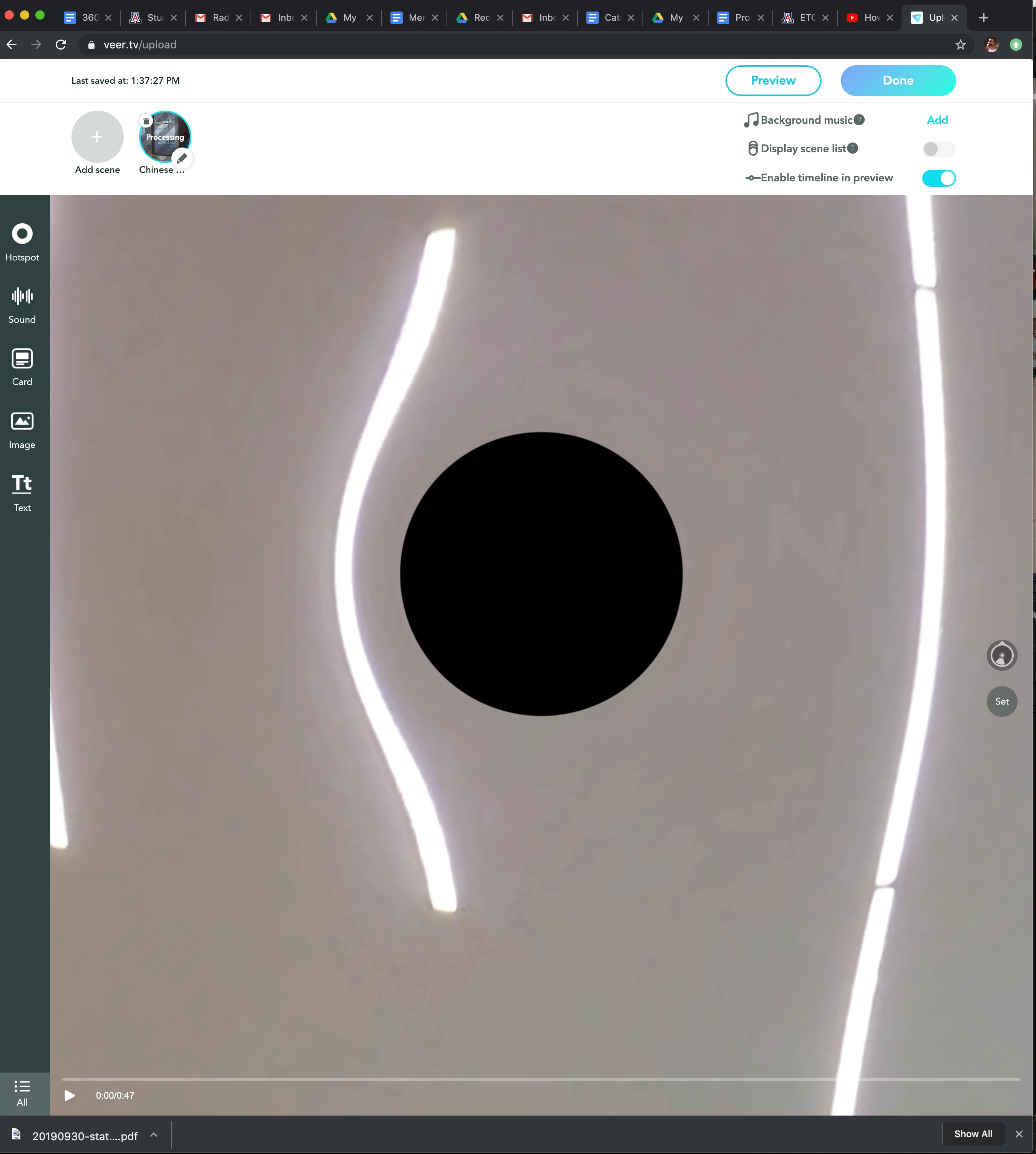
Black hole when exporting 360 videos from Adobe Premiere

  • October 17, 2019
  • 2 replies
  • 2345 views

Can someone help me figure out how to fix this issue! Whenever I export an immersive video project from Adobe premiere, I have noticed what looks like a black hole on the top and bottom of the video such as you can see in the image. Does anyone know why this happens and how I can fix it? Thank you!
This topic has been closed for replies.

2 replies

Participant
April 10, 2020

UPDATE: In Export Settings I needed to click Match Source under Video > Basic Video Settings.  Amateur oversight on my part.


This is happening to me as well; did you figurw out the problem?  My VR video is stitched perfectly coming out of GoPro Studio and appears that way after importing into Pr and viewing in Source Monitor.

Participant
June 22, 2023

just came to say that this comment ABSOLUTELY SAVED ME, thank you so much!!!


did the stitching for my video in after effects, but had to add the sound in premiere because it was ambisonics, and every single time i tried exporting the video it had these weird holes and i couldn't figure out why


thanks!!

Participating Frequently
October 18, 2019

Make sure the stitching is well done from your camera or stitching software also

You can use GoPro VR Layers: to insert a logo, or you can clone the hole in after effects,