


Answered
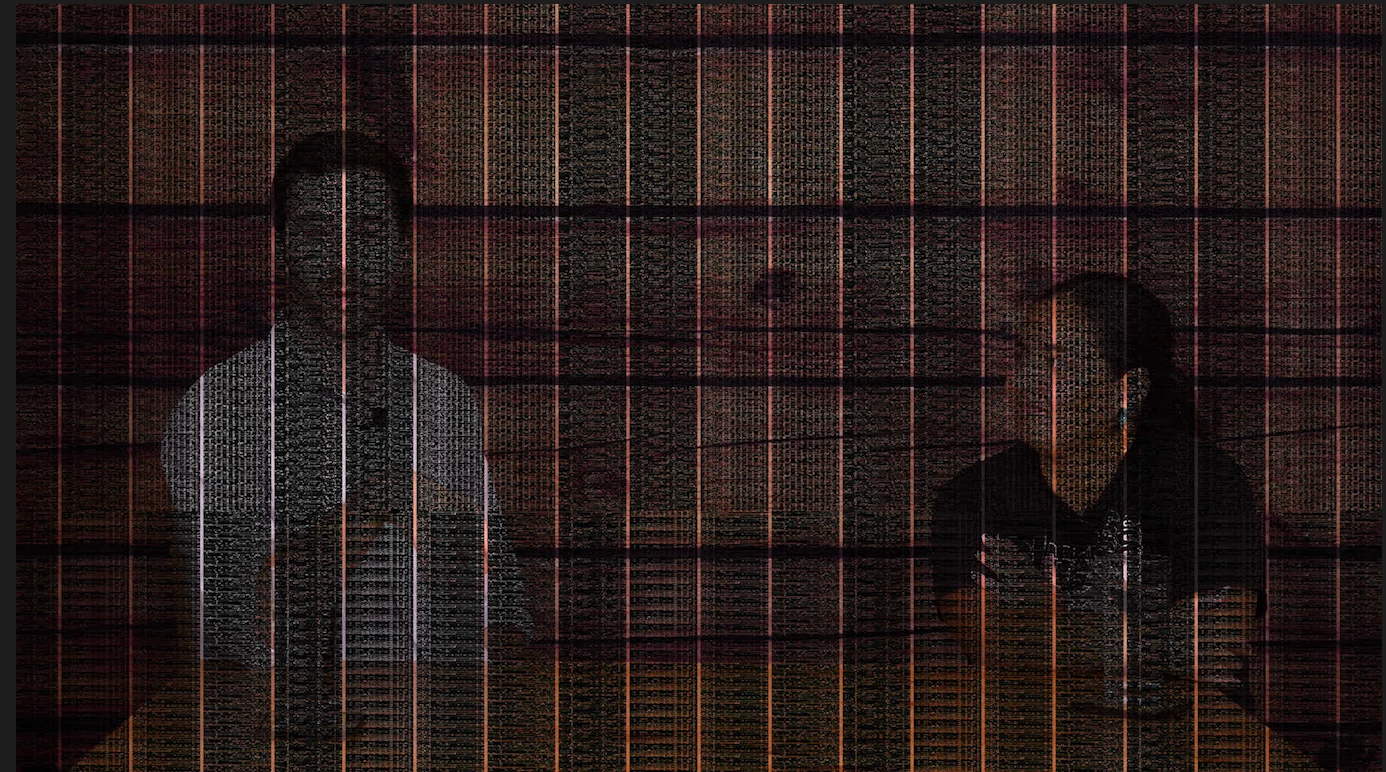
Black Mesh/Lines Over Video Footage issues in Premiere Pro (Not Licensed Footage)
Hi Adobe Community,
I’m seeing a black mesh or grid overlay on my video footage in Premiere Pro. This is my own footage (not stock or licensed) and it plays fine outside Premiere, so the file isn’t corrupted.
What I’ve Tried:
- Switched to Mercury Playback Engine Software Only.
- Re-imported the footage and cleared Media Cache.
- Checked sequence settings and ensured no effects or overlays are applied.
- Created a new project to test.
my laptop details:
2.3 ghz 8 core inter core i9.
AMD radeon pro 5500m 4GB/intel UHD graphics 630
Any ideas on what could be causing this? Thanks!

 AdChoices