Blackmagic Intensity Pro 4K - Capture Issue with Premiere Pro CC 2022
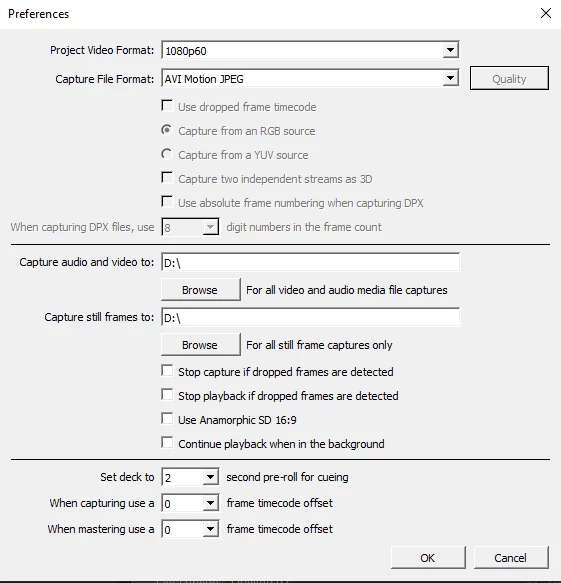
No video / blank frame in capture window of adobe premiere pro cc 2022 but able to capture in Blackmagic Media Express Version 3.7, Input SDI 1080 60p, Capture format Black magic MJPEG
System configuration I am using :
Processor 12th Gen Intel(R) Core(TM) i5-12400 2.50 GHz
Installed RAM 16.0 GB (15.7 GB usable)
System type 64-bit operating system Windows 10 Pro, x64-based processor
Asus Prime B660M-A D4 Motherboard with Onboard Graphics Intel (R) UHD Graphics 730
WD Blue 1 TB SN570 | NVMe M.2 SSD Storage
Corsair CV650 Power supply
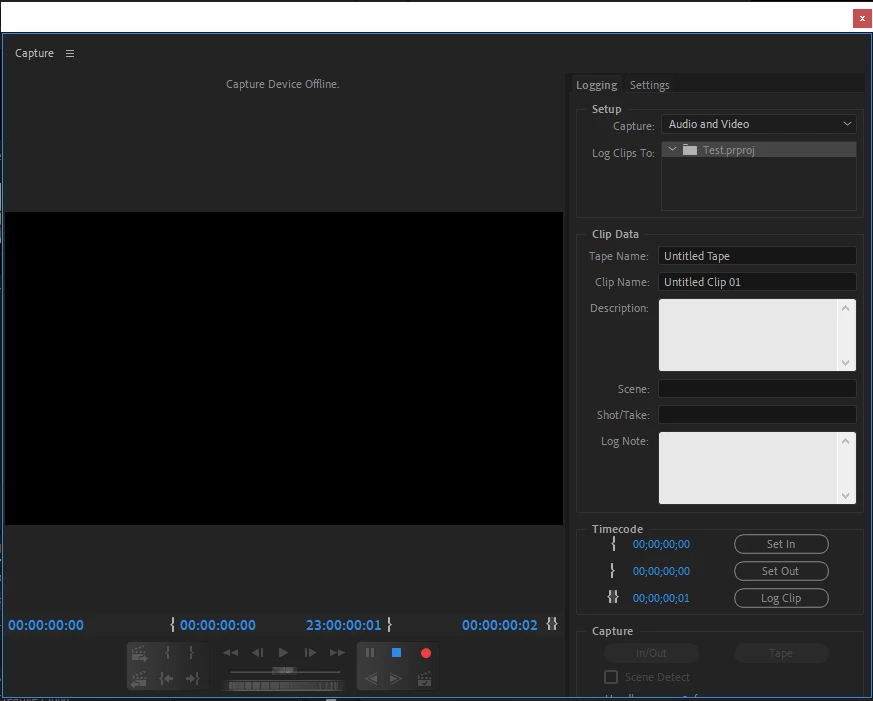
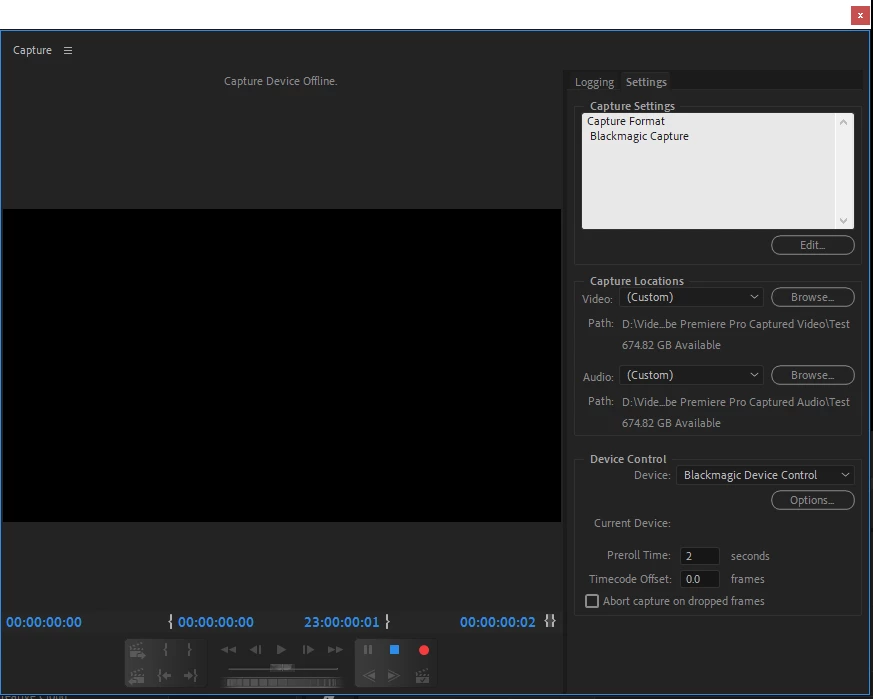
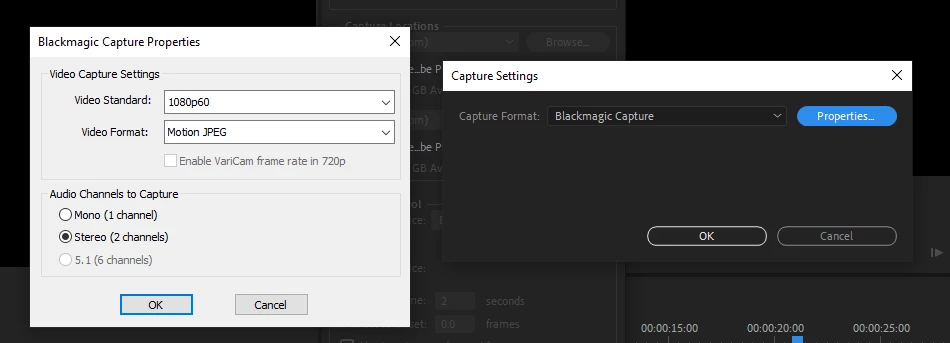
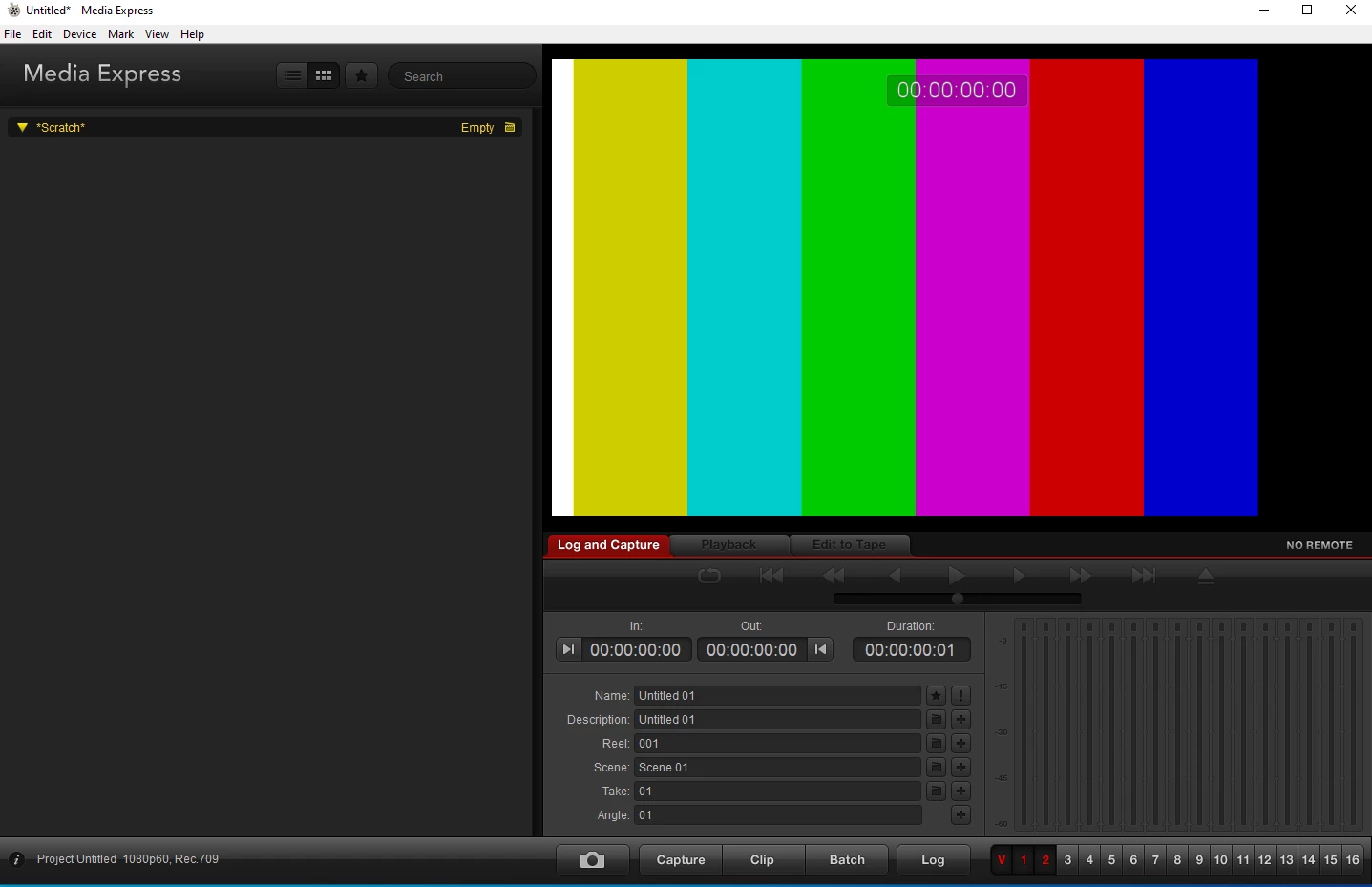
I have attached screenshots for your reference,
Image 1 - Premiere Pro capture window,
Image 2 - Premiere Pro capture window with Blackmagic Capture option selected,
Image 3 - Blackmagic Capture Properties,
Image 4 - Media Express Capture window,
Image 5 - Preferences
I am looking for the solution.
 AdChoices