
Meysta
Participating Frequently
February 4, 2018
Question

Blank screen on opening Adobe Premiere Pro

  • February 4, 2018
  • 3 replies
  • 7153 views

Hey

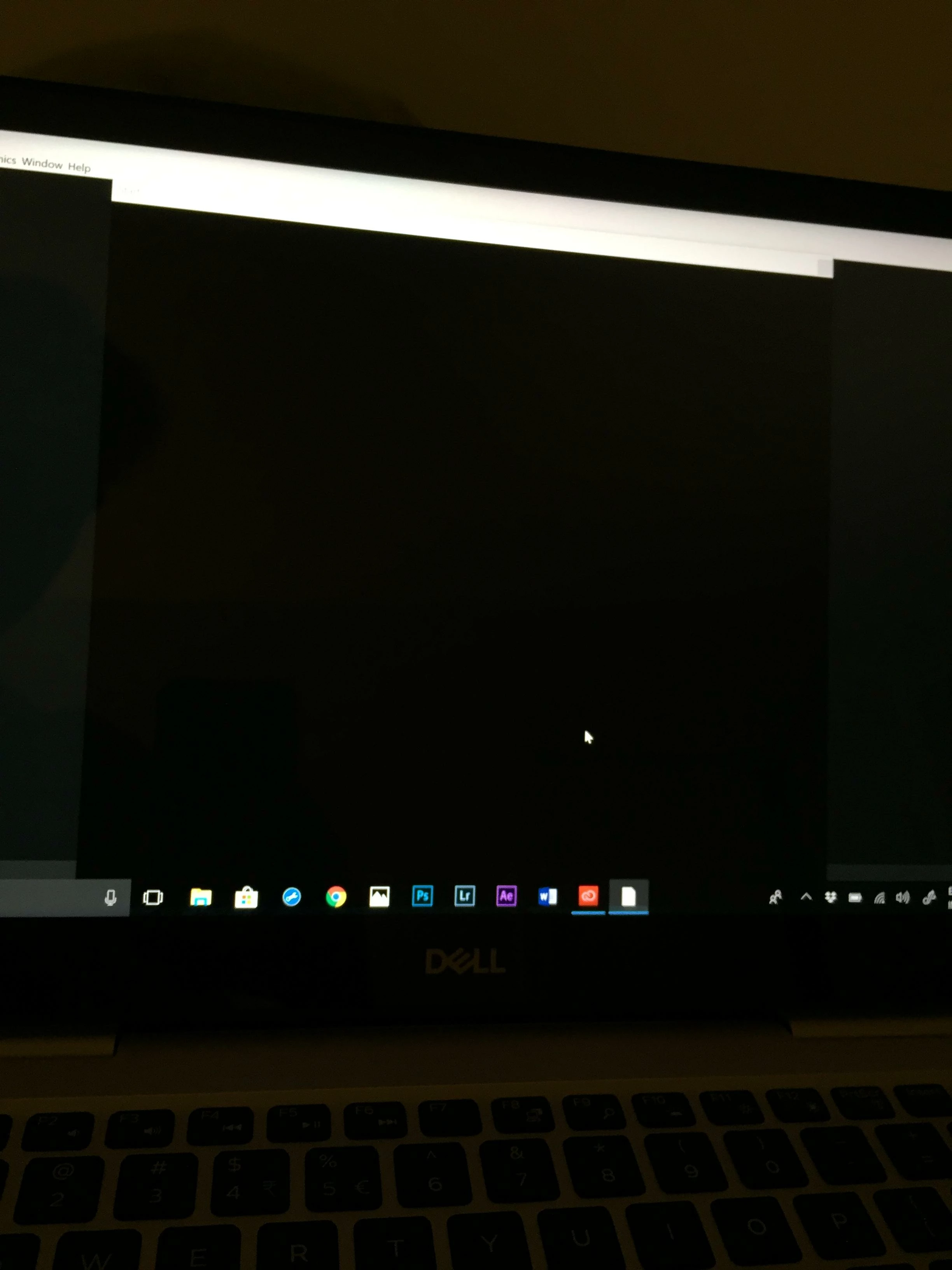
Every time I open the Premiere Pro application it simply comes up with a blank black screen. It has a large square box with an inactive start button at the top left and an inactive exit button at the top right (inactive as in when I click it nothing happens) I've paid a lot of money to use this program and would love to start making videos and not simply just have a blank black screen. Help would be great thanks.

kind regards
[title edited by mod]

This topic has been closed for replies.

3 replies

Peru Bob
Community Expert
Community Expert
February 4, 2018

If Ann's suggestion doesn't work, try resetting the preferences:

FAQ: How to reset preferences in Premiere Pro?

If that doesn't work, try updating or rolling back your video driver directly from the card manufacturer's site.

Ann Bens
Community Expert
Community Expert
February 4, 2018

Window/Workspace/Reset to saved layout: hit that a couple of times.

milesp85785077
Participant
December 20, 2021

I'm having this same problem, I just installed Premiere but the option for Reset to Saved layout is not clickable. 

Had the same problem with Photoshop but was able to fix it there 


kglad
Community Expert
Community Expert
February 4, 2018