

Blue glitch in Program monitor when editing properties of Key
Context
I have a simple project with a single sequence that has two populated video tracks. One clip duplicated onto two tracks.Video clips are both 1080p and 24 frames per second (shot at 240 10x slow-motion on a Fuji X-H2).
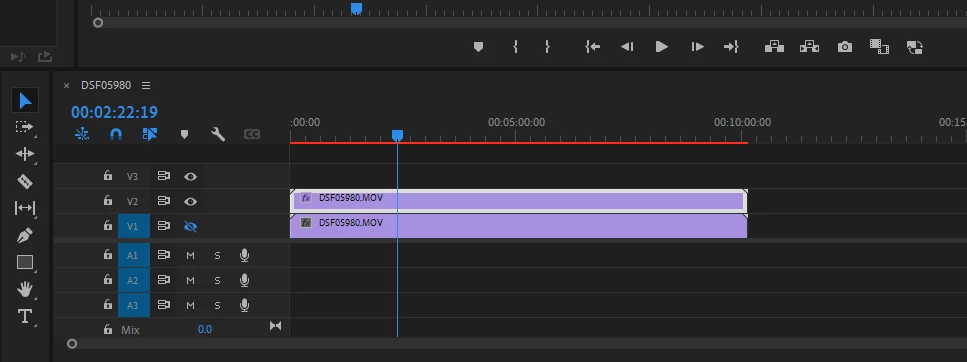
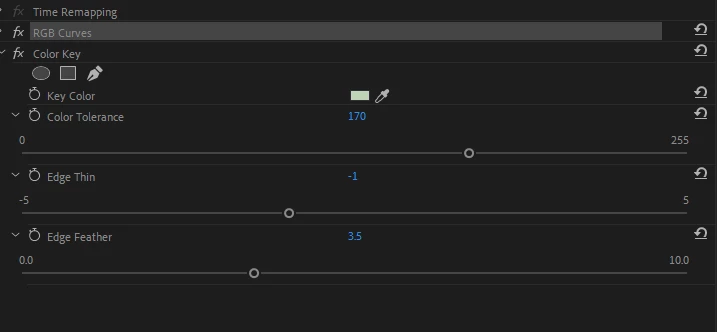
The top track has two effects which I have added. One RGB Curves and one Color Key in that order.
Problem
With the above project, when I do any of the following:
- advance frames in the Program Monitor (single frame or played with the play button)
- Edit any properties of the Effects
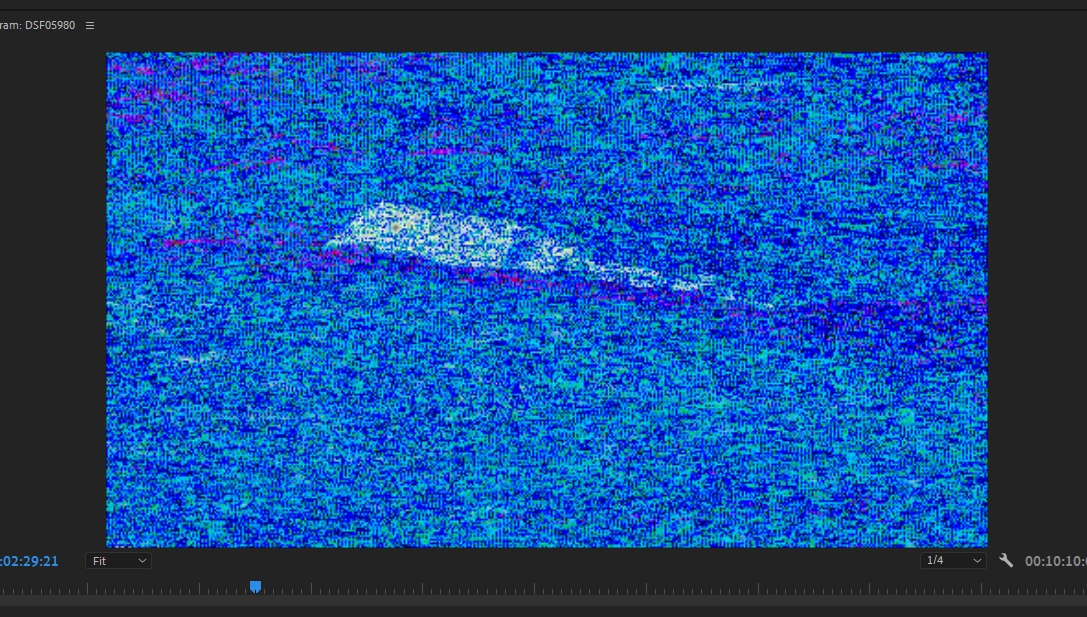
I get this result:
The Program Monitor glitches and shows a display of blue random boxes.
Before activating
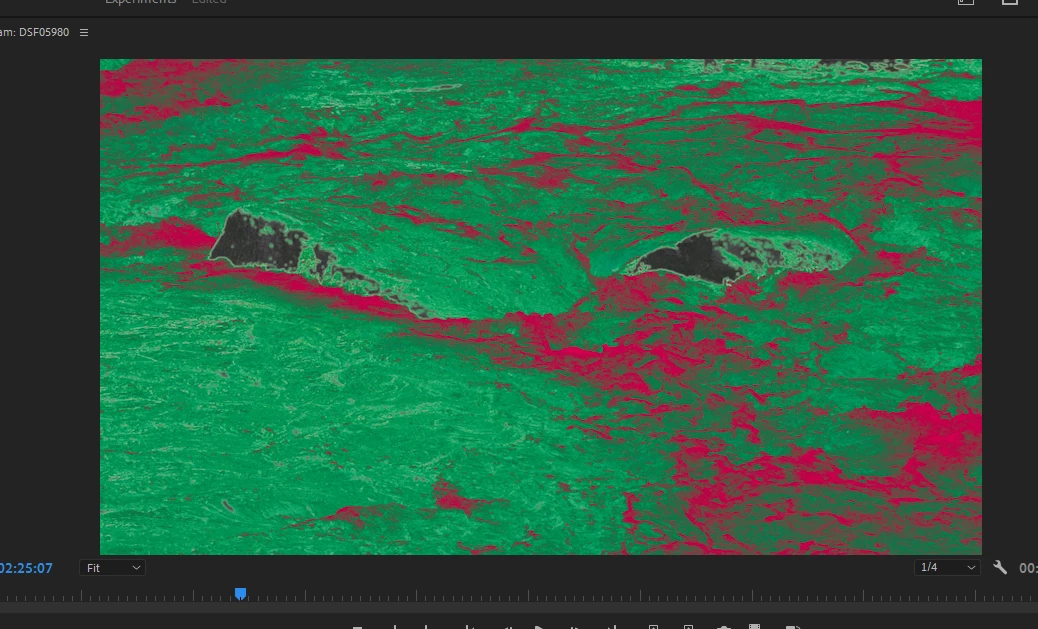
After activating
Additional Info
It's probably at least a little difficult to see my issue fully here because the before image is not a typical scene. It is supposed to be a high contrast green and red scene. The blue boxes are the culprit I am trying to eliminate.
This is what I have tried in attempt to remedy this issue
- Verified that the system was getting sufficient RAM. 52GB of the total system 64GB
- I looked for, but could not find, any other controls to maximize/optimize system resources
- I tried a Luma Key instead of a color key with the same results
- I tried exporting the project, which does result in the correct/expected results without the blue glitch, but this is not a sufficient workflow for tweaking Key properties
I can post other system specs if that would be helpful. I assumed this would be sufficient resources but I am a novice to video editing so I could be wildly wrong.
 AdChoices