
Participating Frequently
June 15, 2018
Answered

Blue tint on RAW footage export from Premiere Pro

  • June 15, 2018
  • 2 replies
  • 4497 views

Hi everyone,

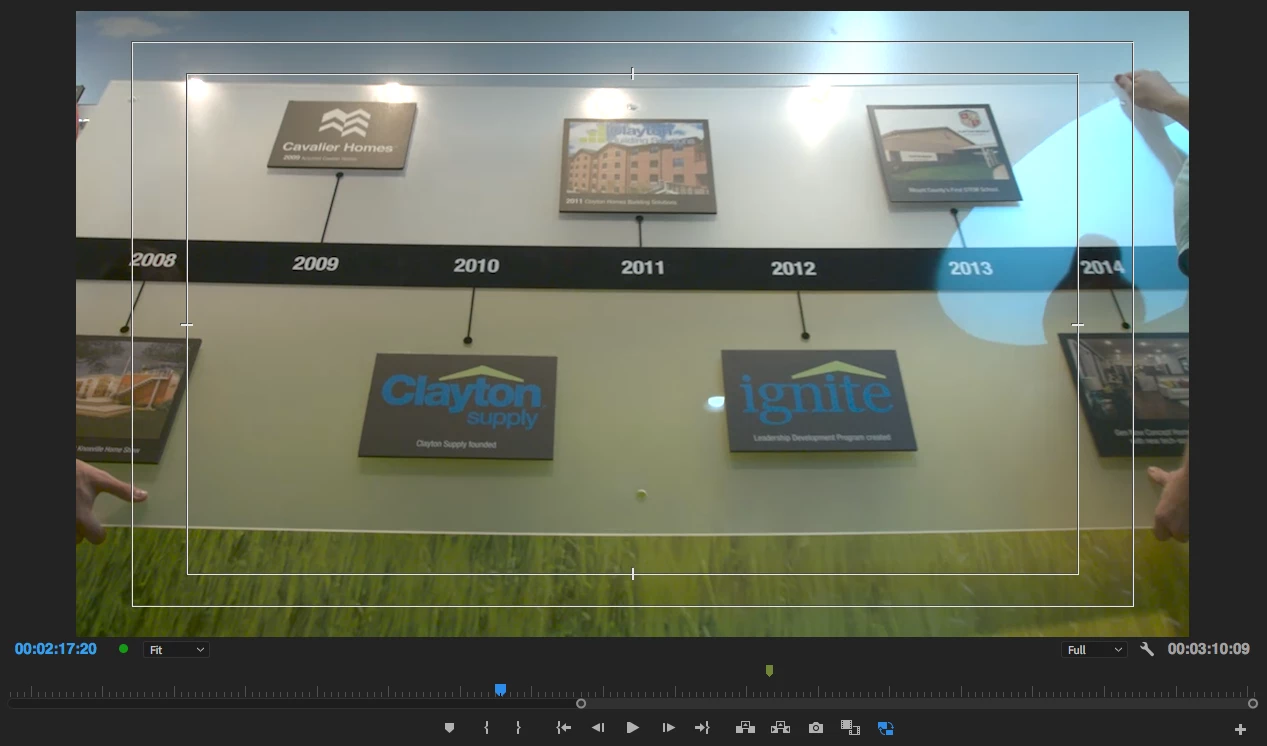
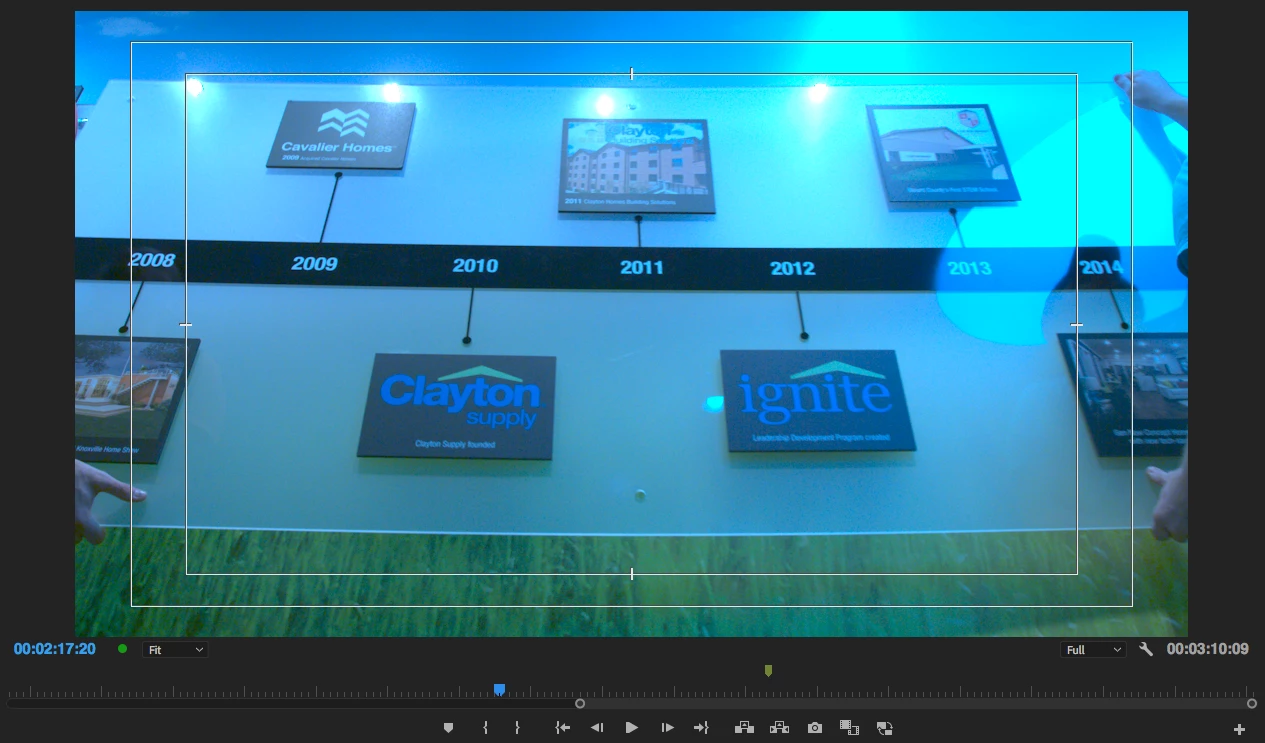
I recently shot a project using the Blackmagic URSA Mini Pro 4.6k. I shot all RAW 4.6k, so I have DNG image sequences as my source footage. My project is setup with an auto ingest setting that automatically created low res proxies for editing. Whenever I export a sequence, I'm getting a heavy blue cast on several clips. It's not always consistent on which ones, but it's happening nearly every time.

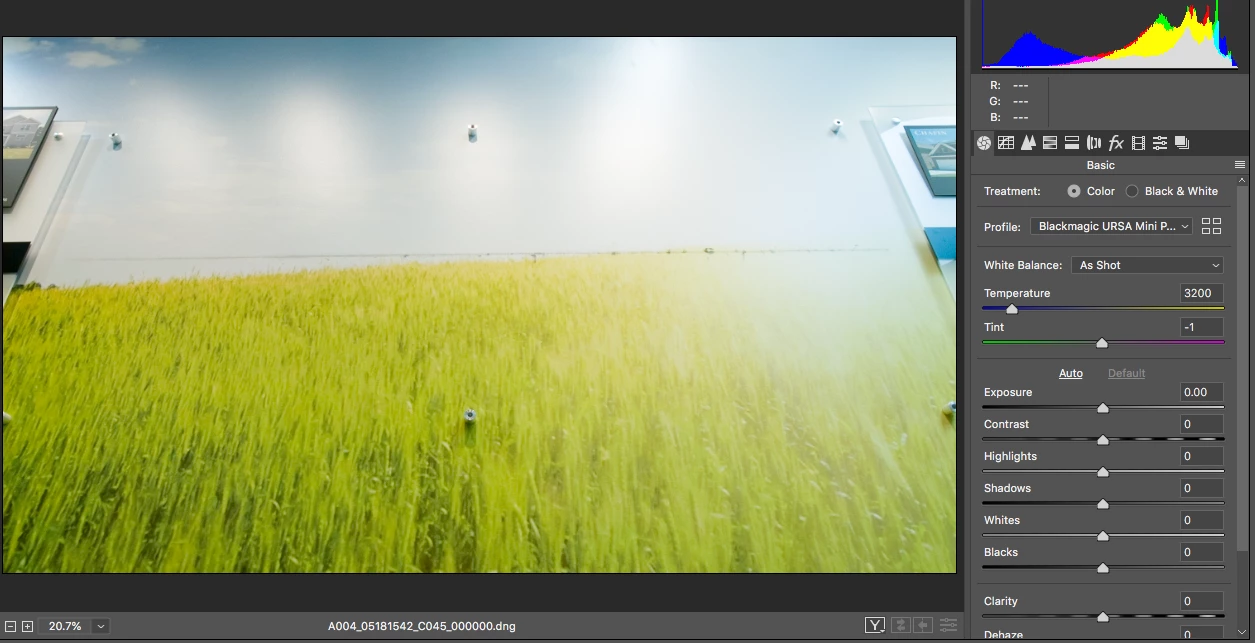
I've checked the metadata of these clips, and they were shot in the correct white balance, so I know that's not the issue. Also strange is that when I look at one of the DNG files in Photoshop, it looks correct. It only appears wrong in Premiere Pro/Media Encoder. Also, the proxy doesn't have the blue cast, only the RAW file.

This is really a strange one, and I appreciate any insight you can provide. Let me know if additional screenshots or info can help.
    This topic has been closed for replies.
    Correct answer R Neil Haugen

    Thanks, Neil, but it's not a WB issue. It's set correctly and has no effect on this tint that I'm seeing.


    Unless you've checked to see if PrPro is applying Master Clip settings, you won't have a clue if it's doing something in the "import" look at the clip. PrPro may very well not be seeing this correctly, and when it does odd things, it does ... odd ... things. The current support of RAW/CinemaDNG is somewhat less than ideal.

    Does it seem strange? Yup, could be strange ... but that doesn't mean it's not worth the ten seconds to check and hopefully check off the list of potential issues.

    Neil

    2 replies

    Participant
    December 8, 2023

    Hi.. open the dng folder and delete the first frame of each video with blue filter. It worked for me..

    Legend
    June 15, 2018
    Participating Frequently
    June 15, 2018

    Thanks, Jim. That doesn't seem to quite answer my question other than to say that working with the format in Premiere Pro isn't officially supported.

    Seems like there should still be an explanation or fix as to why I'm having this issue.

    If not, guess I'll have to export an EDL and work in Resolve instead.

    Legend
    June 15, 2018

    The media actually is officially supported.  But it's done so poorly and incorrectly that practically speaking, CinemaDNG is completely unusable in Adobe software.

    Export that EDL.