
Brand New MacBook Pro and now Premiere Refuses to Export
MacBook Pro
Chip: Apple M1 Pro
Ventura 13.1 (22C65)
Adobe Premiere Pro v23.0.1 (Build 86)
I received a brand new MacBook Pro from my employer and after I migrated all my data, I updated all the apps that I use. My issue is that when using Premiere, and I attempt to export media, nothing happens. It simply won't do anything.
If I select the export media option from the drop down menu, nothing happens at all except that the "export" tab in the display will illuminate but the view doesn't change. If I click the "export" tab, the page goes to a black screen with a spinning wheel (see attached screen shot) and never resolves but the app doesn't crash or anything, it just doesn't seem to be initiating the export.
My troubleshooting attempts have been to uninstall premiere and install it again (two different times), to no avail. I also updated to the newest OS (Ventura) and had no change. As a test, I created a new Premiere project, saved to my desktop, and generated bars and tone. I tried to export that and had the same result. My current workaround is to import the Premiere project into AE and use that to output media.
Please help me figure this out!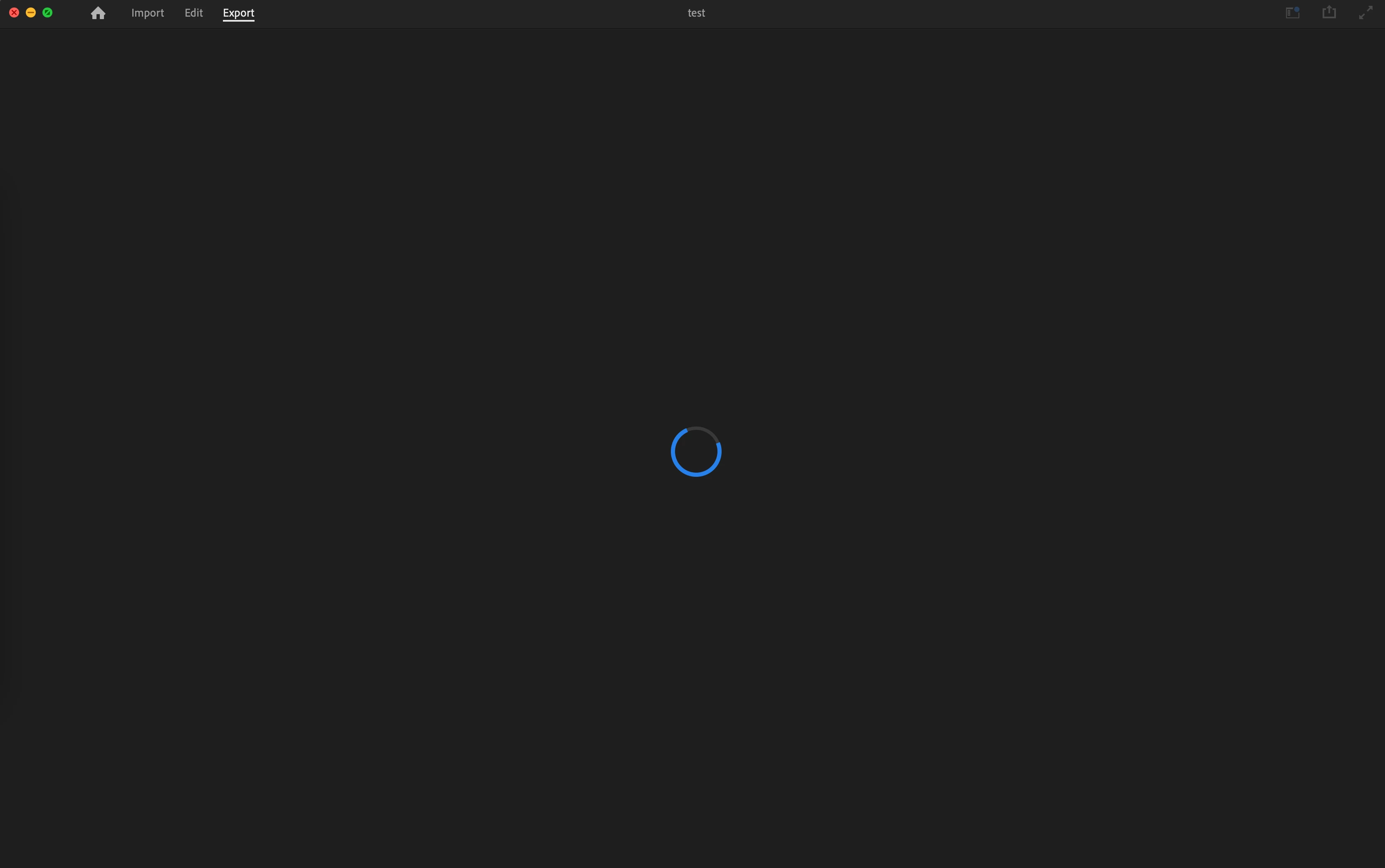
 AdChoices