


(BUG) oversaturated colors - S-log3/S-Gamut3 not displaying right at start-up
Hi there,
I have this wierd problem that's been going on for a very long time in both Premiere 24 and 25.
We shoot on FX-6 in S-log3/S-Gamut3 and use the "override Media Color Space" function set to Rec. 709.
We then apply a creative lut on an adjustment layer (SGamut3CineSLog3_To_LC-709) and everything looks good.....UNTIL I open the project again, and then it looks very oversaturated.
I suppose it is a bug, because as soon as I change a setting in Lumetri (on the CLIP!, not adjustment layer) everything looks normal again.
I've attached a video example.
I thought maybe this has to do with cache, so i've deleted ALL cache multiple times, but it does'nt fix it.
It's OK if you have one clip, but the problem is, we have to do it on ALL clips, otherwise is looks like that while editing, and even on exports (both premiere and media encoder). So we waste so much time..
Any suggestions?
Let me know, if I left out important details.
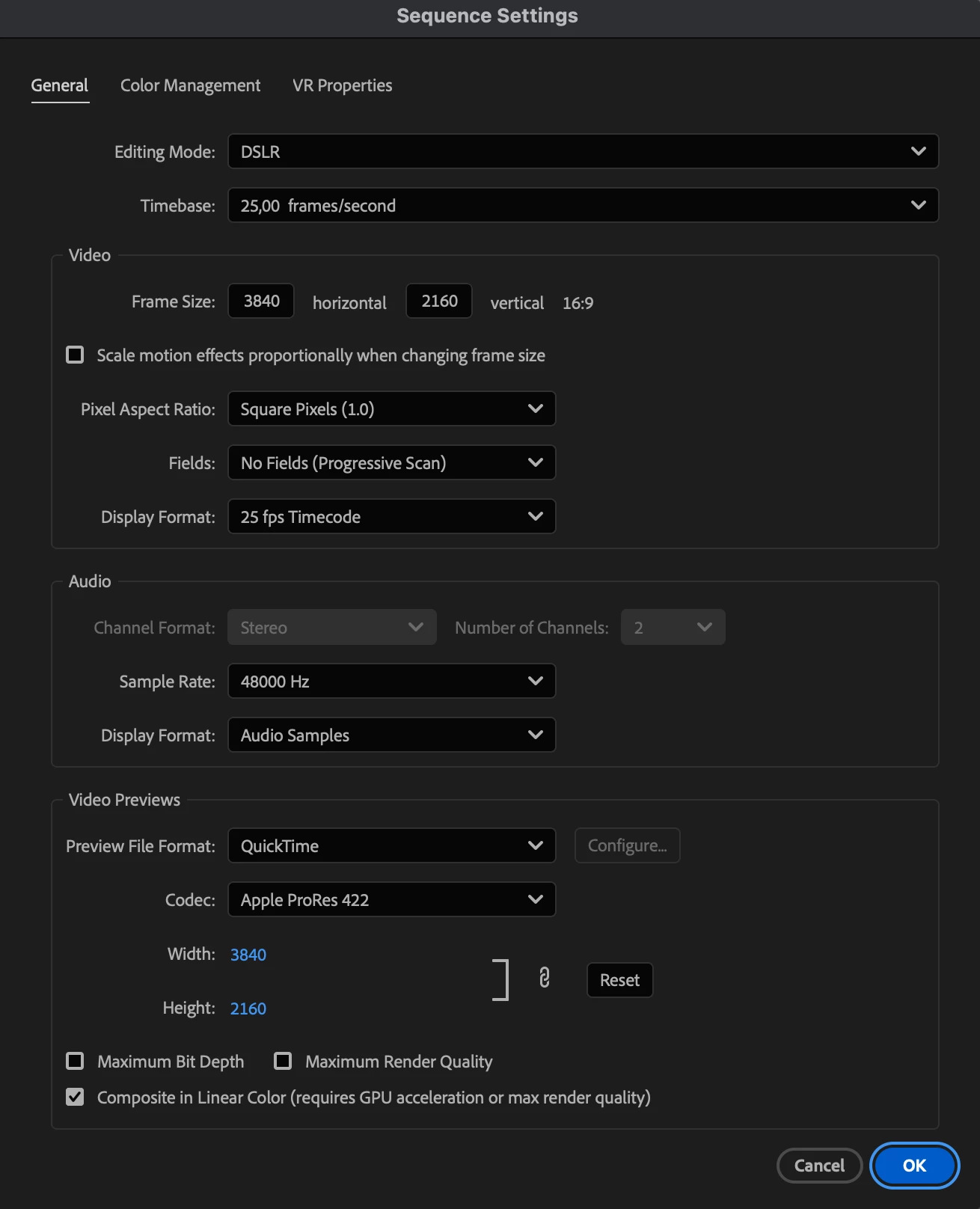
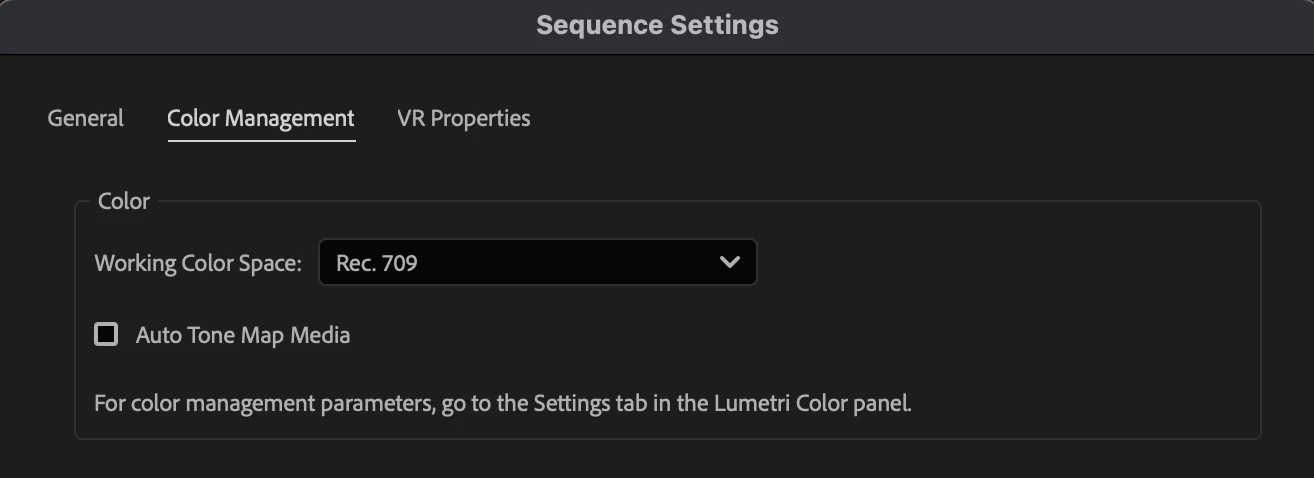
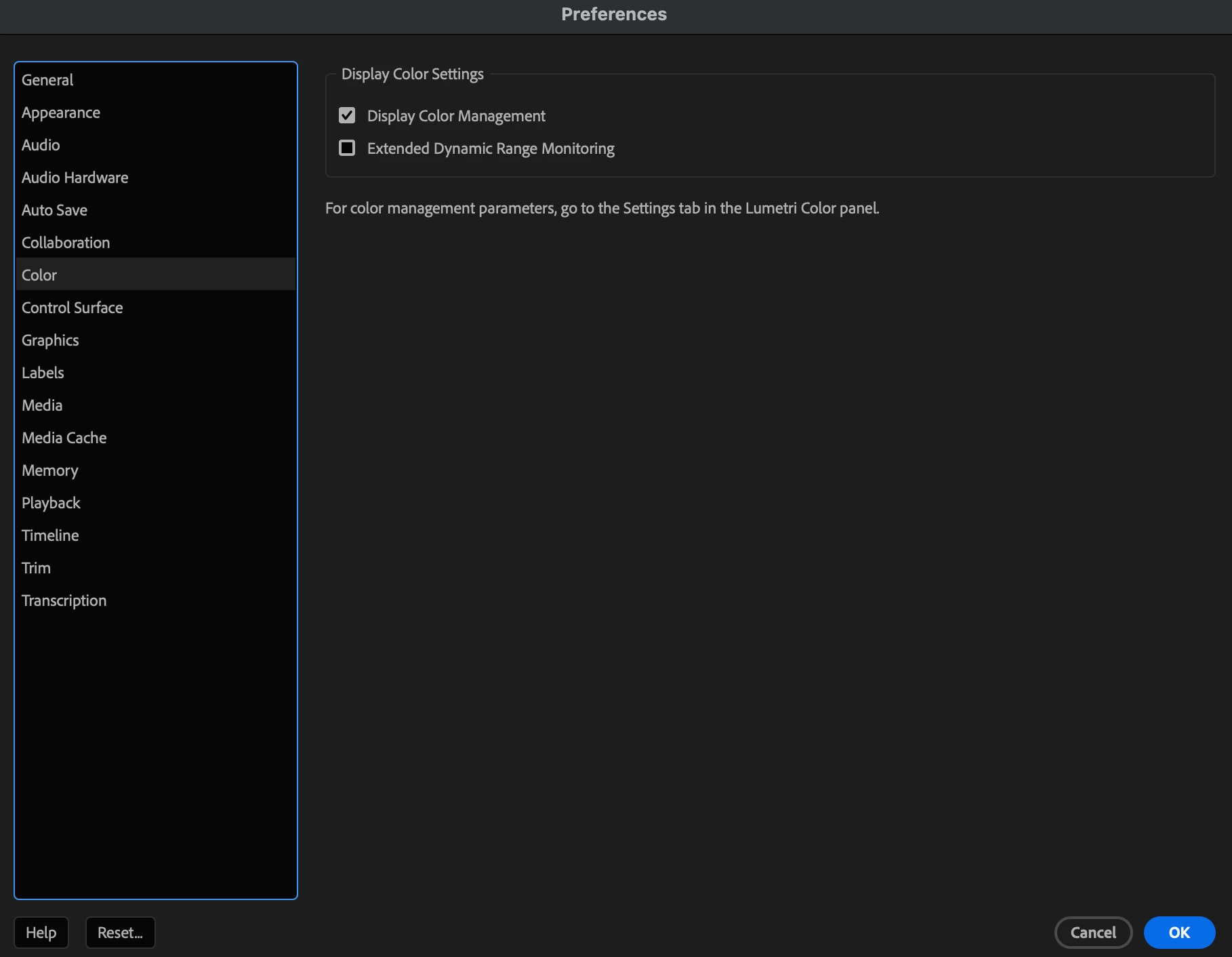
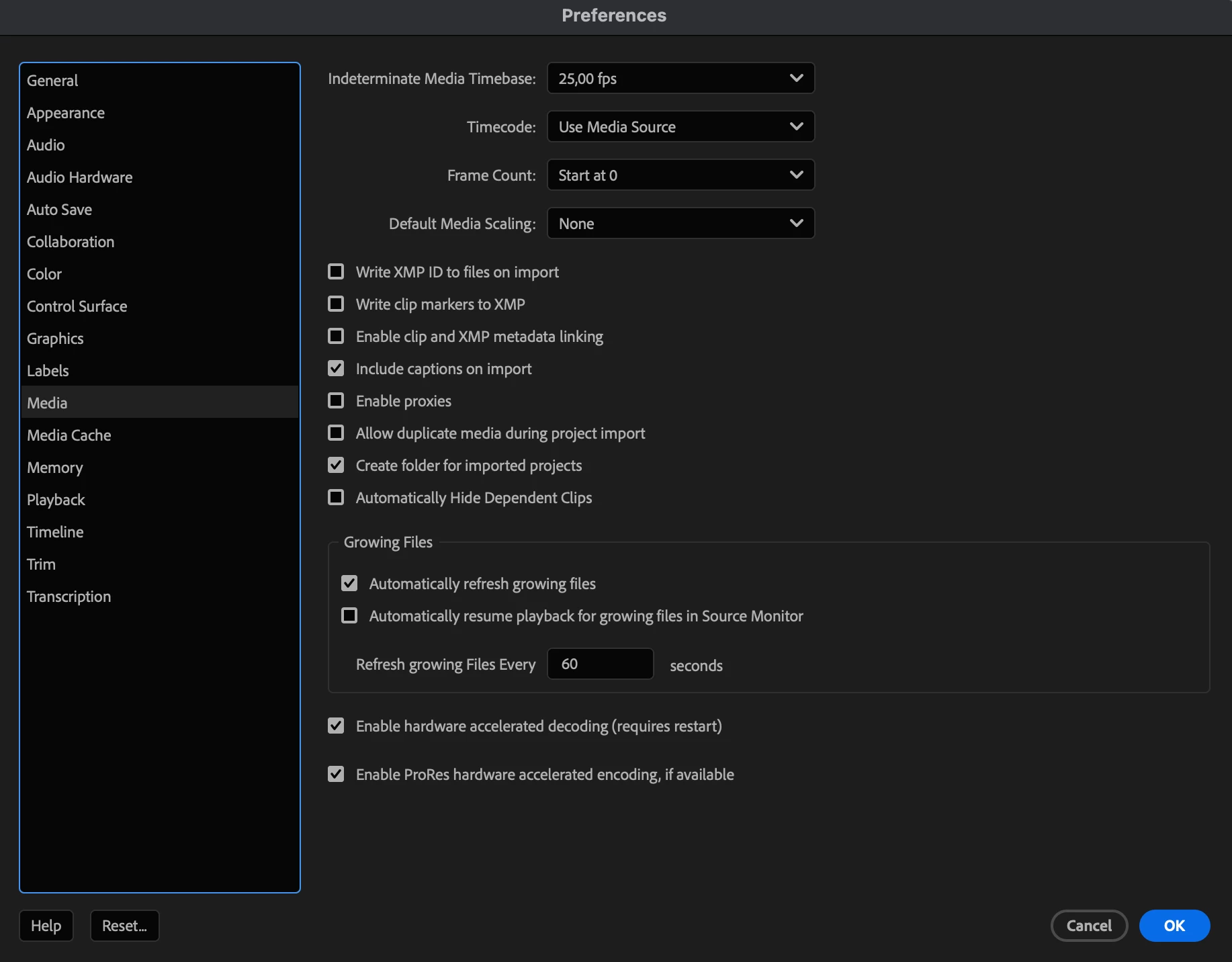
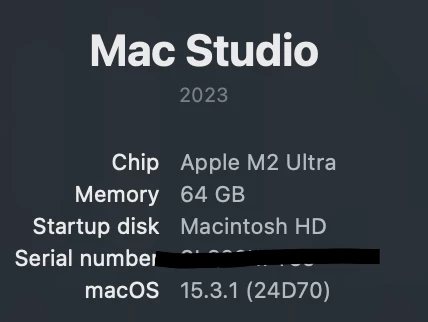
All my settings:
Premiere version 25.1.0 (build 73)
 AdChoices