


c70 proxy issue
There's a huge c70 proxy workflow issue with Premiere pro!
Problem 01 -
My main rec format is XF-AVC and I prefer my proxy files to be smallest i.e XF-AVC S (MP4)
To my surprise premiere pro doesnt let me! There will be issue of audio channel. I also tried making same audio channel, still it won't let me link whatsoever.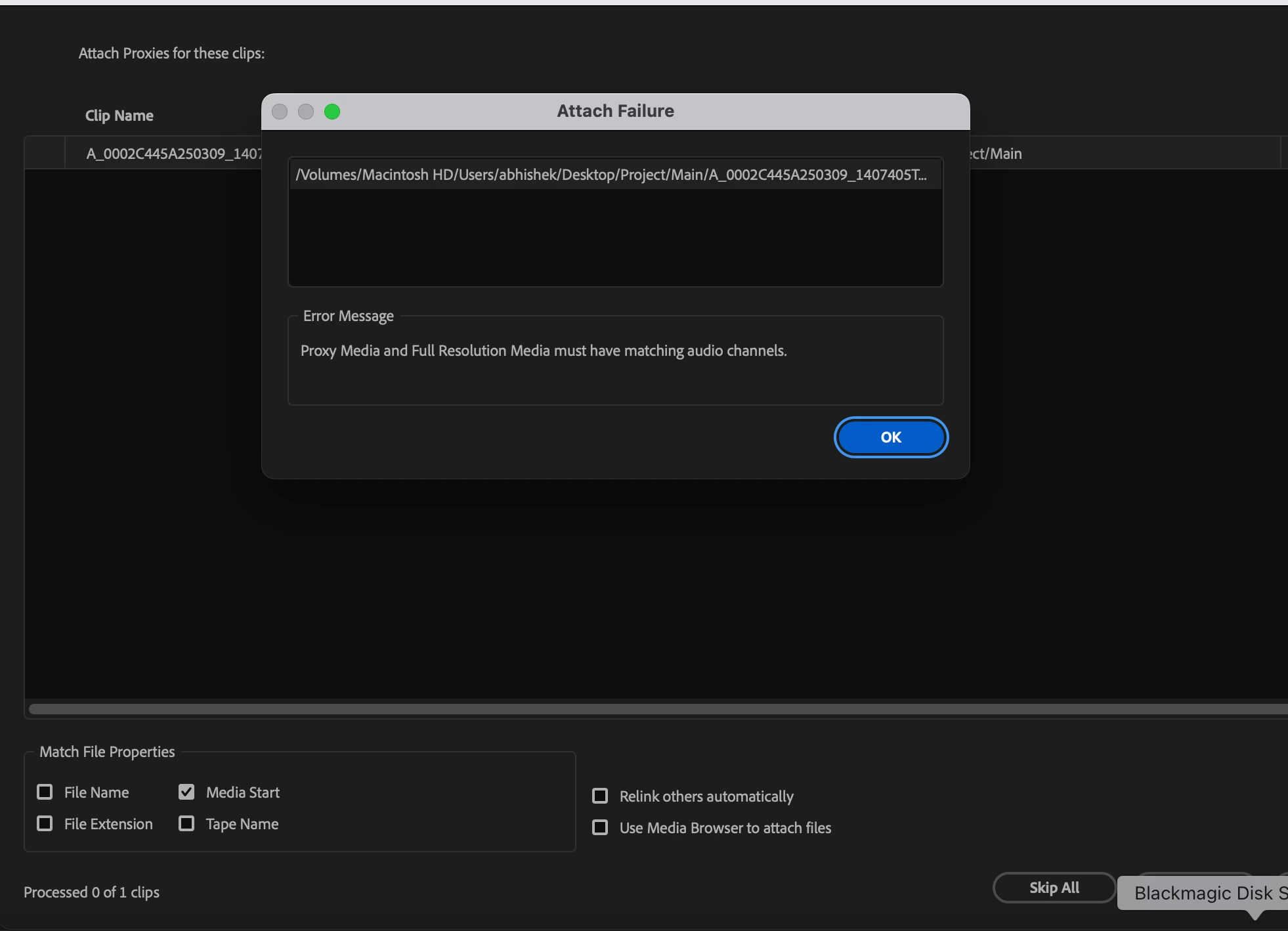
The workaround? I have to proxy in XF-AVC. Creating MXF proxy file. This allows me to link proxies irrisepective of audio channel for some reason.
Problem 2 - I work a lot on B-rolls which are high frame rate 50/60 FPS.
Now, If I interpret in premiere. Oops! you cant do that. Premiere will only interpret the main file but not proxy.
Workaround? you have to take the video in timeline right click speed to 50%.
This is a tedious task! if you are dealing with a lot of b-rolls.
Final thoughts - I thought this is some techinical limitation. Outm of curiosity, I tried all this in Davinci resolve studio and voilla! everything works as intended!
I can film in XF-AVC, create extremely small mp4 proxies. And Yes, I can also interpret the 50 fps videos to 25 fps and they work as intended!!
I really hope Adobe premiere gets this thing fixed. We dont have the option to make proxies from media encoder and make our post-production longer, we prefer proxies in cam and Davinci for some reason works all the time. I really hope premiere updates this!!
 AdChoices