This topic has been closed for replies.

3 replies

Peru Bob
Community Expert
Community Expert
May 22, 2022

Delete the Media Cache and Media Cache files:
https://community.adobe.com/t5/premiere-pro/faq-how-to-clear-your-media-cache-in-30-seconds-in-premiere-pro-2020/m-p/11017257/thread-id/260446?page=1

Then try creating a new project and import the autosave into it.

Kartika Rawat
Community Manager
Community Manager
May 22, 2022

Hi there!

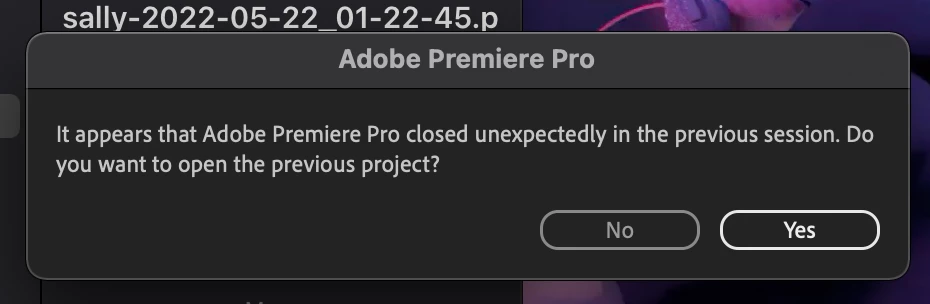
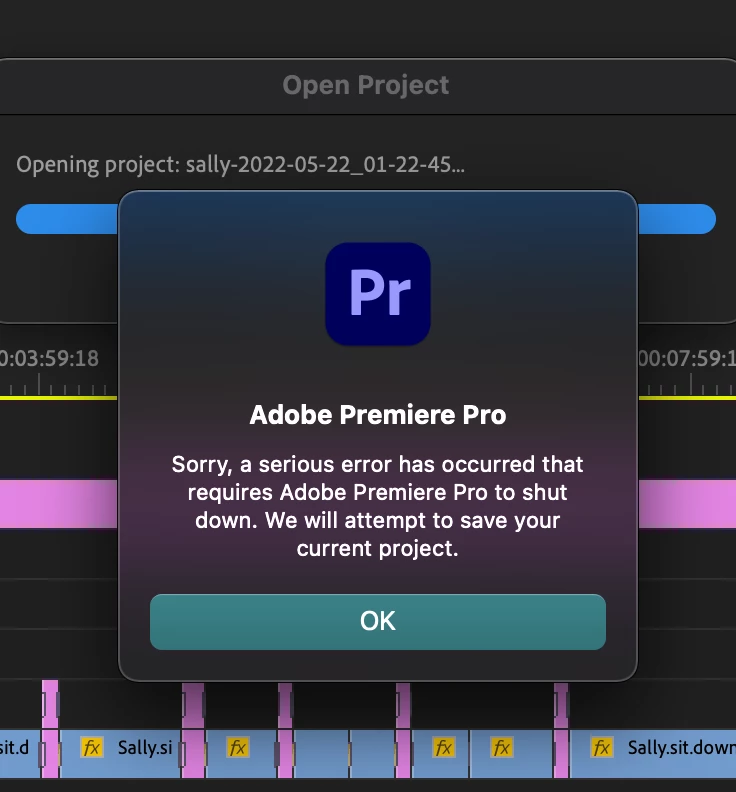
Sorry about the trouble. Which version are you using? Also, let us know the version in which the project was created.


Thanks,

Kartika

Toni5D93Author
Participant
May 23, 2022

The newest version 22.4.0

Community Expert
May 22, 2022

There should be a folder of auto save projects by where you save your project. You should be able to do a file/open to open the project as long as your version of Premiere is the same version or newer