Known Participant
February 28, 2022
Answered

Can't copy/paste Level keyframes in Effect Controls panel

  • February 28, 2022
  • 2 replies
  • 1281 views

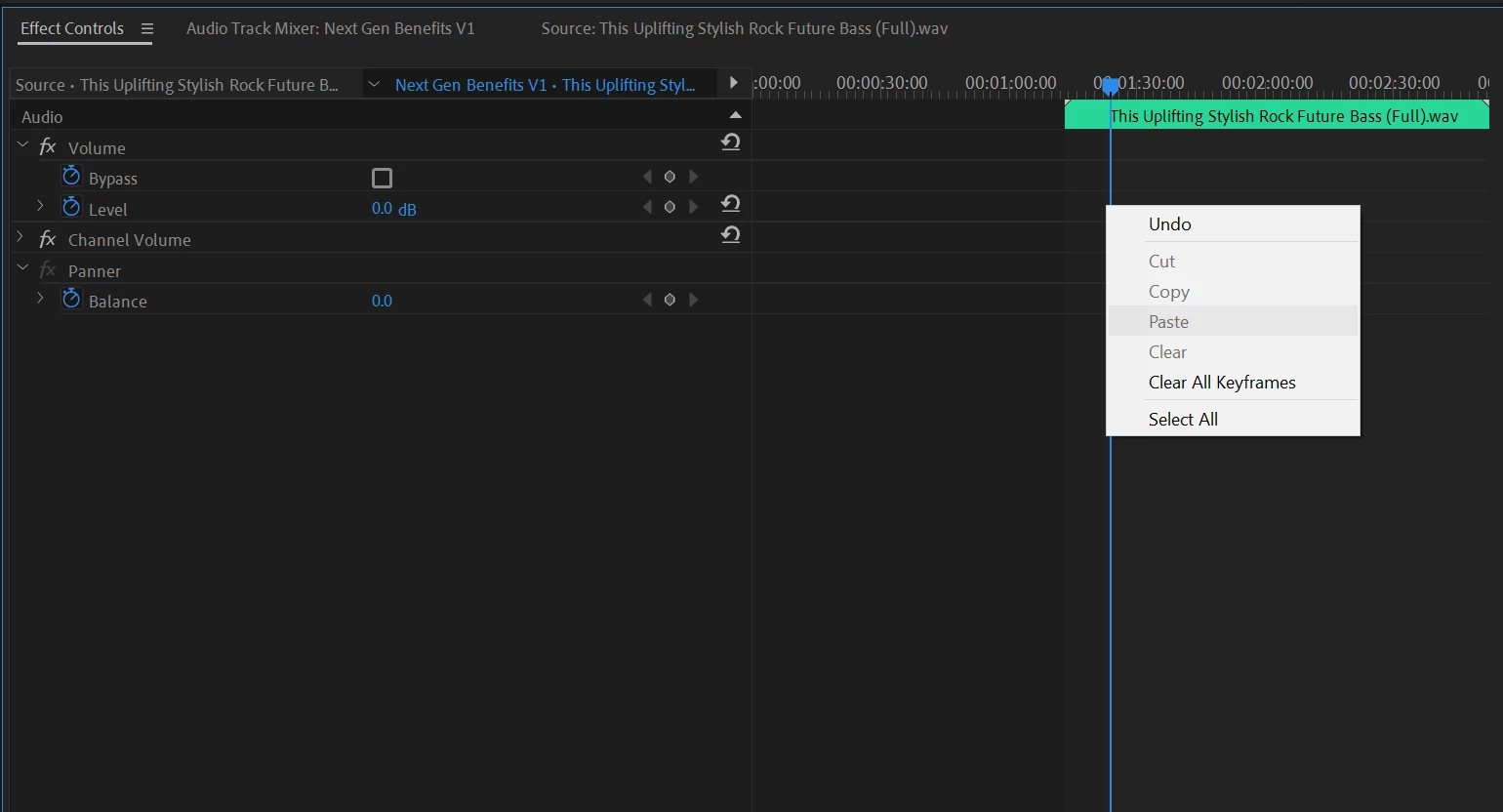
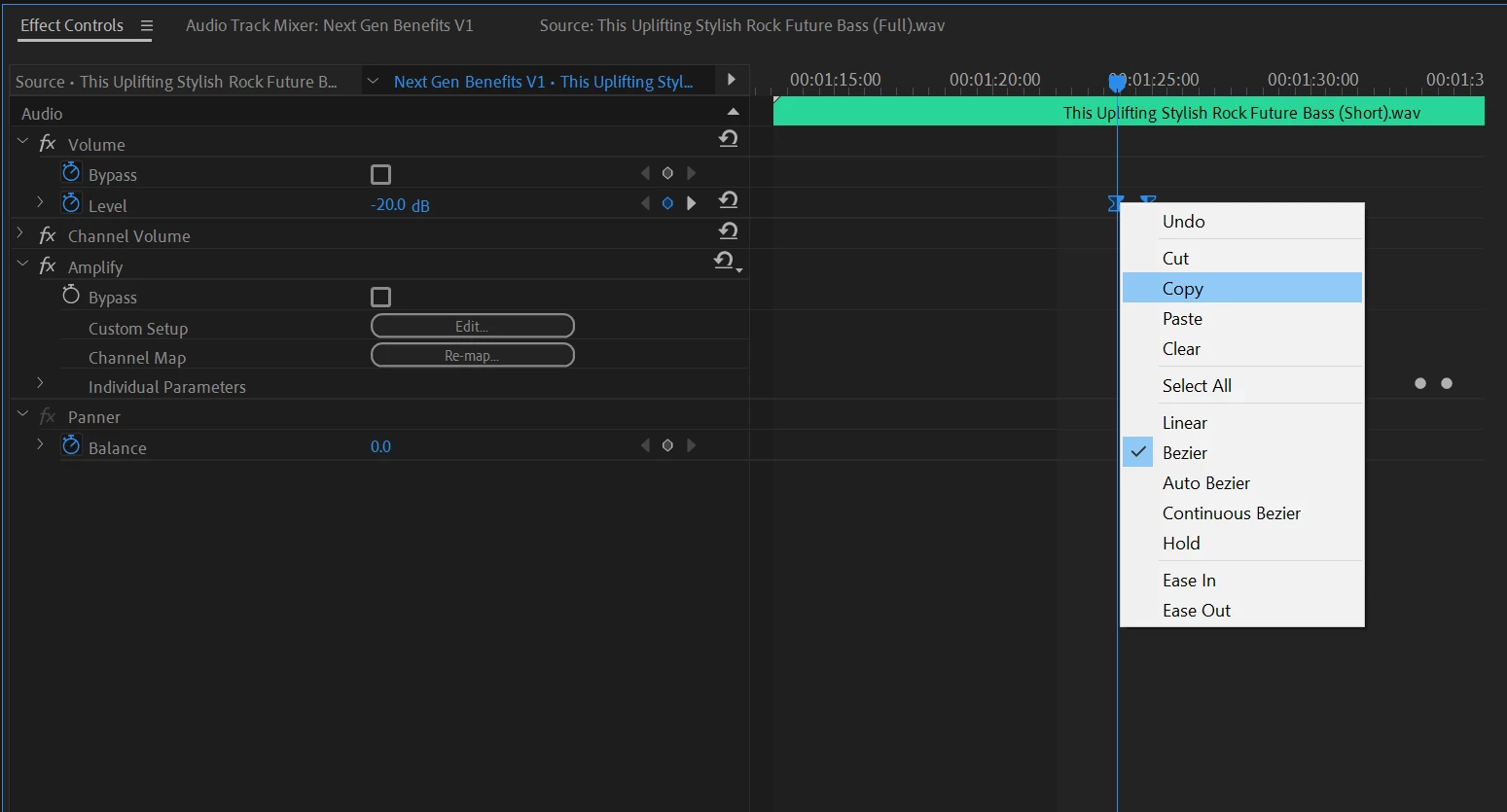
Hi, I need some help.  I'm trying to copy Level keyframes from one audio clip to another.  I can copy them, but paste isn't working, as you can see in my screenshots.  I'm not sure what I'm missing.  Thanks for the help.
 

This topic has been closed for replies.
Correct answer Peru Bob

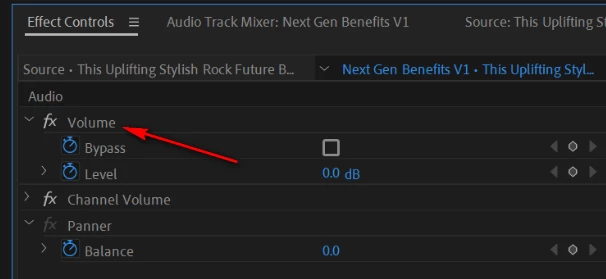
Highlight the effect that you are pasting to.

2 replies

Vishu_Aggarwal
Participating Frequently
February 28, 2022

Try copy and paste using the timeline...right-click > copy > on the clip you want to copy keyframes and then right-click on the clip you want to paste and use paste attributes and make sure that under the audio attributes volume is selected before clicking okay 


Vishu AggarwalAdobe Certified Instructor, Professional and Expert
Peru Bob
Community Expert
Peru BobCommunity ExpertCorrect answer
Community Expert
February 28, 2022

Highlight the effect that you are pasting to.

LeeJ12Author
Known Participant
February 28, 2022

I was originally highlighting "Level" at first, which didn't work.  I didn't even think to highlight "Volume", but it worked.  Thanks for the help!