
Answered
Can't create white background for still image using New>Color Matte
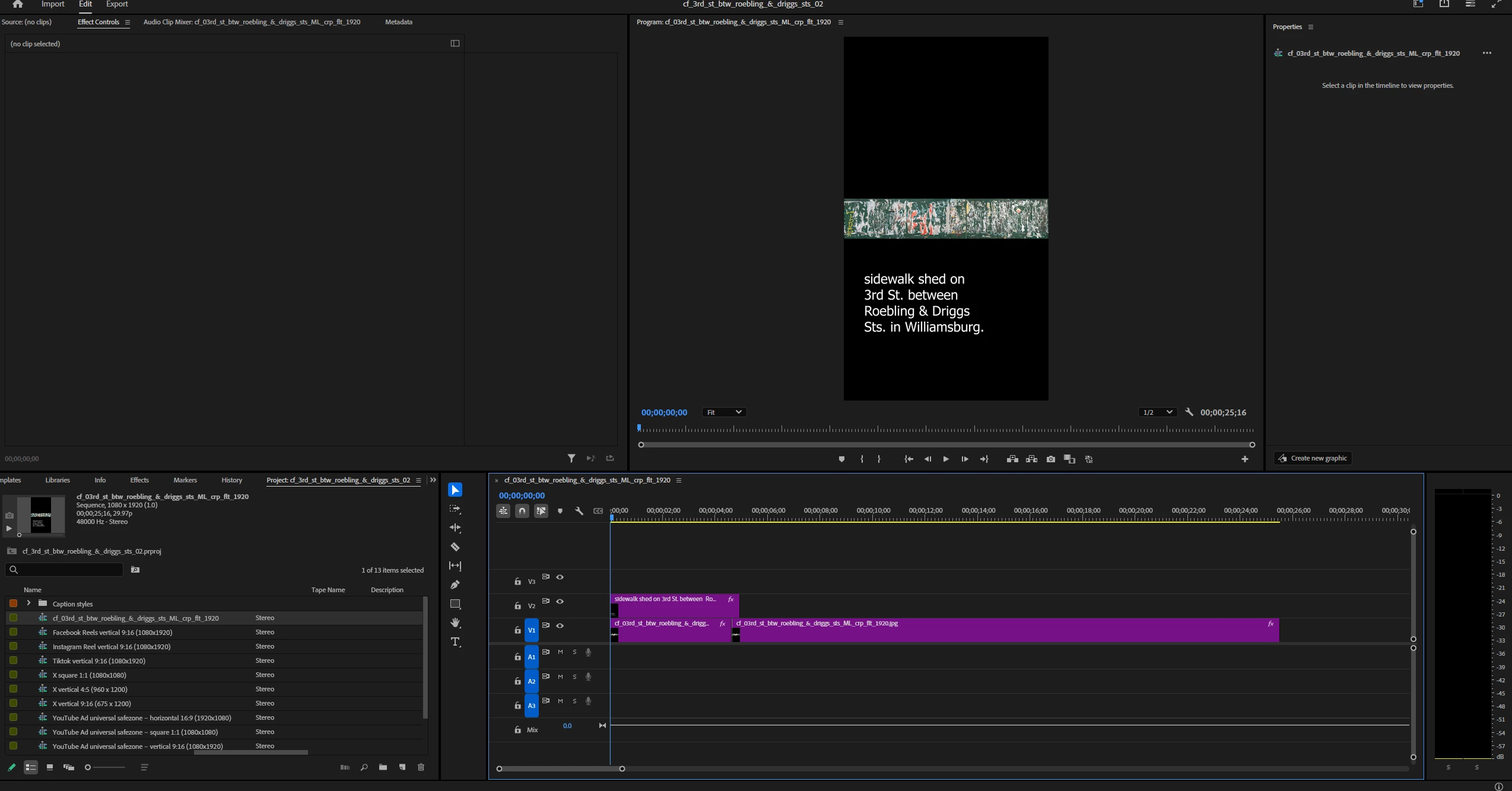
I want my still image to have a white background. I found the following answer to this issue from Meg The Dog in 2020 but nothing happens when I follow her instructions - i.e. no layer is created in the Timeline. What am I doing wrong? Thanks.
"Click anywhere on your timeline.
Once the timeline is active, go to the menu File > New > Color Matte and generate a clip of White (or whatever color you want the background to be).
Once the Color Matte clip is generated and in your Project Panel, drag it to your timeline and put it on track V1. Edit all your other source images on tracks above the Color Matte Clip (tracks V2, V3, etc.).
The white you generated will now appear as the background for the sequence."


 AdChoices