Participant
November 30, 2020
Question

Can't drag & drop Adobe Libraries assets in Premiere Pro

  • November 30, 2020
  • 2 replies
  • 711 views

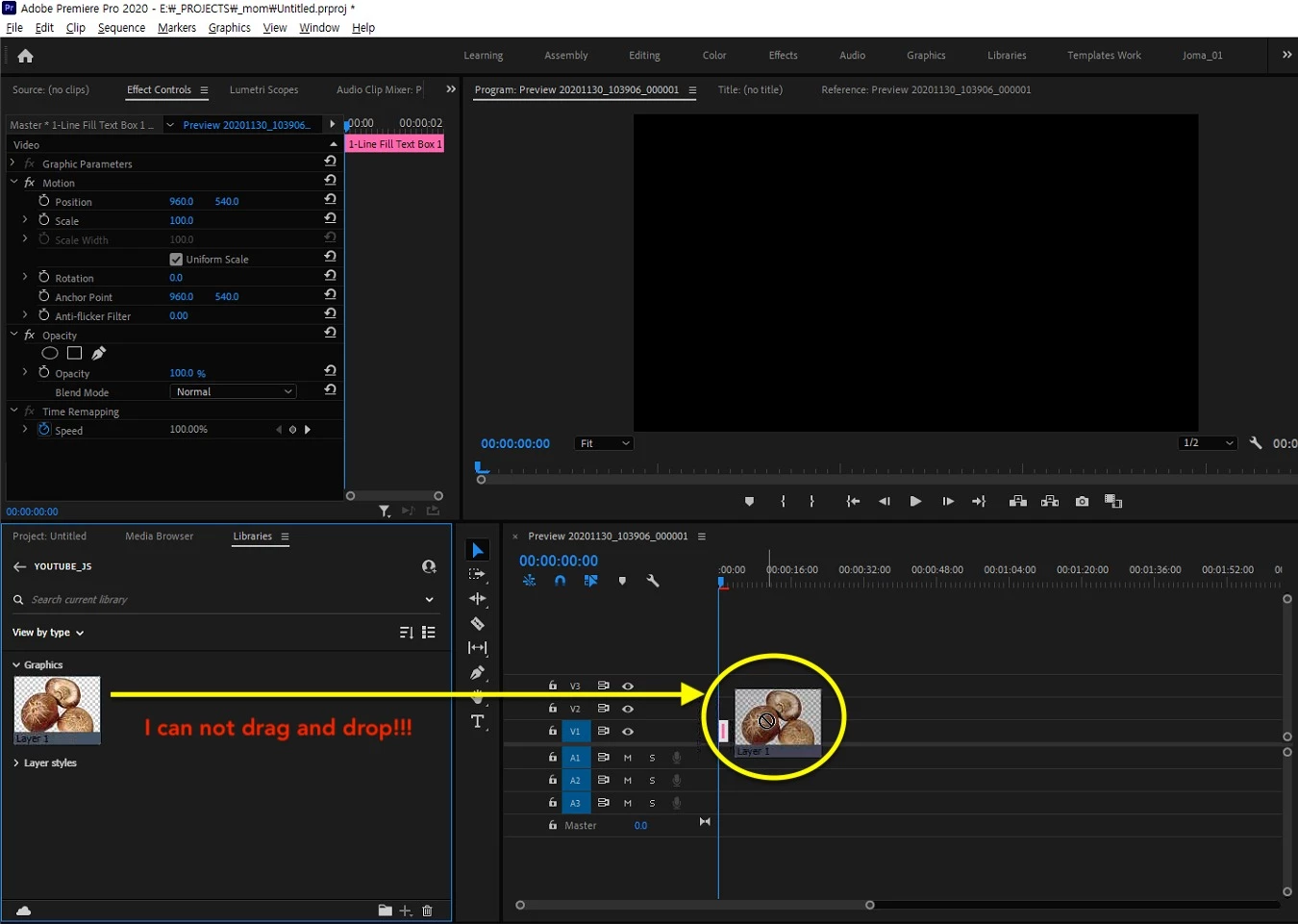
I can't drag my assets from Libraries into timeline in Premiere Pro.

No matter the assets worked in Photoshop, Illustrator, I just can not drag and drop any assets.

In Aftereffects it works good... only in Premiere Pro doesn't work!

What can I do?
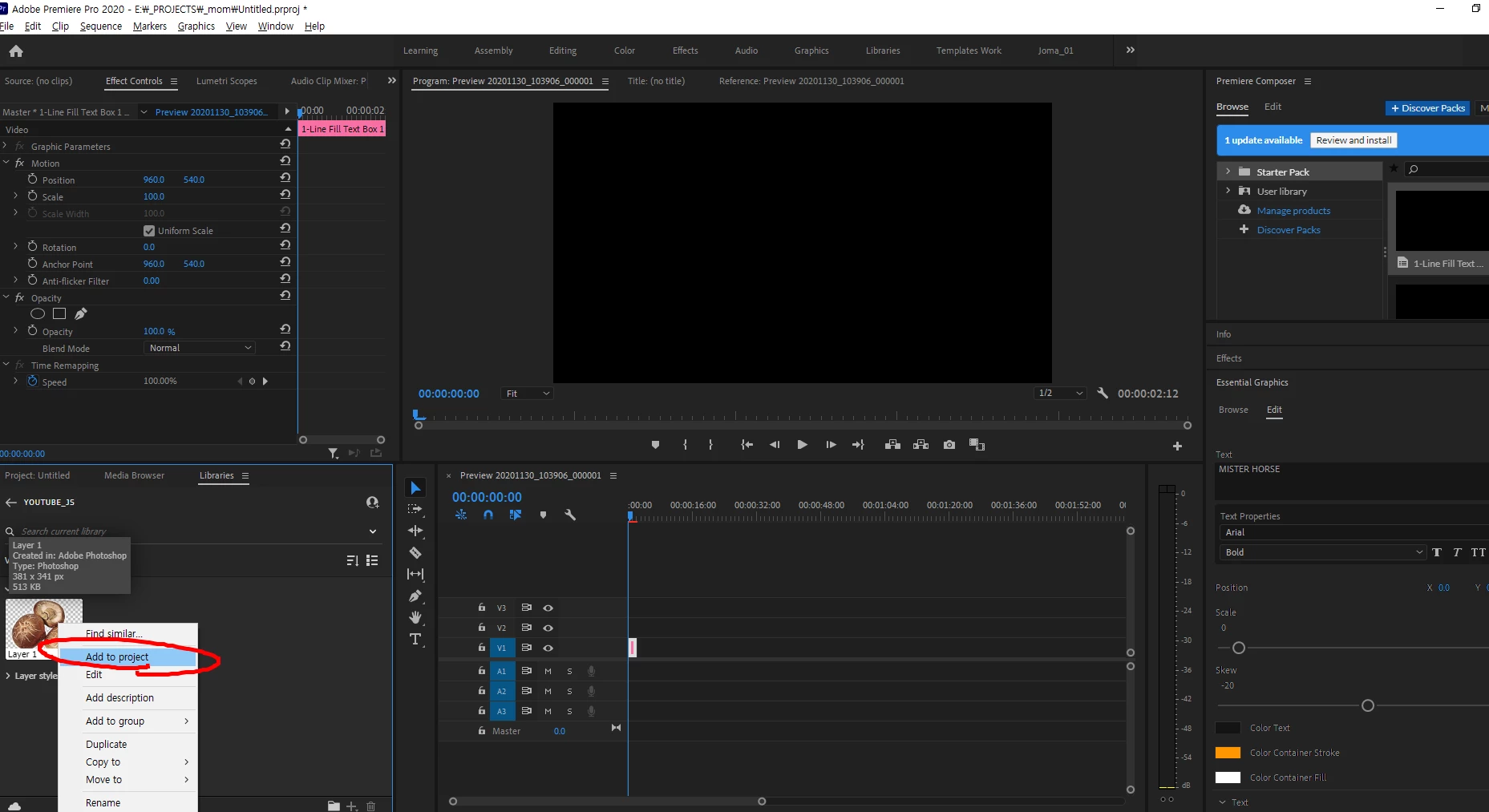
"add to project" doesn't work as well

This topic has been closed for replies.

2 replies

Matt Young14394008
Legend
November 30, 2020

Maybe check that asset in Photoshop and make sure it's synced to your library as RGB 8-bit.

Participant
November 30, 2020

Hi, Thanks for your comment.

The asset is RGB-8bit and I can import the same Asset(PSD) on another computer(Mac).

Generally, all assets in Adobe Library(PSD, Illustrator) can't be imported in Premiere pro on my computer. (Window)


Could it be the preference Problem?