
Participant
April 11, 2025
Question

Can't export MXF real stereo sound

  • April 11, 2025
  • 3 replies
  • 750 views

Hello,
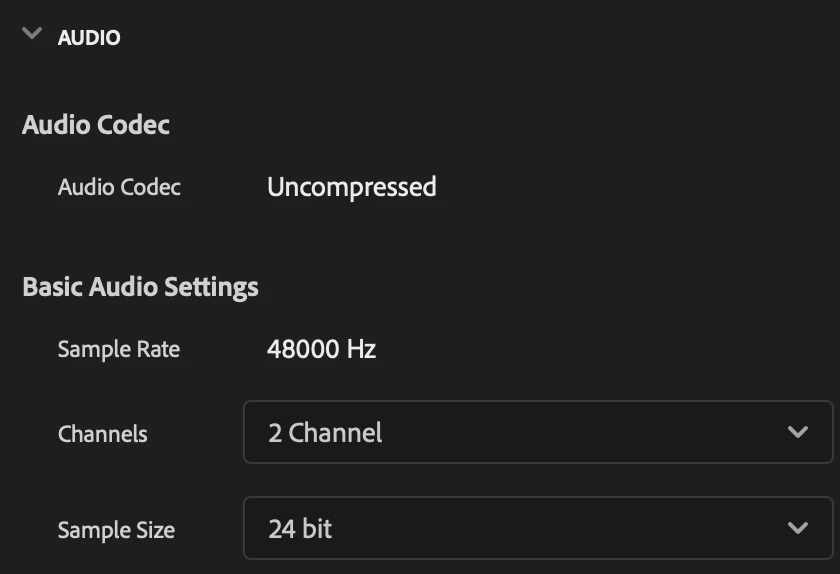
    I have a sequence with 1 audio track that contains audio with Left and right sound. Although, when i try to export it as MXF format, the sound turns out mono no matter what i do and the level is much higher (as if the waves have combined). I would really appreciate any suggestions on what i'm doing wrong.

I have added some pictures for better understanding.
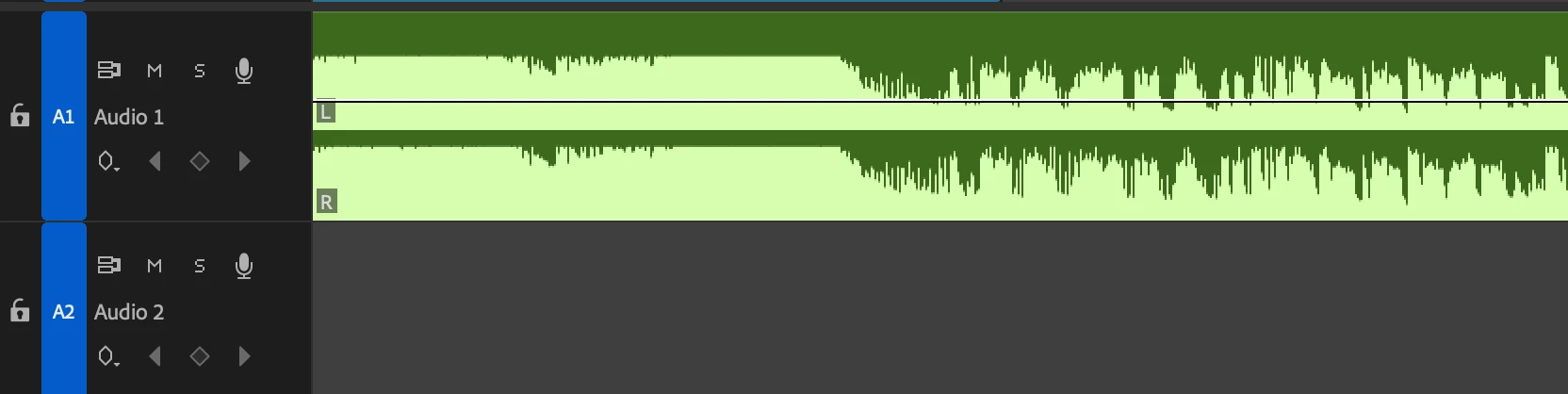
 

Sequence audio settings
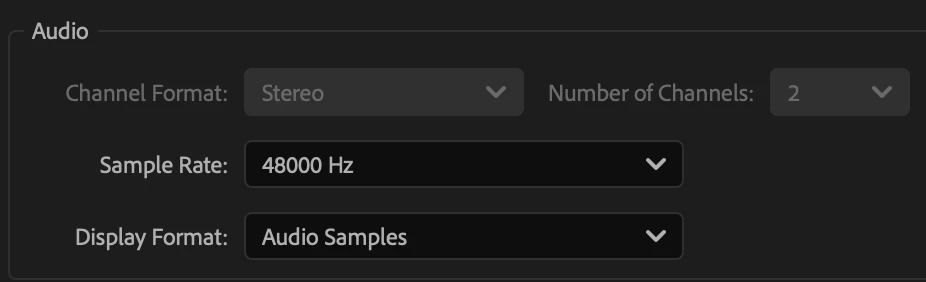
Export audio settings


3 replies

Inspiring
April 14, 2025

What happens if you export it as a 1 channel stereo?

Werner Brix
Known Participant
April 14, 2025

It's not possible to choose 1 channel. Only even numbers like 2, 4 etc.

Adobe Employee
April 24, 2025

Have you tried exporting through Media Encoder to see if it's exporting properly?


Thanks,

Sumeet

Adobe Employee
April 11, 2025

Hi sportacentrs.cos,

We're sorry about the poor experience. Which MXF preset are you using for the export? Also, let us know the version of Premiere Pro that you are using & if this is happening with any specific project/sequence?


Thanks,

Sumeet

Participant
April 11, 2025

I'm using adobe premier 2025. I'm using MXF XDCAM HD 50 PAL 50i preset, because that's the specification broadcasters asked for. No matter how i change the settings for sequence, it still doesn't export it as CH1 and CH2. It combines them together.

Adobe Employee
April 11, 2025

Thanks for the details. The preset seems to be working fine at our end. Please import the exported mxf file in Premiere Pro, right-click on it, and select Media File Properties. Let us know if the Source Audio Format is listed as Mono. 

-Sumeet

Community Expert
April 11, 2025

Does it export to other formats ok?

Werner Brix
Known Participant
April 14, 2025

yes. mp4 works fine.