Question
Can't get out of list view?
Hey, everytime I open up my project I've been working on, it shows up in as this strange list view. Anyone know how to change it back to the normal view so I can edit my project?
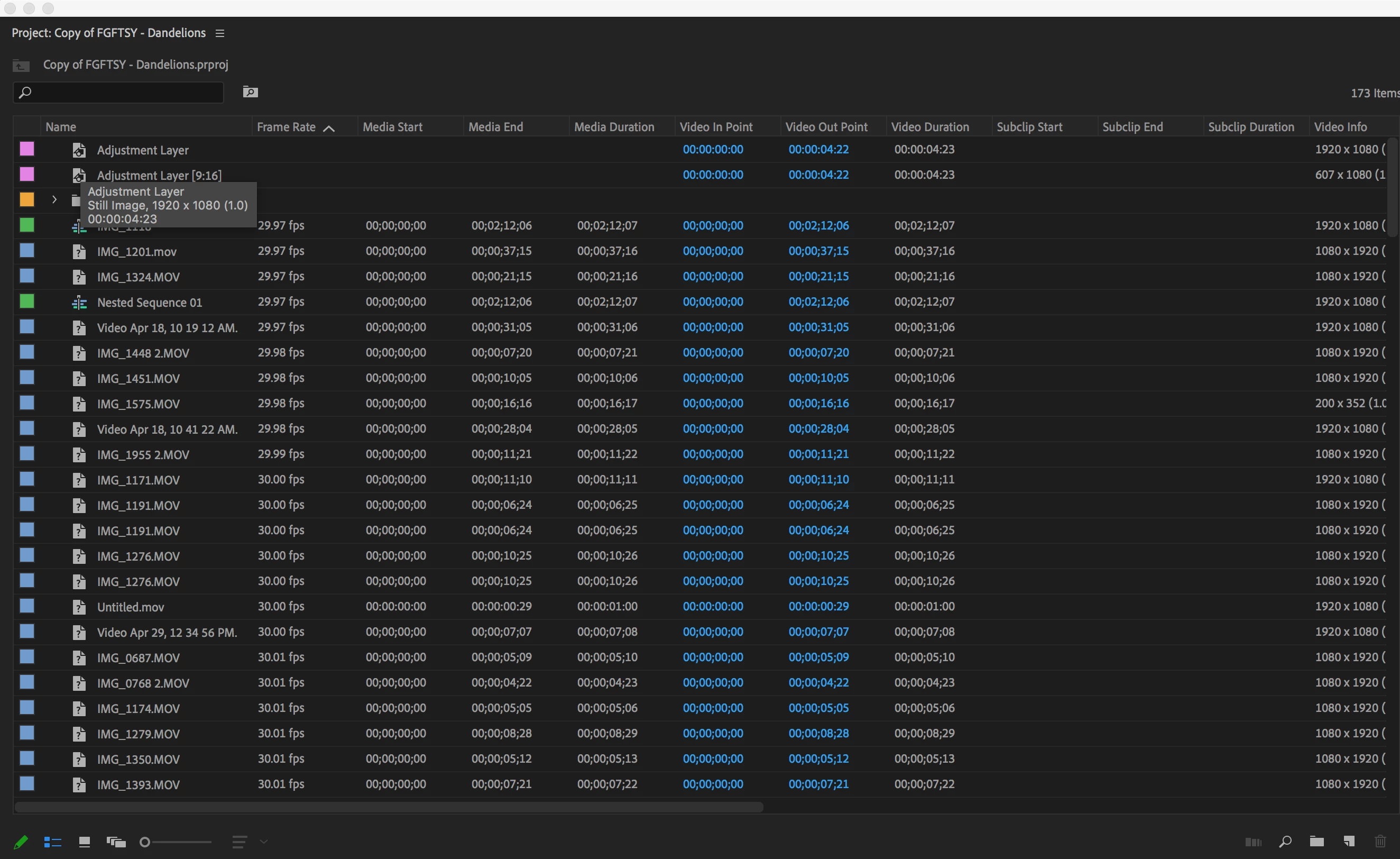
Hey, everytime I open up my project I've been working on, it shows up in as this strange list view. Anyone know how to change it back to the normal view so I can edit my project?
Already have an account? Login
Enter your E-mail address. We'll send you an e-mail with instructions to reset your password.
 AdChoices