
Known Participant
May 18, 2023
Question

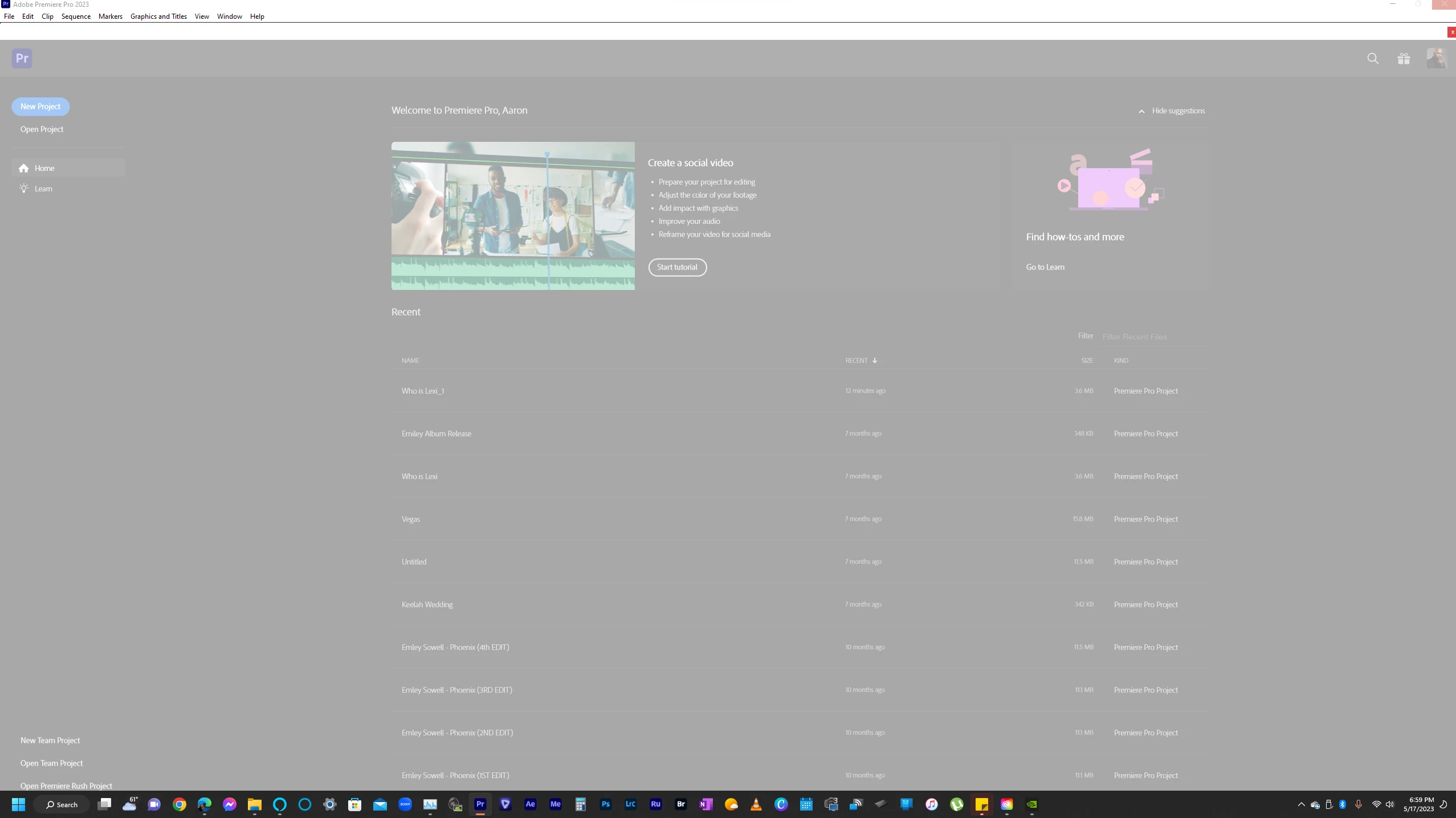
Can't open premiere pro preferences in Premiere Pro 23.4

  • May 18, 2023
  • 7 replies
  • 1609 views

Every time I try to open preferences in PP 23.4 the application times out and freezes without showing the preferences menu.  I have tried uninstalling and reinstalling, opening PP by clearing preferences, and restarting the computer after uninstalling.  The same thing happens to PP Beta.  Please assist me with this!!!


This topic has been closed for replies.

7 replies

Stan Jones
Community Expert
Community Expert
May 18, 2023

Such file should be on the local drive, like the AME folder you have.


Stan


Known Participant
May 18, 2023

Yes.  That is the only folder that pops up in that location.  My file system points to my onedrive however 


mattchristensen
Legend
May 18, 2023

@aaronjonellhall I'm sorry this is happening – could you launch Premiere Pro holding down the Shift key? You'll see reset options, please check (turn on) the following:

  • Reset app preferences
  • Clear media cache files
  • Disable third-party plugins


Then click Continue. Once Premiere Pro launches, are you able to open your preferences?

Stan Jones
Community Expert
Community Expert
May 18, 2023

If no one here offers a suggestion that works, contact support. They may need to sort this out on your machine.


I would start PR and reset preferences. Do NOT try to enter preferences. What do you see in the folder: still only a folder for AME?


Stan


Known Participant
May 18, 2023

Clicking General just makes it lock up

Known Participant
May 18, 2023

Yes, I tried both of those and no bueno.  I first got the lvcod64 error and now I have this. 


Stan Jones
Community Expert
Community Expert
May 18, 2023

Very odd.


Did you locate your preferences in other than the default location? (windows: C:\Users\xxxx\Documents\Adobe\Premiere Pro)


If not, rename that whole folder.


Did you try to open only the first "General" option in preferences? Try something else.


Stan