Participant
December 3, 2019
Answered

Can't overwrite insert in Premiere Pro???

  • December 3, 2019
  • 2 replies
  • 940 views

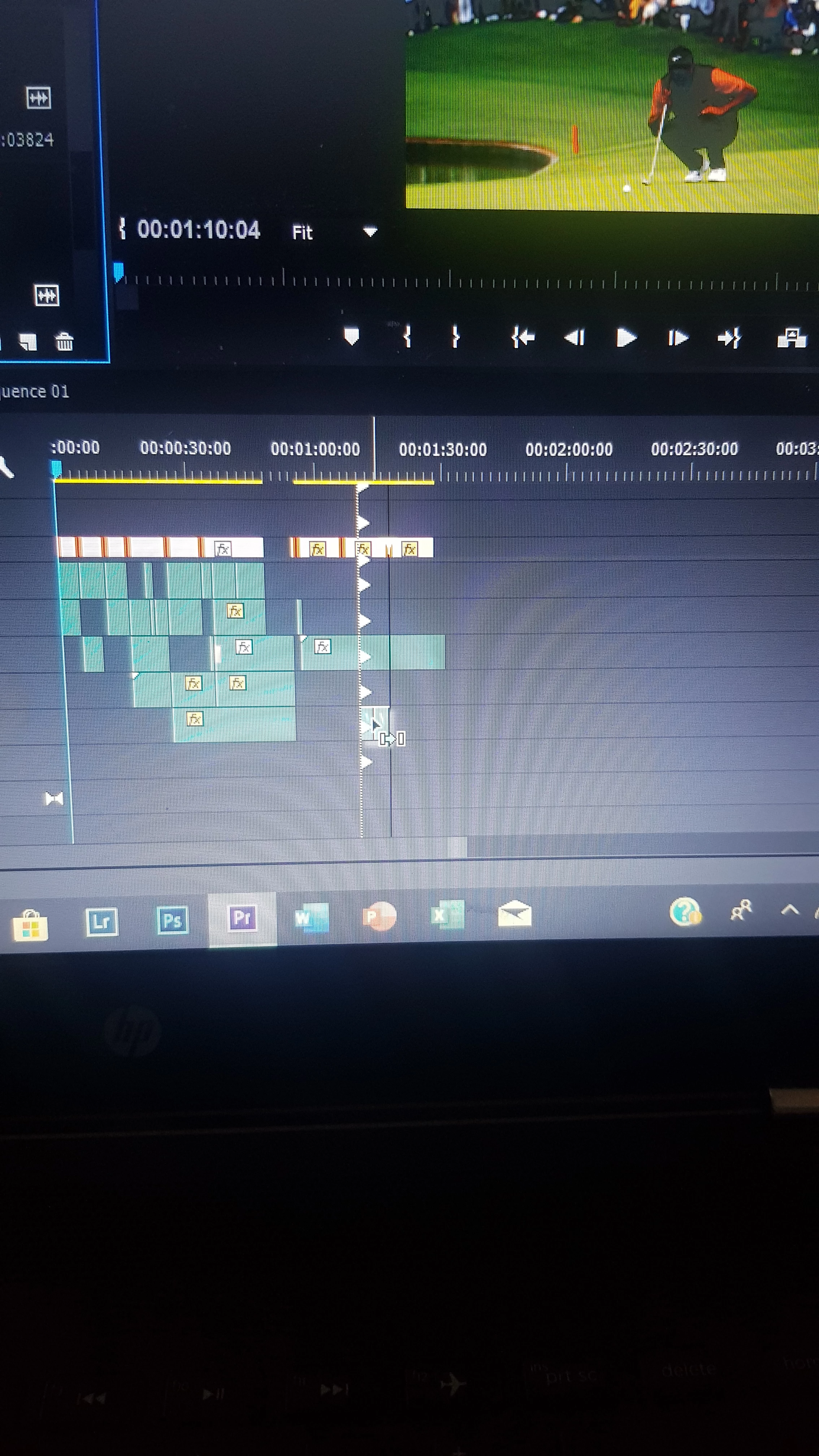
It's not letting my overwrite insert at all, every time I move something it does an insert instead and I don't get why? Losing my head here!!

 

This topic has been closed for replies.
Correct answer Byron Cortez

Maybe the key stuck, try another physical keyboard.

2 replies

Byron CortezCommunity ExpertCorrect answer
Community Expert
December 3, 2019

Maybe the key stuck, try another physical keyboard.

Byron.
PezzDoagAuthor
Participant
December 3, 2019

You are an absolute saviour!! It wasn't physically stuck, but my computer seemed to think it was! All fixed now. Thanks so much mate!!

Community Expert
December 5, 2019

You're welcome! 

Byron.
Inspiring
December 3, 2019

Are you holding down the Command (Control) key? That changes the clip move to an insert.


MtD

PezzDoagAuthor
Participant
December 3, 2019

No I'm not. That's why I'm getting so mad! I have absolutely no idea.

Inspiring
December 3, 2019

Try trashing your preferences, the usual first step when Premiere acts unexpectedly:

FAQ: How to reset (trash) preferences in Premiere Pro? 

MtD