
Answered
Can't reset my preferences to default in CS6
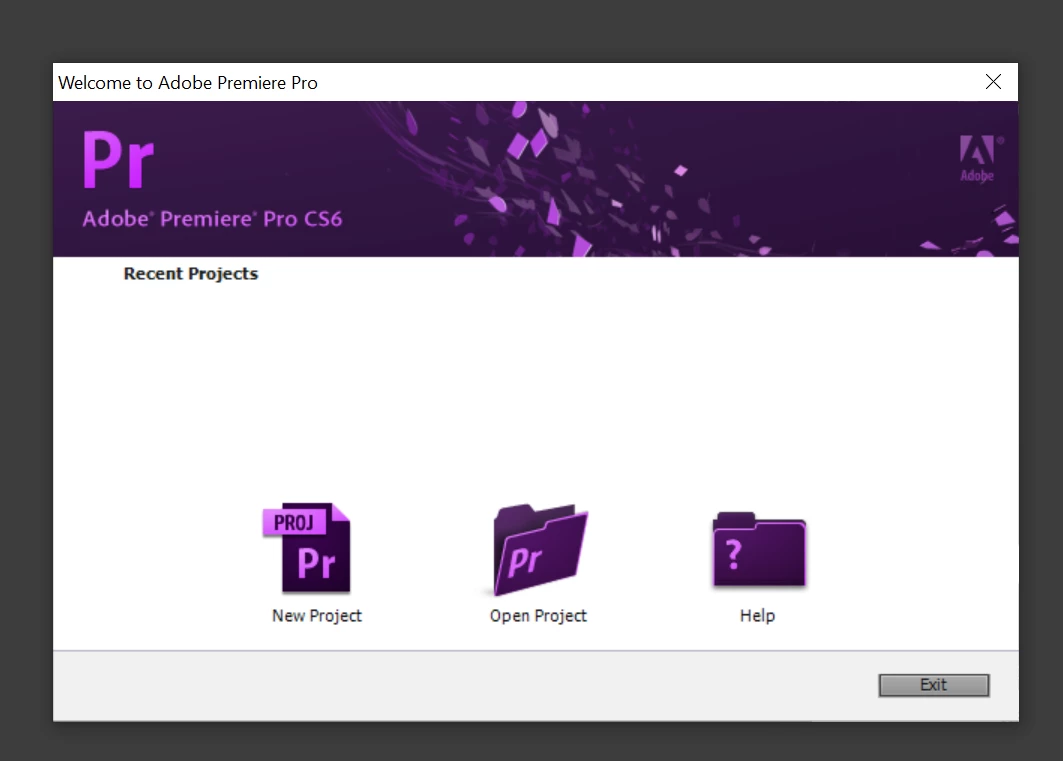
I do not get the pop up asking me if I want to reset my preferences when I hold the ALT or ALT-SHIFT down while restarting my premiere pro. Nothing happens when I do this. It seems like it might try to open another dialogue box but the option to open an existing file etc just comes up.
I need to reset to default as my premiere pro CS6 settings are not the same as my other computer when I am creating videos for our business instagram accounts. My laptop premiere is wonky and my videos are not the same size as our PC. So there is a couple of us that have to use the same computer to post to instagram so our videos look consistent. Isn't really efficient..lol.
Can someone please offer another solution to reset to default?
 AdChoices