
Participant
September 25, 2025
Question

Can't save project, can't render, enhance speech not working.

  • September 25, 2025
  • 2 replies
  • 123 views

Premiere won't let me save my project and won't render the files for exporting.

The issue isn't storage space as I have plenty and isn't where I'm saving it.

If I try to "save as" to a different location I get the same result.

I have tried this on 2 different macs, and same problem persists.

Also for some reason the speech enhance stopped working.

I dialed that in first and it is no all over the place.

It also only seems to happen in this project.

I've been working on this project all week and it only started happening 3 hours ago.

Anyone else having this issue? I'm open to any possibilities of user error, but I've been using Premiere regularly since 2012 and have never seen this.
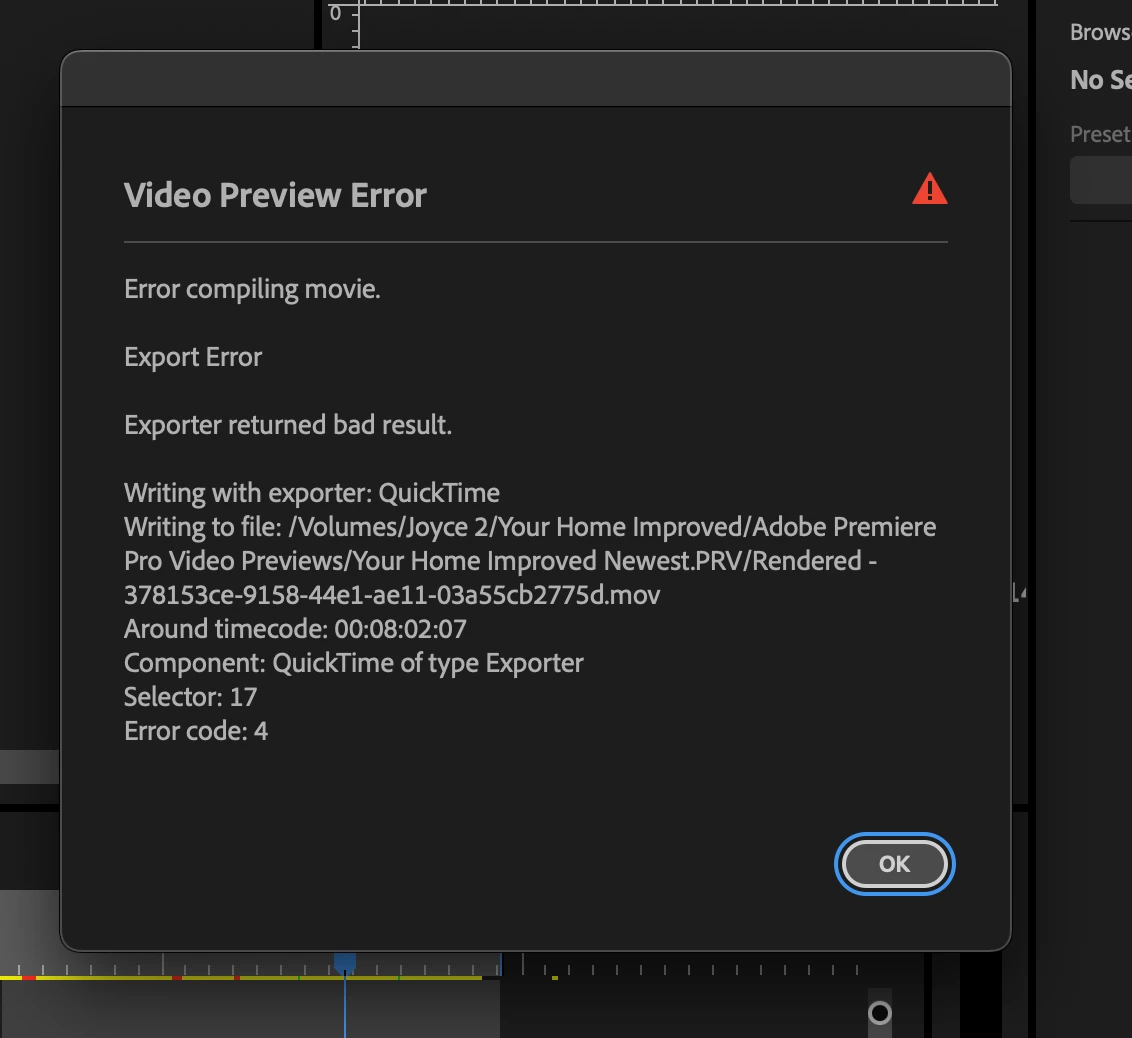
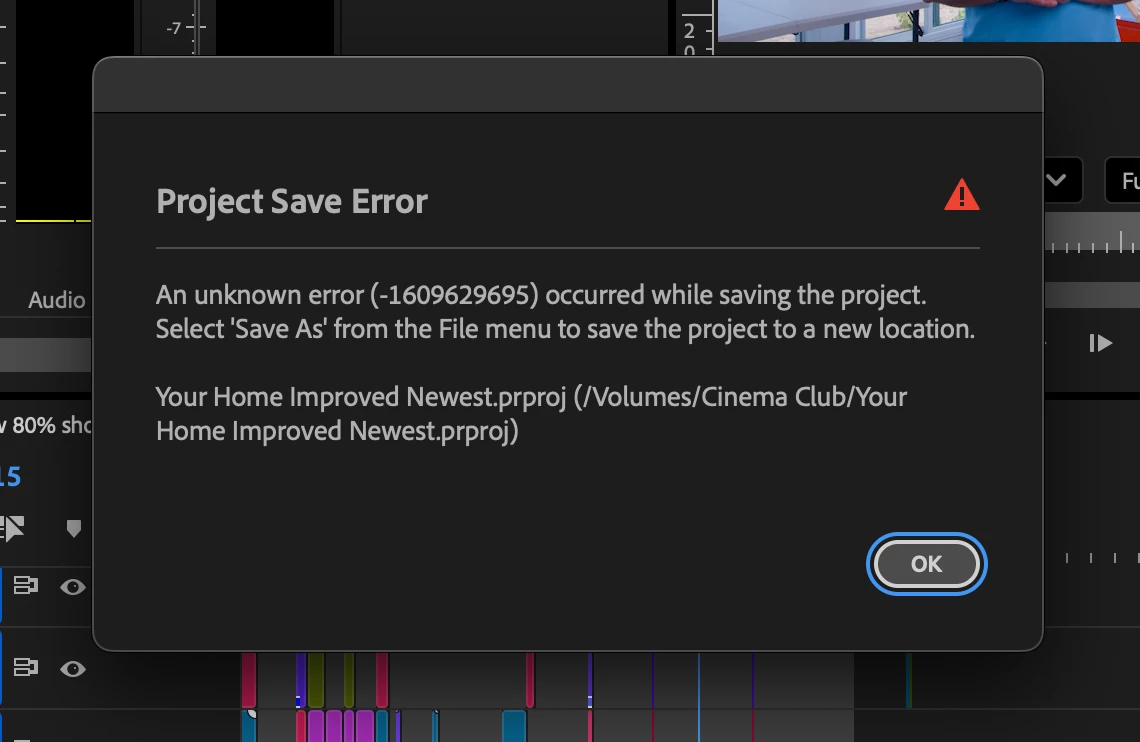
2 replies

Participant
September 26, 2025

I solved the problem, not sure how. I had tried multiple times to "save as" and had the same issue, and opened a new project and copied sequence to it a few times and still had the issue, the last time it finally worked. Exact same sequence, so not sure why.

Community Manager
September 25, 2025

Hi taiowac74489922,

Sorry about the poor experience. Do you have any effects or plugins applied to the clip at the timecode mentioned in the Video Preview Error? If so, have you tried temporarily disabling them to see if it's rendering properly? Also, do you get that error when saving the project to an external/network drive, or do you also get it while saving to the internal drive?


Thanks,

Sumeet