Question
Can't scroll or select item after adding clip
An extremely frustrating thing I have no idea why happened. I'm editing a video as per usual, importing clips to the sequence. But with one clip, after adding it to the timeline to the project, the timeline won't work. I can't zoom in and out, can't scroll, but for some reason it kinda does in the background, so when I click "file" in the top left corner, everything just moves again. If I tab out and in from Premiere, the timeline tab, effects etc etc turn white, while the project remains and "works" as usual. Any help is greatly appreciated as I have no idea how to fix or get past this. 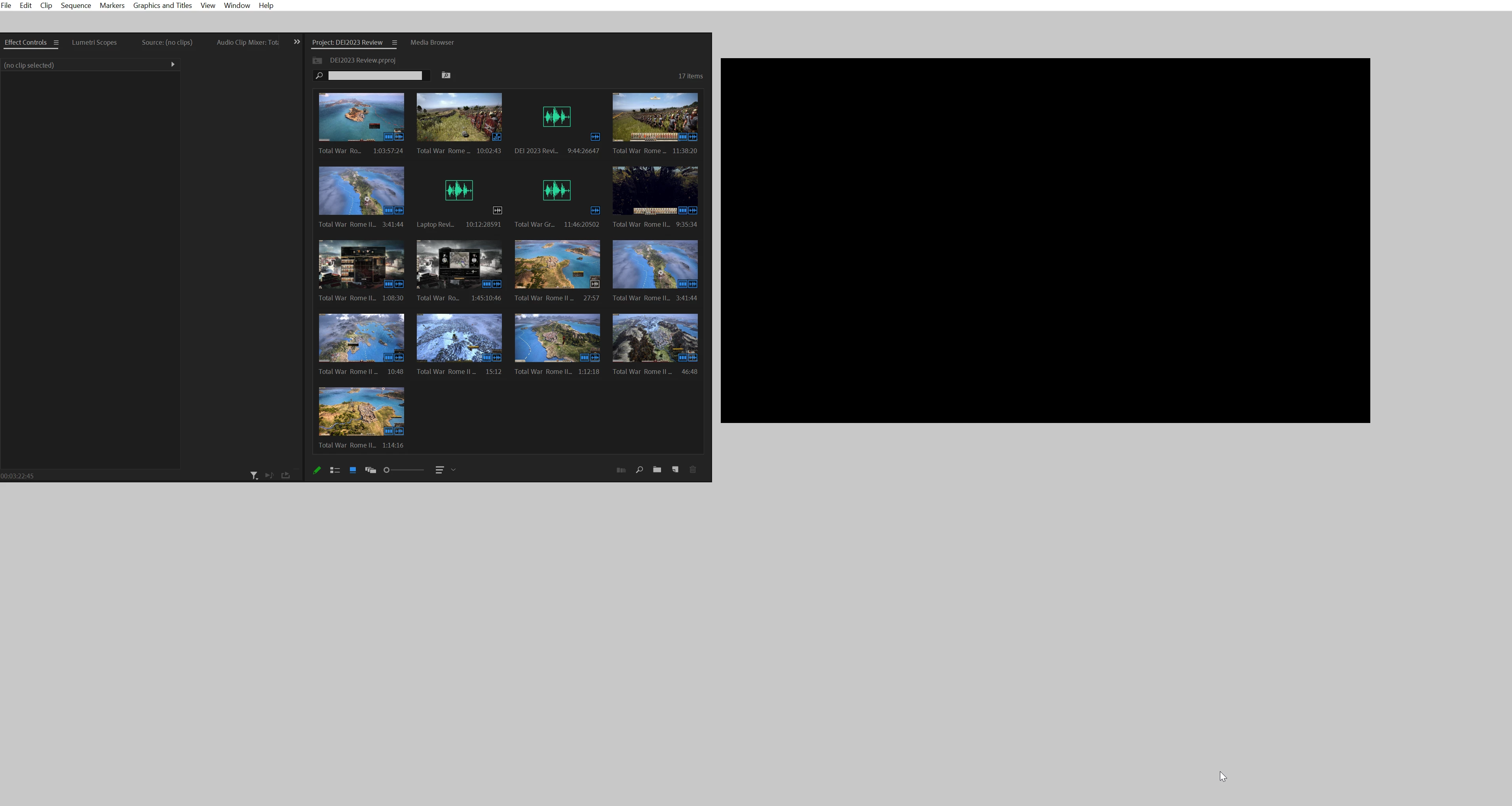
 AdChoices