



Answered
Cannot close audio meter panel
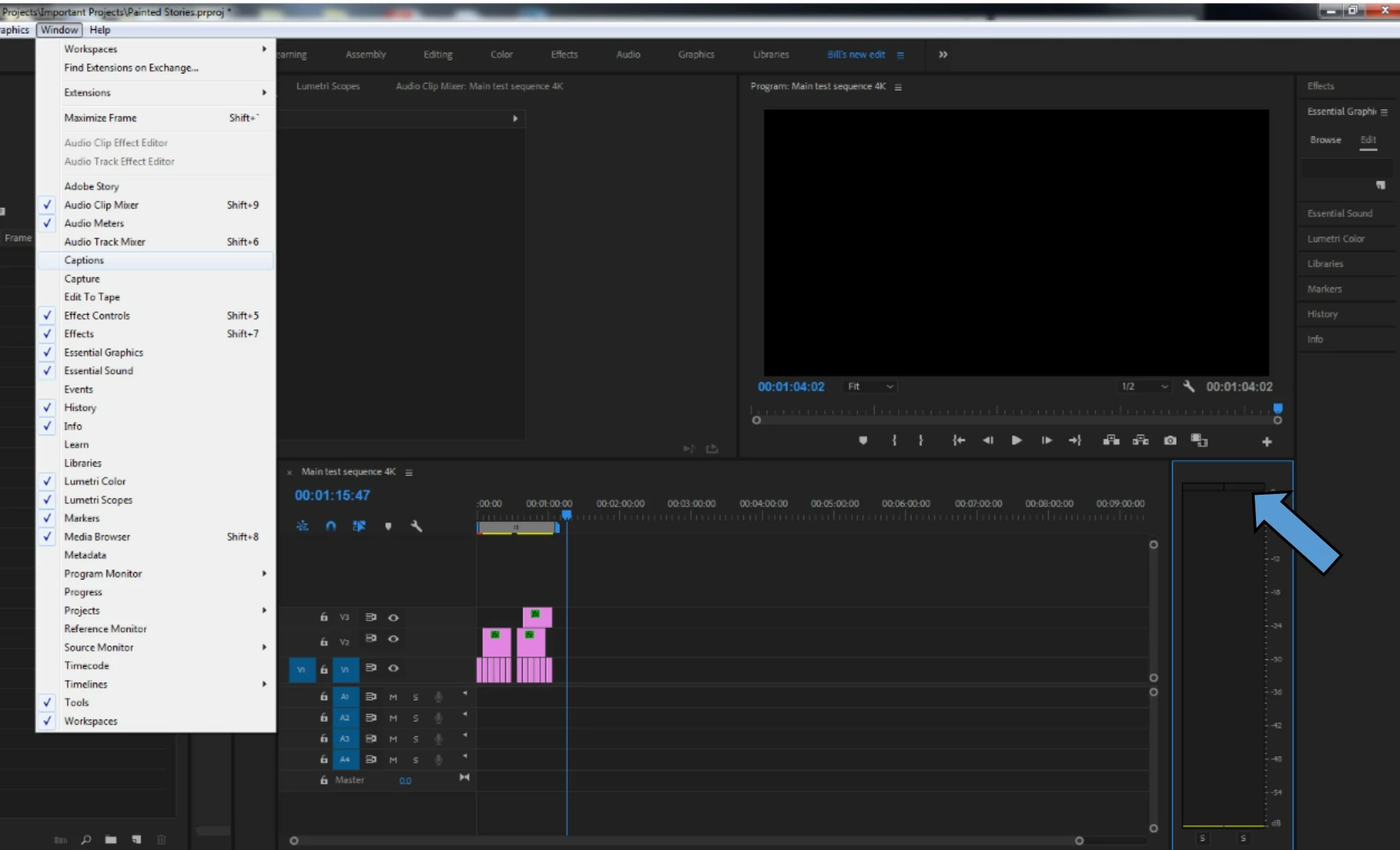
I'm working on a project with no sound, and I'd like to have as much real estate as possible on my screen. In this new version, if I go into Window, I cannot uncheck any of the boxes, it seems I can only add them(see image below). Normally, I would just close the using the little icon on the top, but the audio levels panel has no "Close panel" option. I've tried changing workspaces and creating new workspaces, but no luck.
Is there some new way of doing this? Is there a workaround?
 AdChoices