
Question
Cannot create multicam edits
Windows 11 / Adobe Premiere 24.3.0
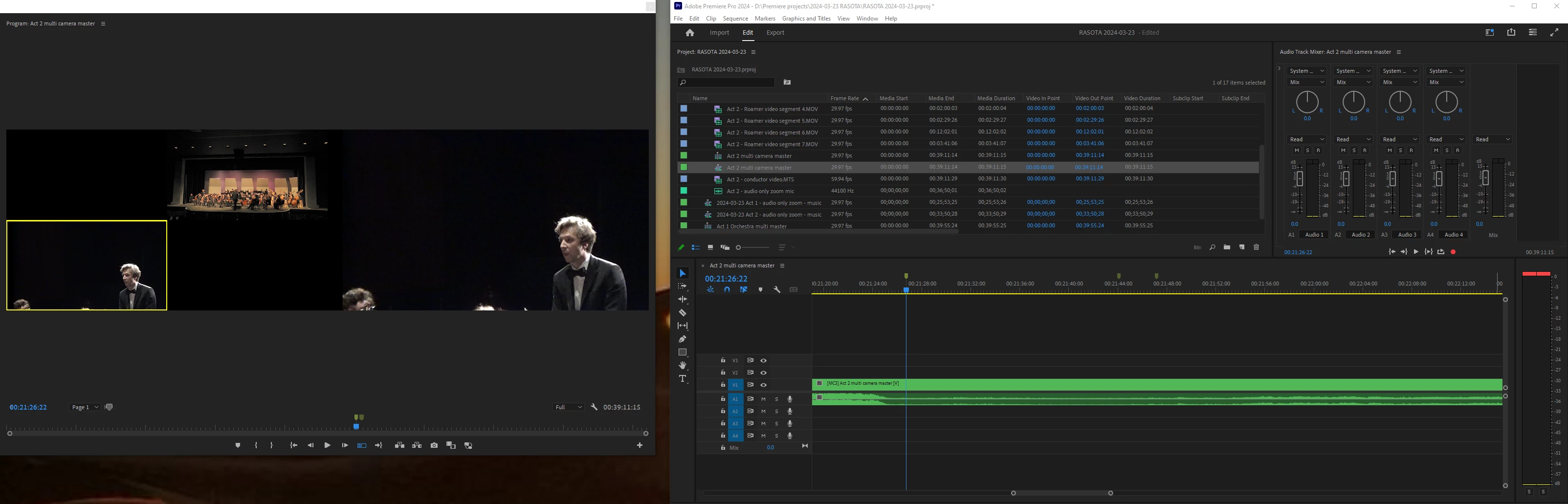
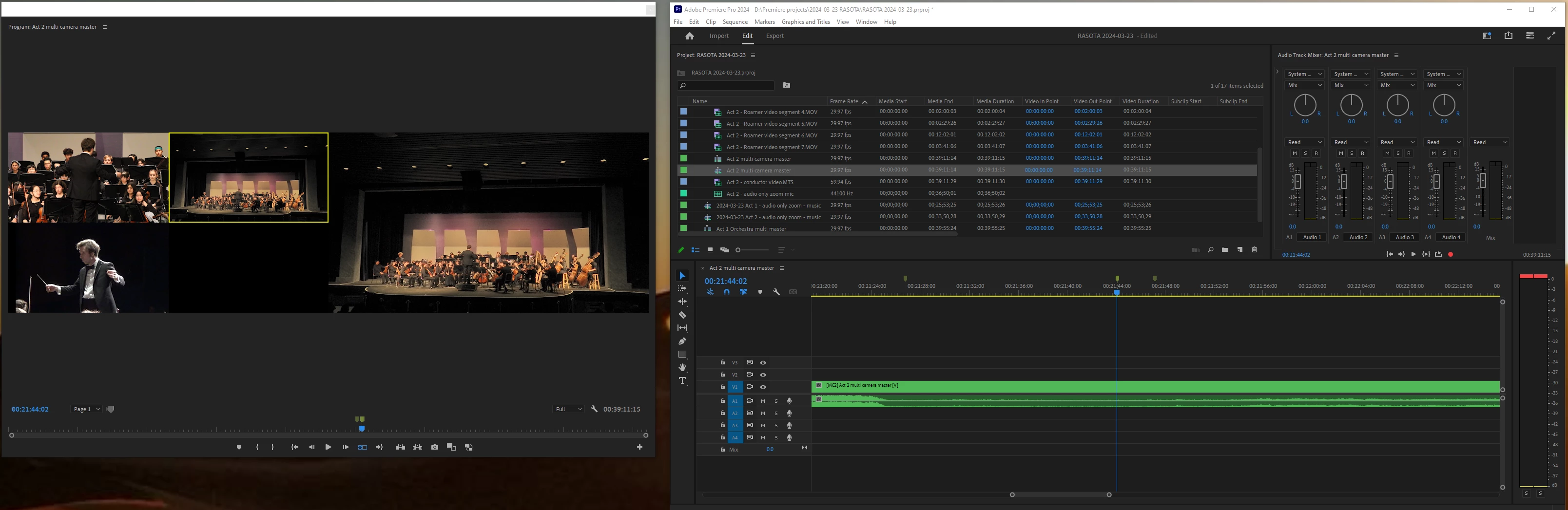
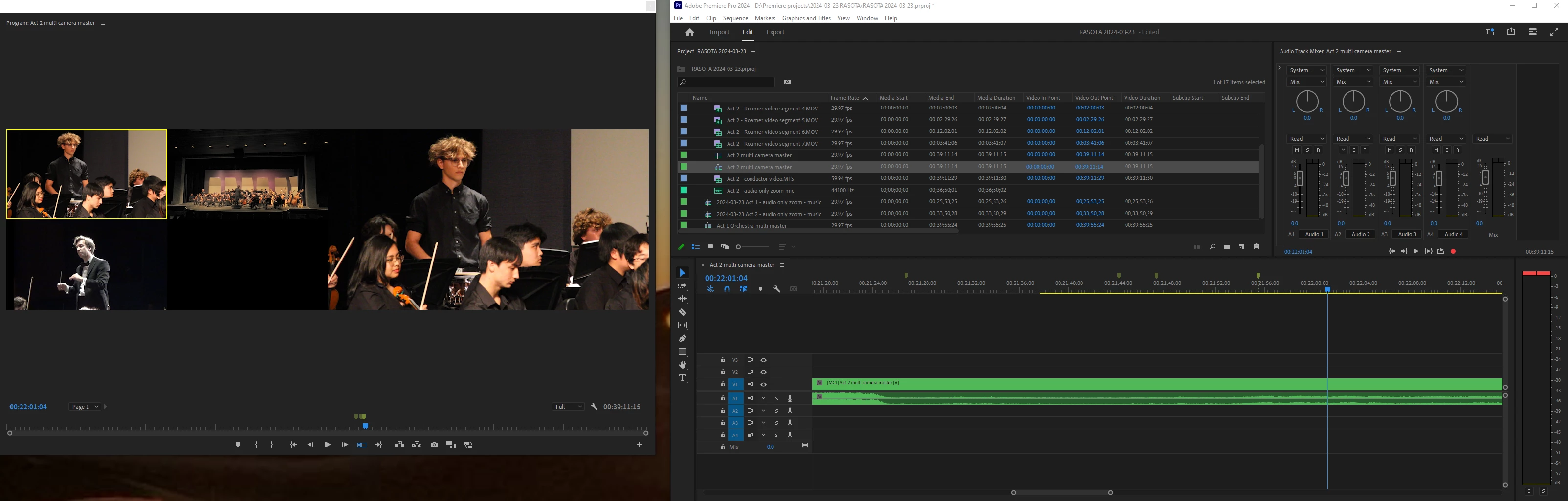
I've got a three camera set of footage (conductor, orchestra, roaming solo camera) that I've setup along with a higher quality audio track I recorded on a fourth device. I carefully synced all three clips and the audio and made a multicamera sequence. I dragged it to the timeline, toggled on the multicamera view, and am trying to edit. I can successfully watch the clip and switch between the three cameras (1, 2, and 3 by clicking on them or by typing 1, 2, or 3) but it does not leave an edit mark inside my multicam sequence. In each of these screenshots I've switched between a camera and yet the sequences on track V1 has no edit marks. What am I doing wrong?


 AdChoices