
Participant
August 17, 2022
Question

cannot delete media cache files
  • August 17, 2022
  • 2 replies
  • 823 views

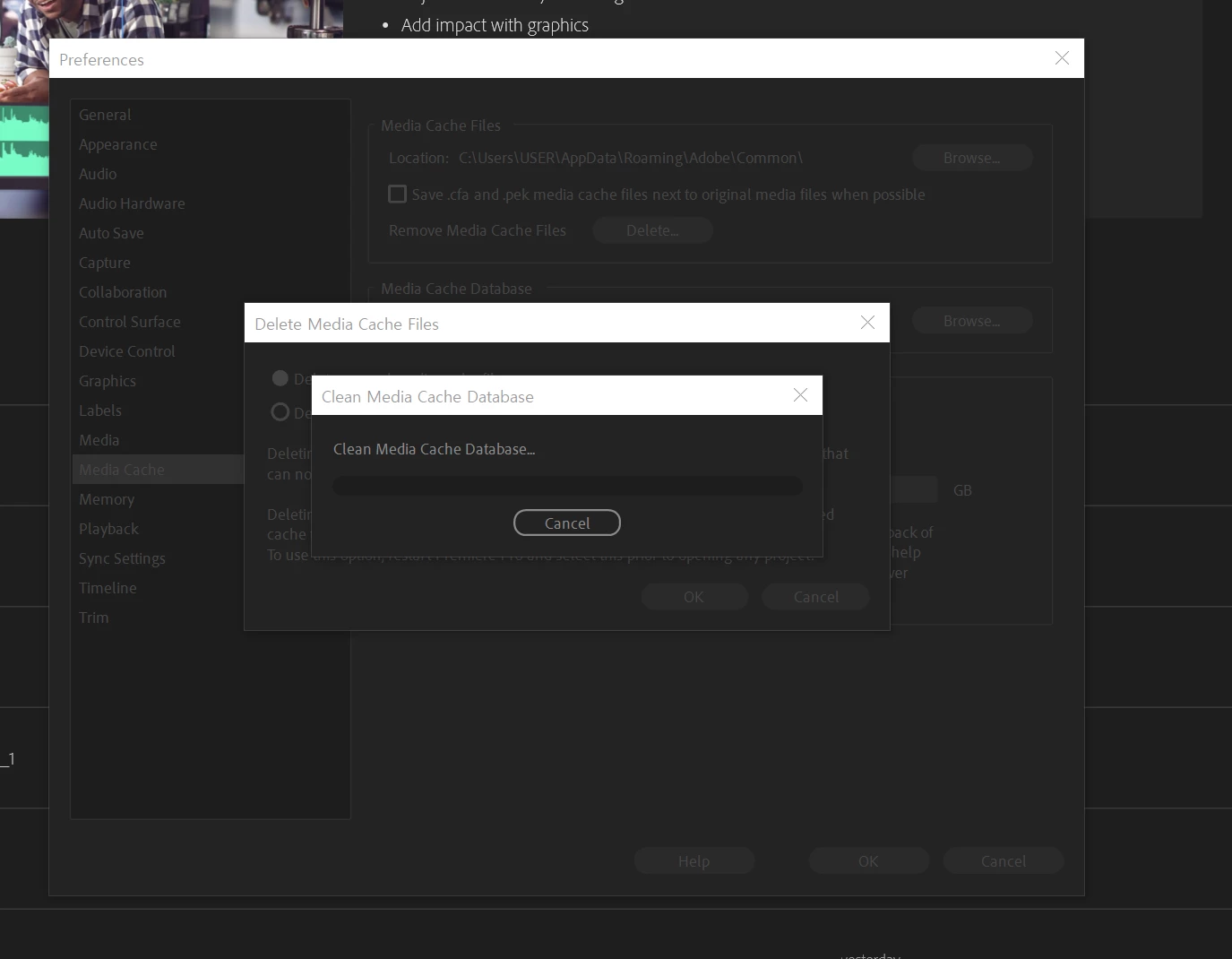
Hi... I'm going through some troubles with premiere pro 2021. I cannot re-link medias cuz the "not respondin'' message comes out so I tried to clean media cache files. But every time I try, the program just stops. What should I do to make it normal...? (I also have premiere pro 2022 but I'm mostly using version 2021 cuz of the color issue in 2022)

    This topic has been closed for replies.

    2 replies

    MyerPj
    Community Expert
    Community Expert
    August 17, 2022

    Clear the cache with no project open in PP


    • Start PP from it's normal desktop icon (IE: don't open from a project file link).
    Close the Open/Home screen (and you will be in PP without a project open).
    • Go into Edit/Preferences/Media Cache (Mac users adjust menu name)
    • Then Press: Remove Media Cache Files: and Delete...
    • Select: Delete all media cache files from the system and OK
    Close PP - It will create any needed cache files on the fly as you edit.

    Participant
    August 17, 2022

    I tried several times without project open 😞

    I have no idea why it never works ... 

    I tried what you suggest but every time I do it, PP goes frozen 

    Legend
    August 17, 2022


    Legend
    August 17, 2022

    Please tell us your system specs: OS version, amount of RAM, Hardware specs including graphics card and your source properties and sequence settings.  Does your system meet requirements?  https://helpx.adobe.com/premiere-pro/system-requirements.html

    Participant
    August 17, 2022

    My system specs be like 

    ' Window / 128gb RAM / cpu :  12th Gen Intel Core i9-12900F / NVIDIA GeForce RTX 3080 

    and I tried with no project open 😞