
Cannot percieve X/Y graph in keyframes
Hello,
I am trying to use keyframes to make a logo smoothly come down into the screen, come back up, and then rest at a position. I tried to imagine how this movement would look like with a graph:
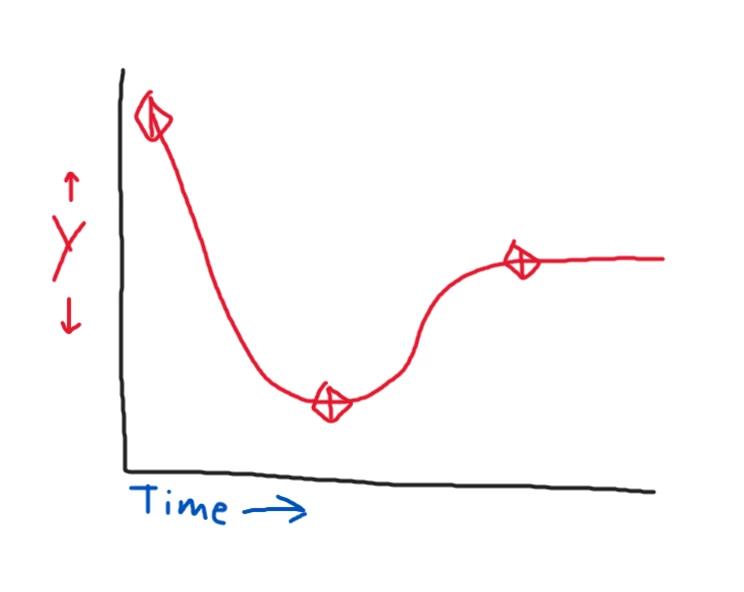
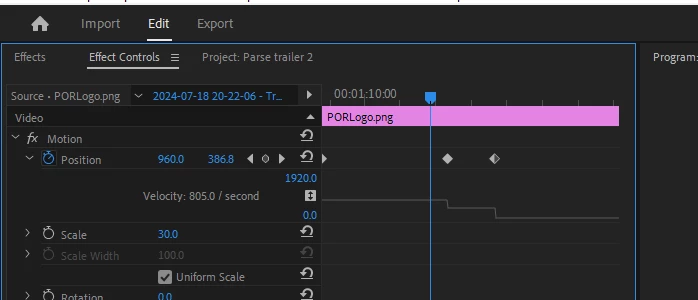
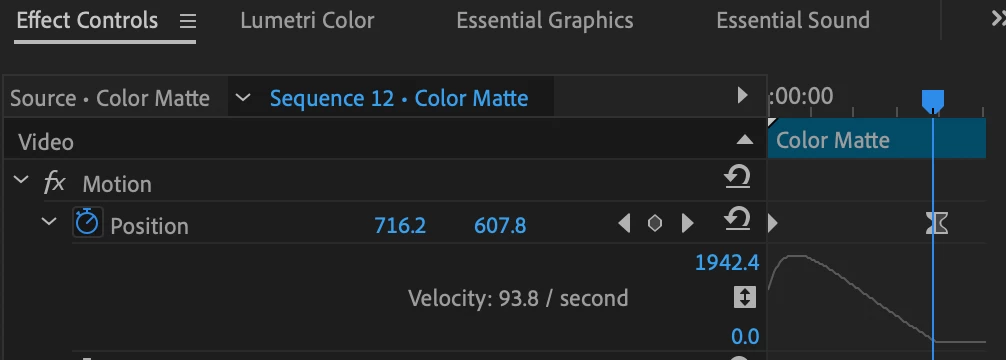
However, despite numerous attempts, I can't seem to get the motion I want in premiere pro. The main thing is that I can only see velocity with the graph view of the keyframe editor and not the precise X and Y positions. This results in me being unable to see how the object on screen moves.
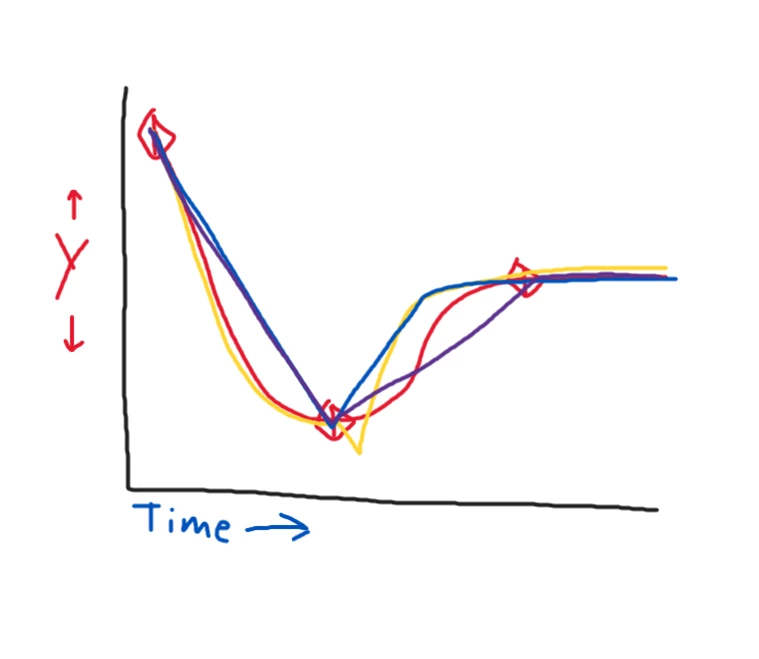
Every time I have tried using bezier, auto bezier and similar interpolation methods and adjusting the bars in the velocity graph, I usually get a result that is erratic (yellow line), bounces back up instead of easing (blue line), or just completely ignores all easing attempts (purple line).
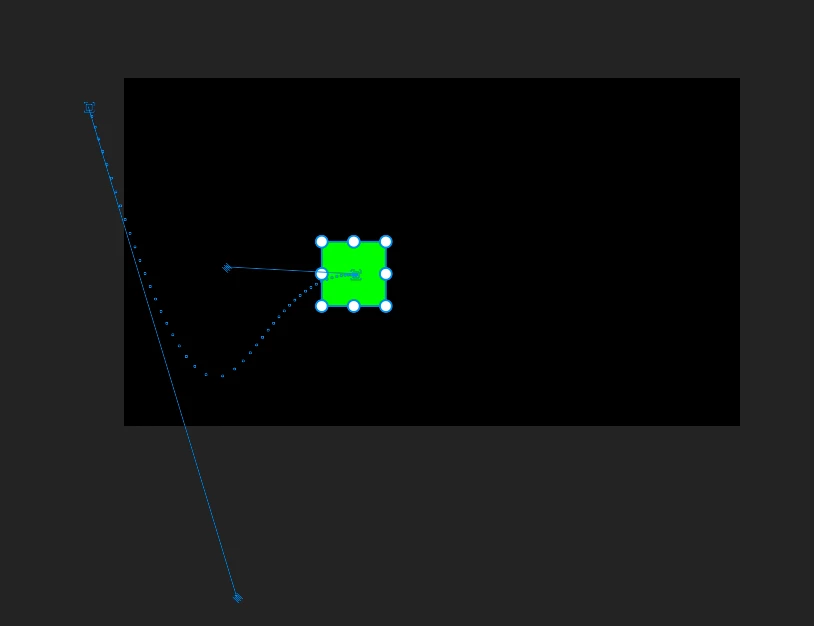
I have spent an hour searching the internet trying to figure out how to make the proper, smooth graph, but I can't. I would like to know how to view the keyframe position graph such that I can see the raw X and Y values, not "velocity", and if not, I'd at least like to know how I can make this "back in"/"back out" curve.
Thanks in advance.


 AdChoices