Known Participant
May 14, 2025
Question

Captions font and grammar altering on export

  • May 14, 2025
  • 4 replies
  • 743 views

Hi there,

I've created some cpations for a film, using the CC 608 option, (as that's what's required). I embed them when exporting.

I import them in to the project and drag on to the timeline and the font and grammar has altered?  See attached pics.

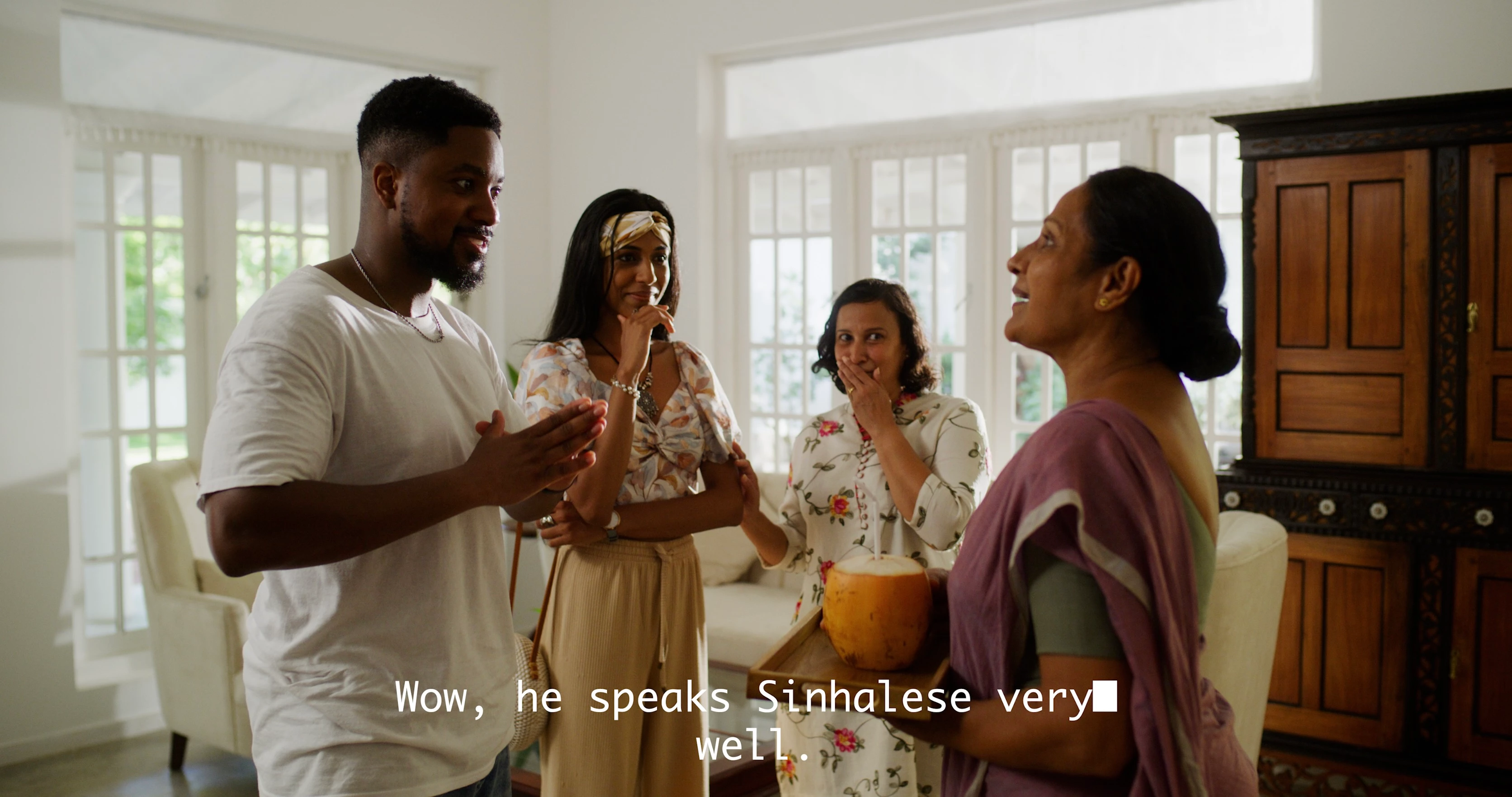
They are created using Arial, but display as Monaco font. It has also changed the 3 dots to a white square.

Obviously I just want them to be how they look when I created them.

Any help would be appreciated.

Regards,

Phil



4 replies

Stan Jones
Community Expert
Community Expert
May 15, 2025

@MWS Media,


Closed caption 608 do NOT specify any font. The font to be used is determined by the end user's settings. Notice in PR Properties panel that it is called "Display font," meaning the font it will display in PR, not what the viewer options or choice will be. Try using a monospace font like Courier instead, so you see more what the user will see.


It is true that 708 captions allow for a wider range of formatting, but if you are required to provide 608 captions that is not an option. A common option now is 608 + 708.


The white block is probably a unicode character for ellipsis, but I have no idea why this conversion occurred. What type of file are you embedding in?


Stan


MWS MediaAuthor
Known Participant
May 15, 2025

Hi there,

Thanks for responding.

So I think I got that the display font comes down to the user settings, as such. But I can't understand then why importing the clip back in to the project is switching the font to something else? 

I, the user, have not set the display settings to be Monaco, so that bit is definitely confusing me. I then opened the clip in a different computer running Premiere and it was exactly the same.

I even retyped the captions out fresh using arial font, still the same.

I've tried 607, 708, both embedding as scc and srt files and they all produced the dsame results - the font displays in Monaco.

The client requires .scc files for subtitles, hence why I need to use 608 (which I only found out through googling).

I've never really done captions before so I'm amazed it's this complicated and confusing!

I will try again this morning using Courier and see if that makes a difference.

Regards,

Phil

Stan Jones
Community Expert
Community Expert
May 15, 2025

@MWS Media,


I can't explain it. When I exported .scc and imported as 608, it set the display as Lucida Condensed. I thought it might be the preference for missing font or something, but that is not it.


The main point is that it doesn't matter: it will appear for the client as their default for 608.


Of course, that's assuming they know what they need.


> I've never really done captions before so I'm amazed it's this complicated and confusing!

Yes very confusing!


Stan


Inspiring
May 14, 2025

Very simply, the 608 encode doesn't support a wide range of fonts. 608 standards were developed for analog TV's so the amount of information that can be stored is limited. Try it again, but use the CEA-708 standard instead. 708 allows a wider range of fonts, colors, positions, etc.

Peru Bob
Community Expert
Community Expert
May 14, 2025
MWS MediaAuthor
Known Participant
May 14, 2025

Hi,

Thanks for the suggestions, but neither of those (Media Cache and resetting preferences) have solved the issue.

Regards,

Phil

Peru Bob
Community Expert
Community Expert
May 14, 2025