
Participant
March 16, 2024
Answered

Captions - Highlighting word by word - Doesn't work

  • March 16, 2024
  • 3 replies
  • 571 views

Hello,


I have seen a bunch of tutorials that let you select one word in the Program window and recolor just this one selected word. However I am having difficulties as it always applies the color to all the captions in the box.


Does anyone know what am I doing wrong?


At first it seems like it will recolor only one word
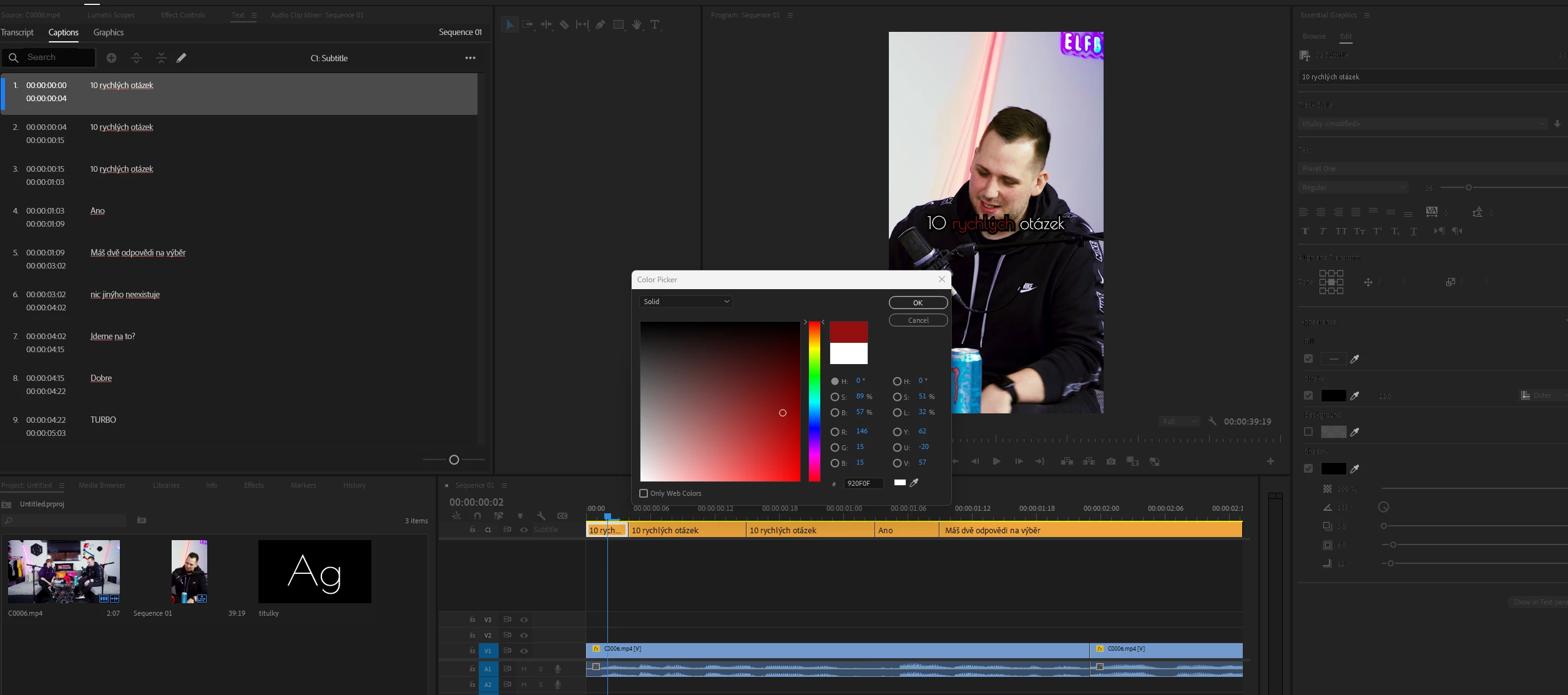
 

but once applied, the color is applied to all the word:
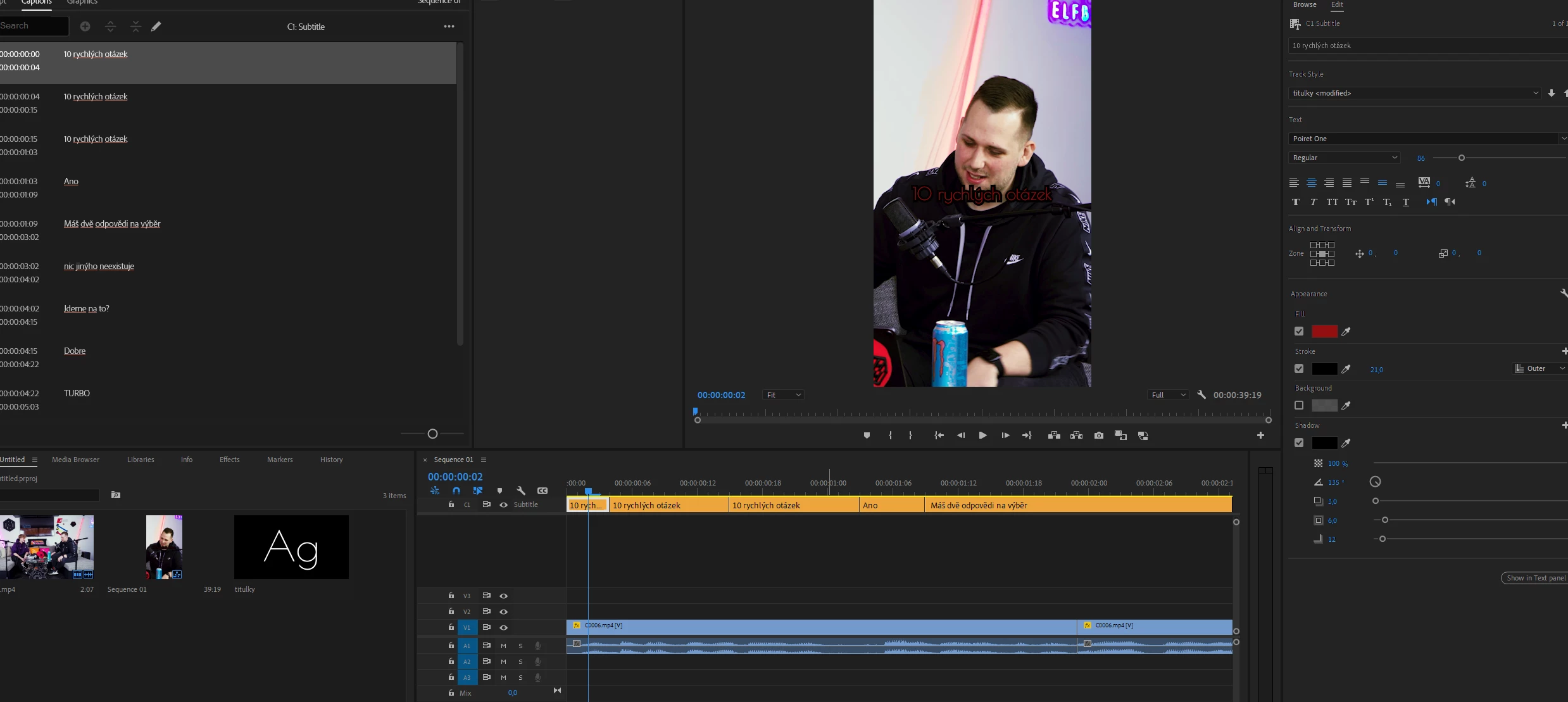


This topic has been closed for replies.
Correct answer Rag and Bone

Try selecting the word in the program monitor and applying formatting with the captions and graphics panel,  instead of selecting the word in the text panel.

3 replies

Participant
December 4, 2024

I created a workflow that you might find useful:

https://youtu.be/X7HTXJfH2ek?si=-v0Cjx2TwnyLoVwB

Community Expert
March 16, 2024

As Rag and Bone said, use the Program monitor to select the word, not the Text panel.

Rag and Bone
Community Expert
Rag and BoneCommunity ExpertCorrect answer
Community Expert
March 16, 2024

Try selecting the word in the program monitor and applying formatting with the captions and graphics panel,  instead of selecting the word in the text panel.