Participant
February 7, 2018
Answered

%CCX_START_PANEL_NAME

  • February 7, 2018
  • 5 replies
  • 7931 views

When I start any of the CC apps I get a blank window with "%CCX_START_PANEL_NAME" in the title area rather than the usual startup options.
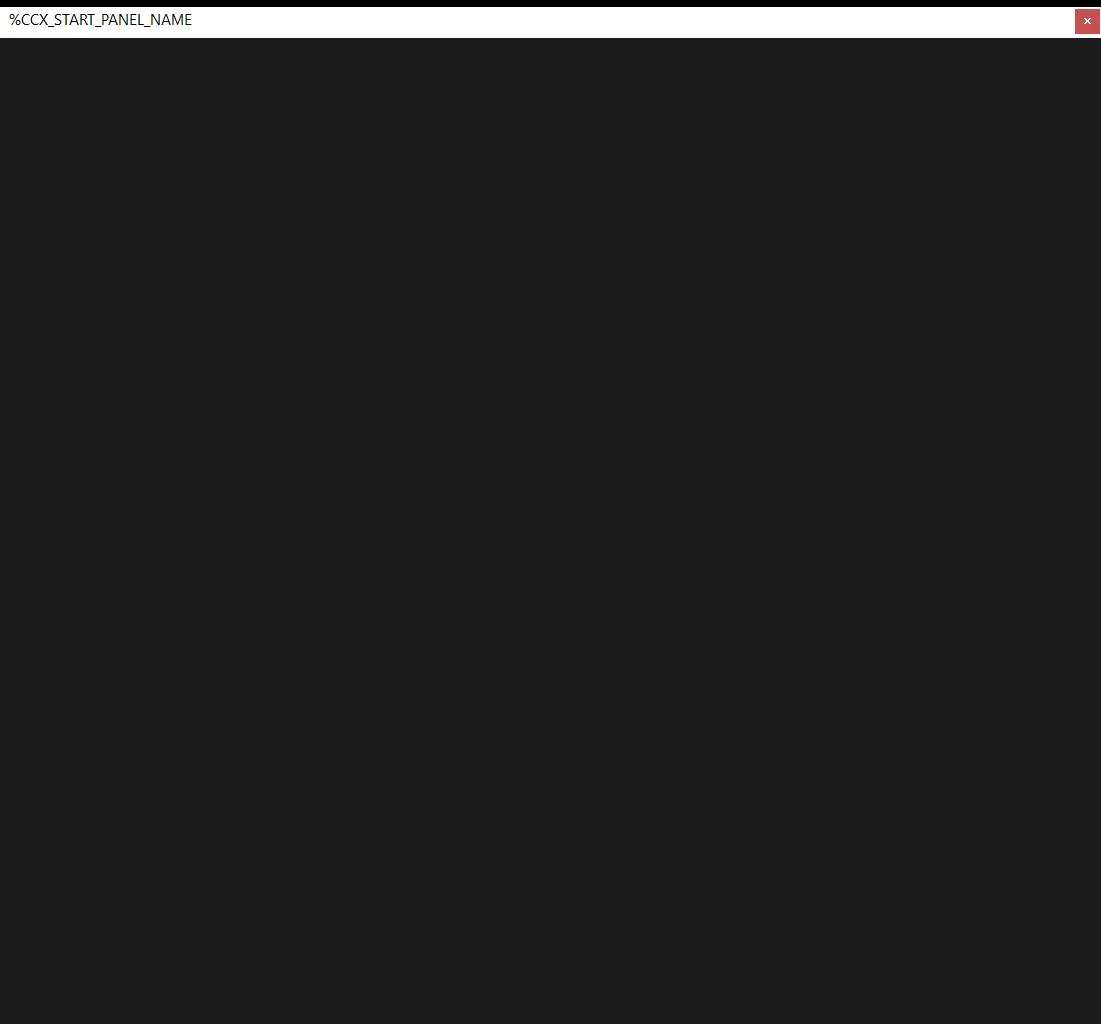
How can I get the startup panel to load properly again?

Thanks!

This topic has been closed for replies.
Correct answer butterfingers11111111111

I just fixed my error. It also happened with photoshop on my PC.

Shut down all Adobe apps.

Go to the following location:

C:\Program Files (x86)\Common Files\Adobe\CEP\Extensions

Now just rename the Extensions folder. Test. 

If you lost any features I would recommend reinstalling premiere pro and photoshop.

5 replies

TheK_KBY
Participant
July 22, 2018

C:\Program Files (x86)\Common Files\Adobe\CEP\Extensions

go here and delete all folders in Extensions folder.

Then reinstall the program which you have problem with. That's how I solved the problem.

with %CCX_

Participant
January 8, 2020

TEŞEKKÜRLER. SORUNU SENİN ÖNERDİĞİN YÖNTEMLE ÇÖZDÜM.

Participant
February 19, 2018

I just fixed my error. It also happened with photoshop on my PC.

Shut down all Adobe apps.

Go to the following location:

C:\Program Files (x86)\Common Files\Adobe\CEP\Extensions

Now just rename the Extensions folder. Test. 

If you lost any features I would recommend reinstalling premiere pro and photoshop.

stefan_gru
Inspiring
April 6, 2018

This item may be related to what people have described earlier: The Start workspace is blank

The page is about Ps but it applies to all CC apps.

RoJoliAuthor
Participant
February 16, 2018

I've tried all the suggestions mentioned above (short of complete OS re-install) but I'm still experiencing this issue.  This problem exists with all the CC apps.  Some of the apps have an option to use "legacy new item window".   Premier doesn't seem to offer that option.  The best work around seems to be to open and existing project, delete everything and then "save as" when you need to start a new project. 

My guess is that this is an issue with the Adobe account & servers.  They're keeping & utilizing a lot of user data on their systems and something isn't working right.  Just a guess though.

I'm open to suggestions if anyone has a possible solution.

Legend
February 16, 2018

Start with Steps 3G and H below.  Once those are in, try Step 3F.

Unofficial Premiere Pro Troubleshooting Guide

Vidya Sagar
Participating Frequently
February 8, 2018

Hi RoJoli,

As recommended by Jim Simon, please reset the preferences: FAQ: How to reset preferences in Premiere Pro? & let us know the status.

Thanks,

Vidya

Participating Frequently
February 11, 2018

That does not work for me...I press Shift+Alt after starting premiere and it stays the same...screen from above...I even made a fresh Premiere Install but it stays the same...

Ann Bens
Community Expert
Community Expert
February 11, 2018
Legend
February 7, 2018

My first thought is to try Step 2F below.

Unofficial Premiere Pro Troubleshooting Guide