October 26, 2017
Answered

Change lightning effects

  • October 26, 2017
  • 1 reply
  • 1954 views

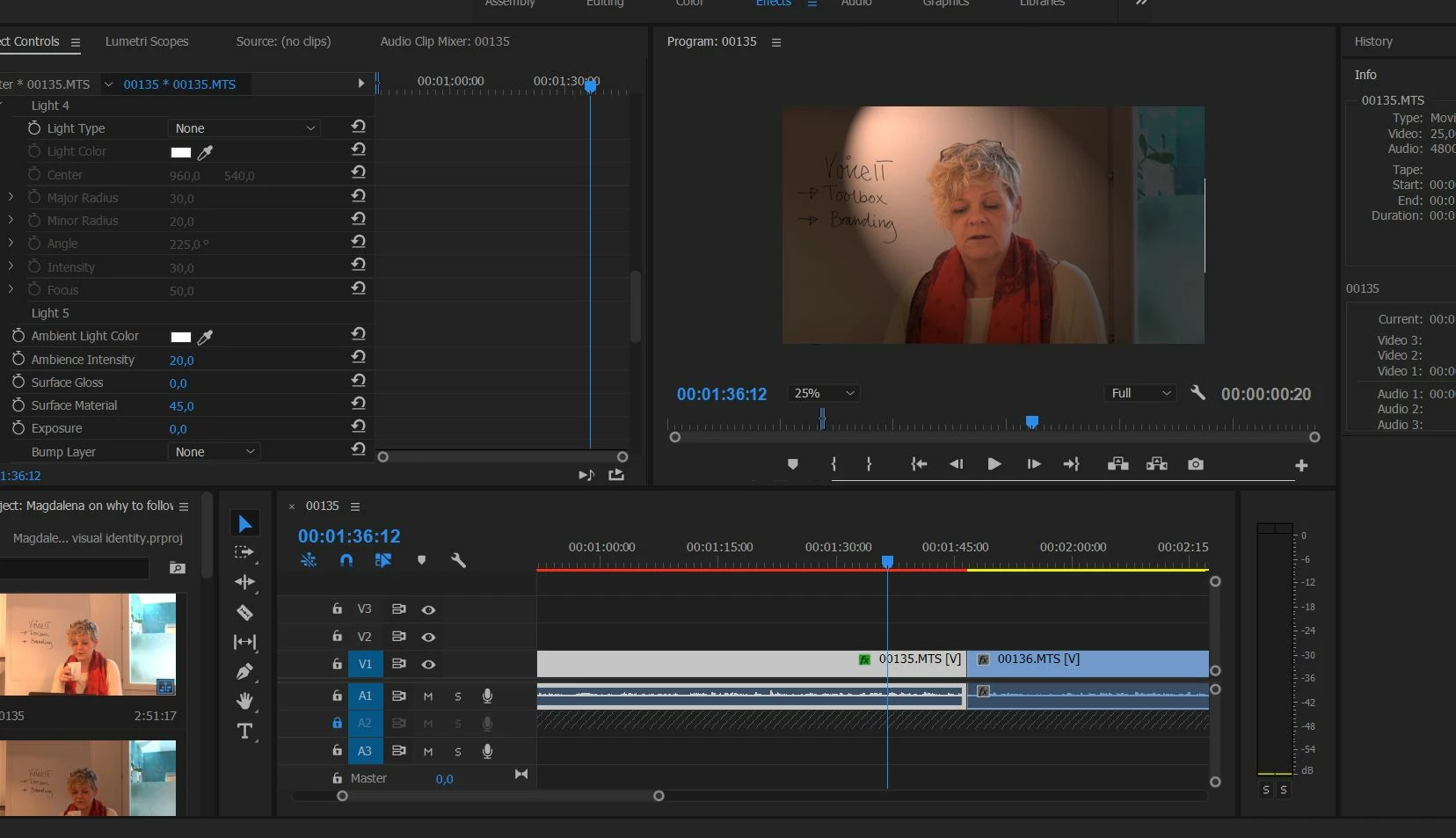
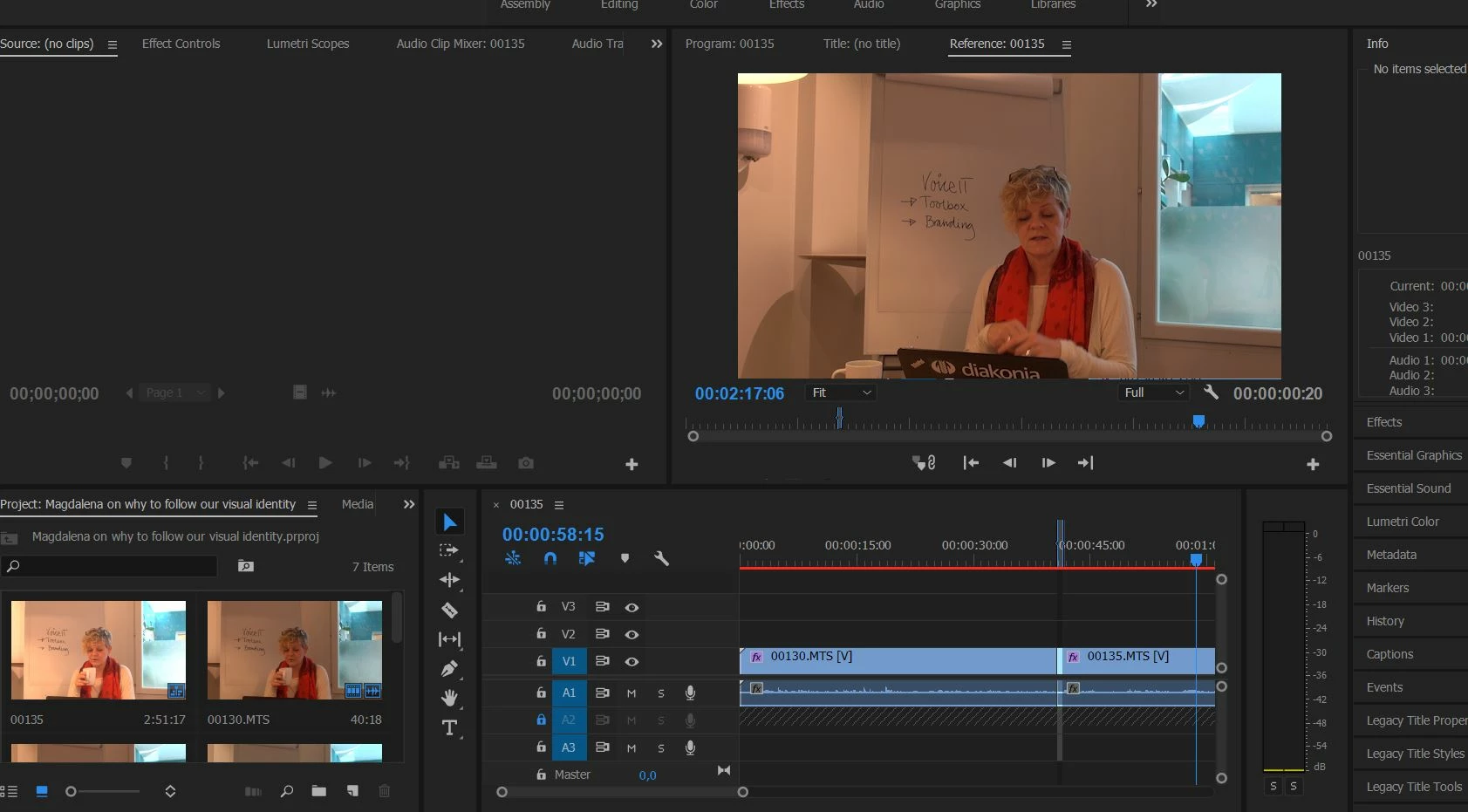
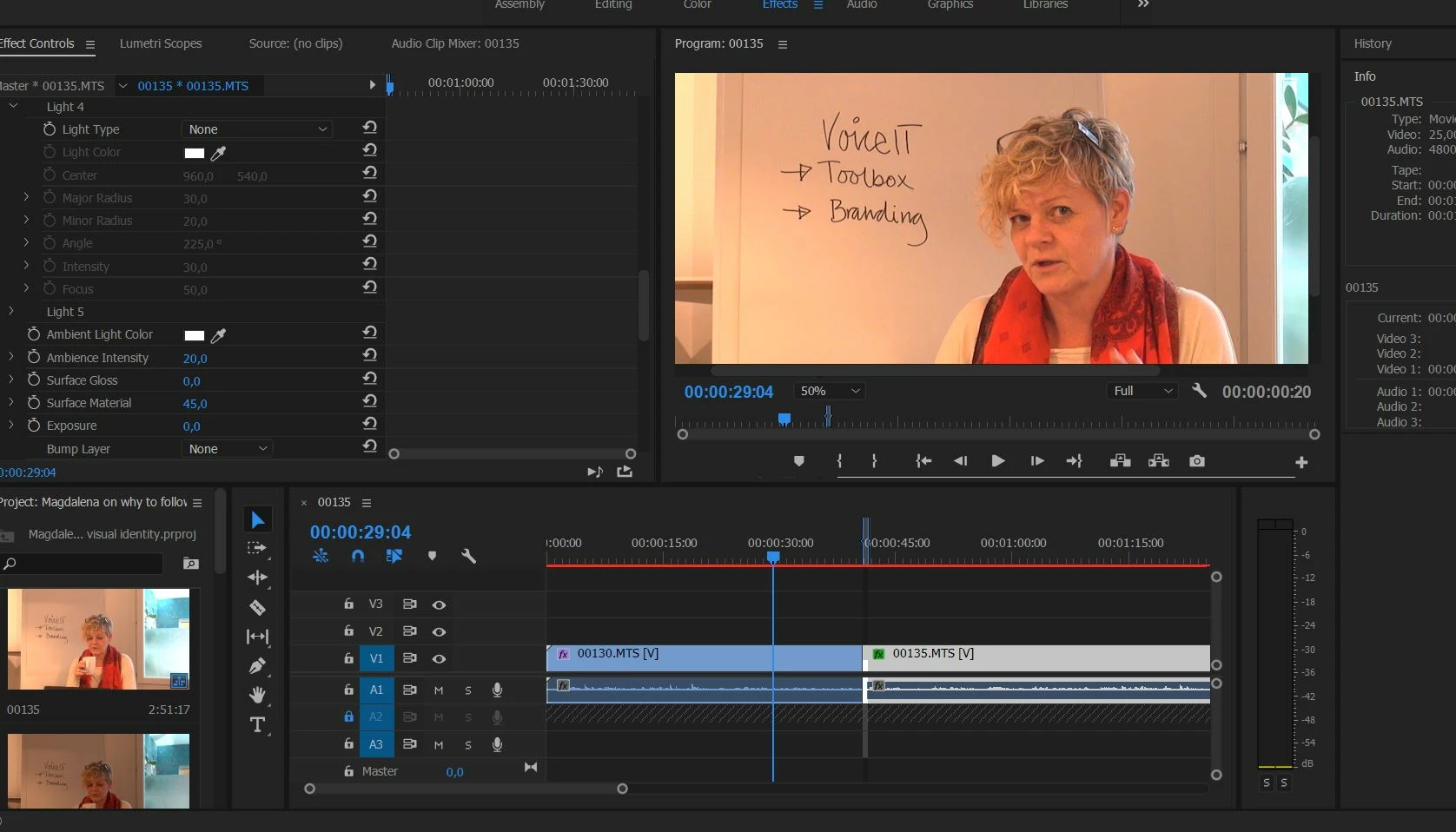
I don't have much skills in Premiere Pro. I have put together three clips and manage to change lightning effects for one of the sequences. But I can't seem to do it to the two following sequences. I work in a PC and have WIndows 7.

Does anyone know how to fix this lightning so that the sequences 2 and 3 are as bright as the first one?

Thank you in advance!
Regards/

Eva
    This topic has been closed for replies.
    Correct answer djrumbu

    use lumetri color to adjust exposure and brightness/contrast etc, not lighting effects , very easy to do and you can copy paste the effect on multiple clips at a time also if you want that.

    1 reply

    djrumbuCorrect answer
    Inspiring
    October 26, 2017

    use lumetri color to adjust exposure and brightness/contrast etc, not lighting effects , very easy to do and you can copy paste the effect on multiple clips at a time also if you want that.

    October 26, 2017

    Thank you so much! My guess was somewhere in between having used the wrong edit tool or looking at wrong tutorial

    October 26, 2017

    Additional question though, now that I'm trying lumetri control: That doesn't remove the spotlight I've managed to place in the middle of the sequence.