


Change sequence from adaptive to stereo.
Hi guys,
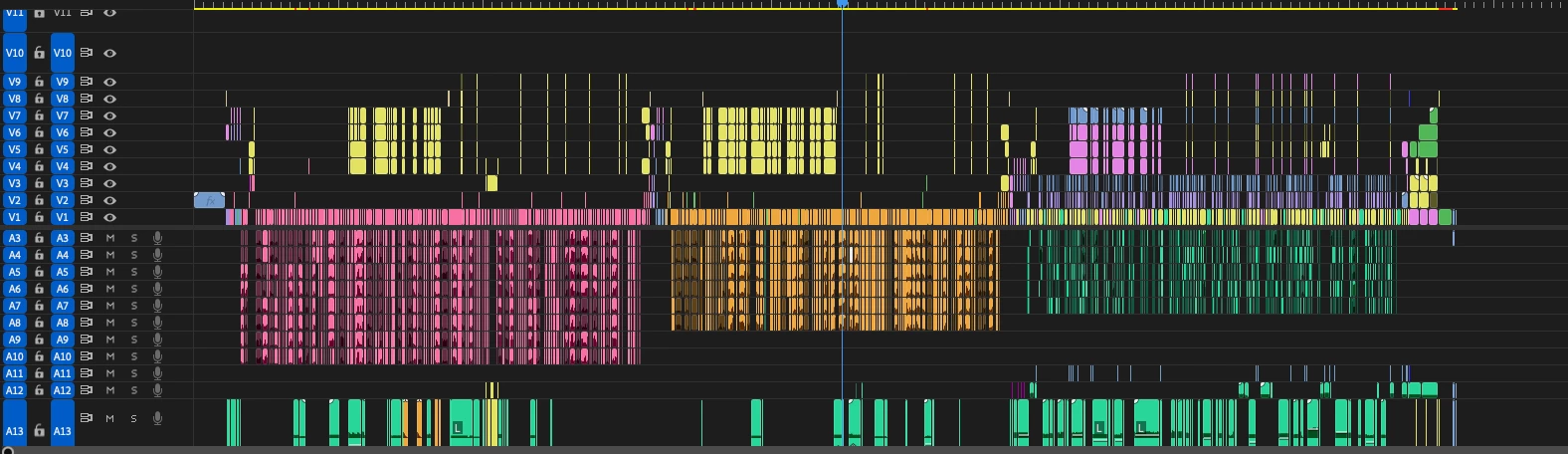
I’m working on a TV show and i’ve inherited some part of footage from my assistant editor.
The workflow we use for audio is standard STEREO 2 ch.
However the part my assistant made was set to “adaptive audio”.
I just copied/pasted it into my stereo seqence and.. there is “Audio Playback Issue”. Fixed by duplicate etc.
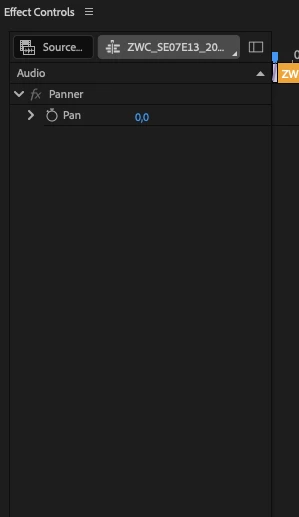
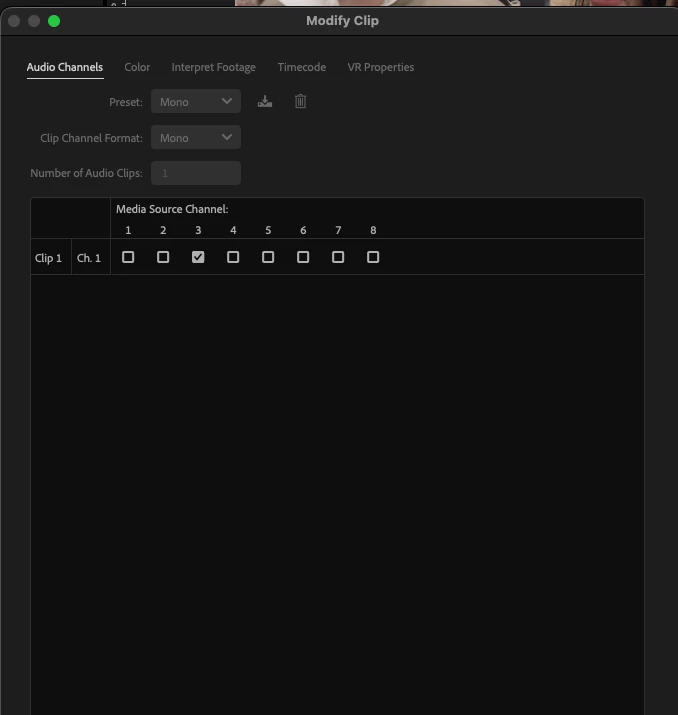
Now my sequence looks fine. All files are “mono, 7 ch.” as they should be - however I cannot control Volume as they still act as adaptive.
After doing some research I’ve managed to walkaround this - duplicate sequence, delete all audio from the new one and drag/drop it from the previous one using “sent to source”. That brings back my volume settings. However… after reopening project it’s back to “act-as-adaptive” mode.
Render and replace also does the work - but I want to keep the files as original.
How to fix it, for good? (without re-editing the whole thing)
[Premiere CC26]
 AdChoices